Saltar navegación

[Resuelto] WordPress Archives loop

This support ticket is created 4 years, 9 months ago. There's a good chance that you are reading advice that it now obsolete.

This is the technical support forum for Toolset - a suite of plugins for developing WordPress sites without writing PHP.

Everyone can read this forum, but only Toolset clients can post in it. Toolset support works 6 days per week, 19 hours per day.

Sun Mon Tue Wed Thu Fri Sat
8:00 – 12:00 8:00 – 12:00 8:00 – 12:00 8:00 – 12:00 8:00 – 12:00 - -
13:00 – 17:00 13:00 – 17:00 13:00 – 17:00 13:00 – 17:00 13:00 – 17:00 - -

Zona horaria del colaborador: America/New_York (GMT-04:00)

Este tema contiene 4 respuestas, tiene 3 mensajes.

Última actualización por Christian Cox 4 years, 9 months ago.

Asistido por: Christian Cox.

Autor
Mensajes
#2132473
picture.png

Hi there,

I want to have a square buttons with a hover and the pictures in the center like the site:
enlace oculto

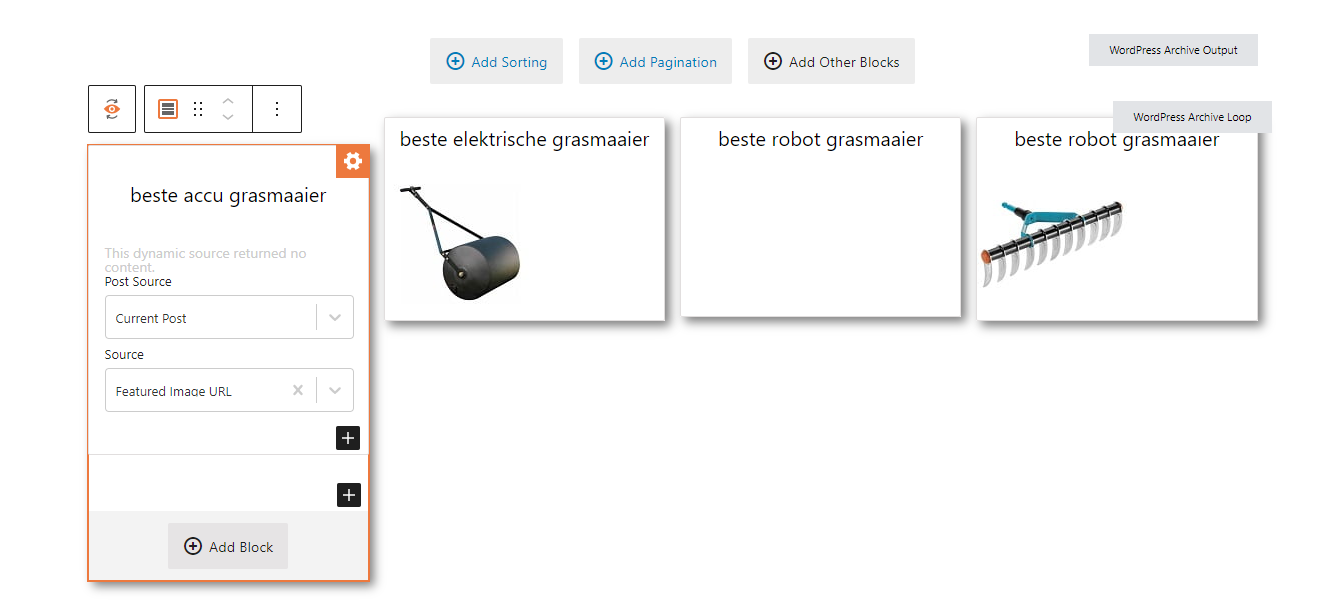
Now I got this:
enlace oculto

I can't find how I adjust the hover and centering of the images.
How can I arrange this?

#2132641

Nigel
Colaborador

Idiomas: Inglés (English ) Español (Español )

Zona horaria: Europe/London (GMT+01:00)

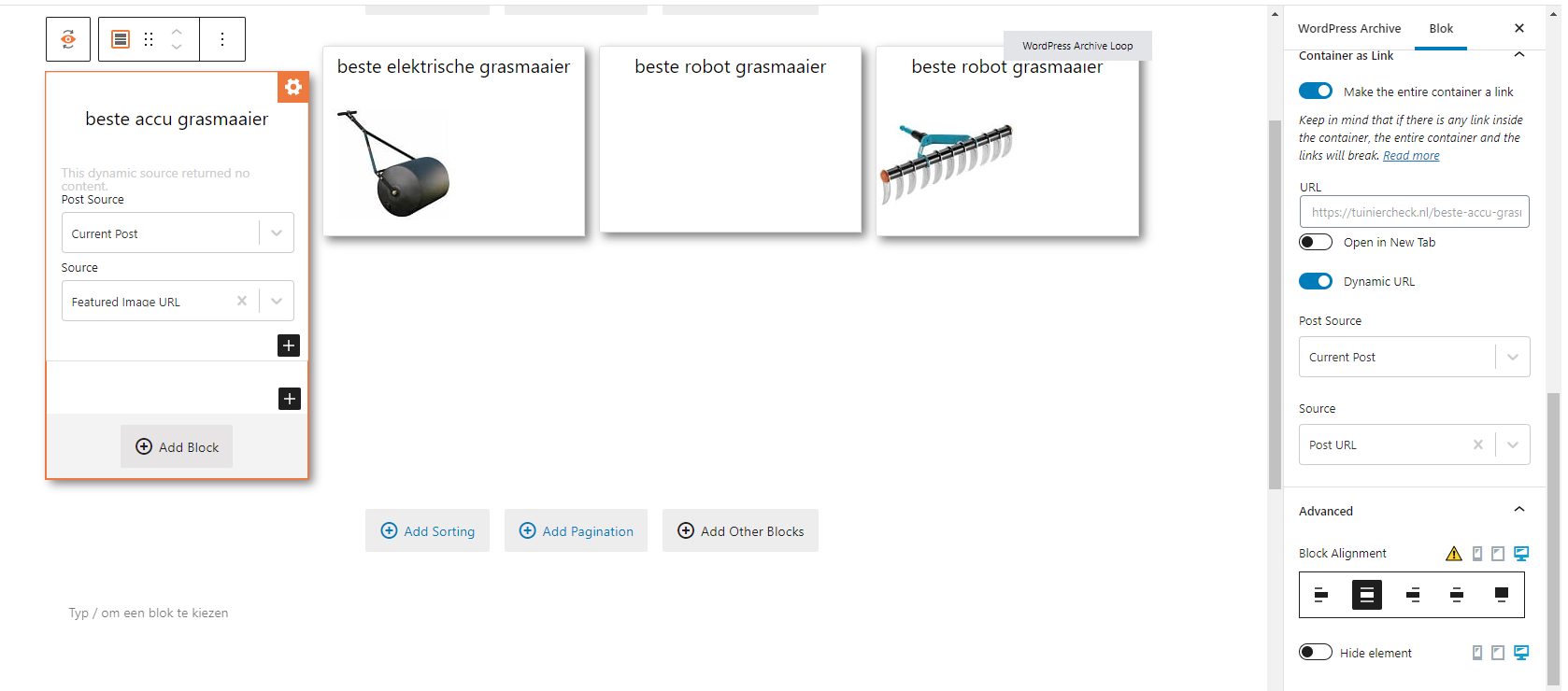
Screenshot 2021-08-03 at 16.17.02.png

Hi there

When you insert an image block you cannot see details for the image settings if the post being previewed does not have an image, so to be able to set the alignment you need to make sure that the current post being used to set up the pattern for all of the posts in the archive (in your case it seems to be "beste accu") has an image.

Then you should see various settings available for the image block in the sidebar. Under the advanced tab you will see alignment options (screenshot).

There all also hover options for the image styling.

There aren't hover options for the whole "card" in the grid.

#2135063
picture.png

Hi Nigel,

I did the alignment option but the picture will not go to the center 🙁

There is no hover for the whole ''card'' but how did enlace oculto did this?
This is also a Toolset website.

#2135077
picture 2.png

Picture 2

#2135105
Screen Shot 2021-08-05 at 4.42.12 PM.png
Screen Shot 2021-08-05 at 4.41.42 PM.png

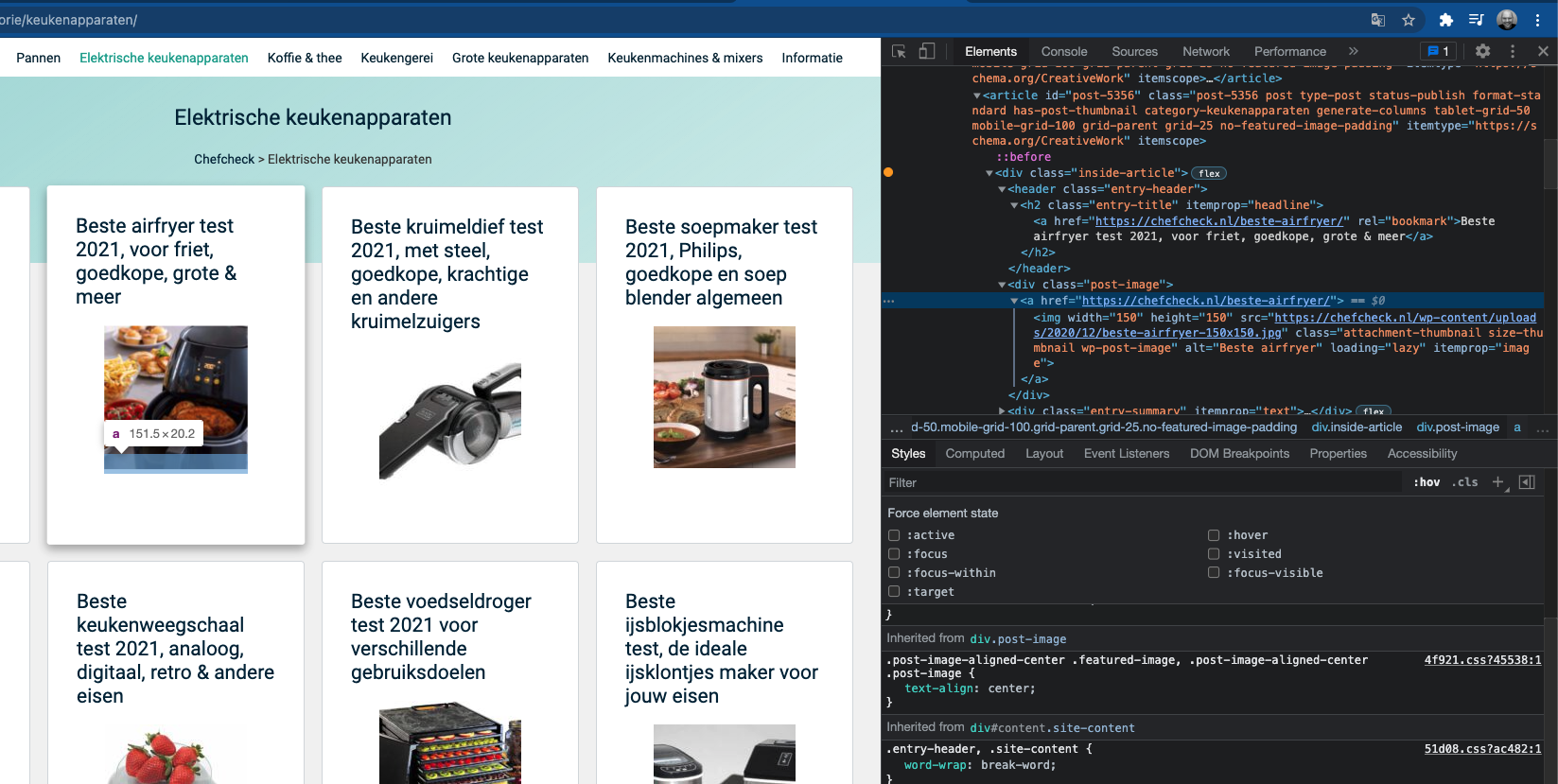
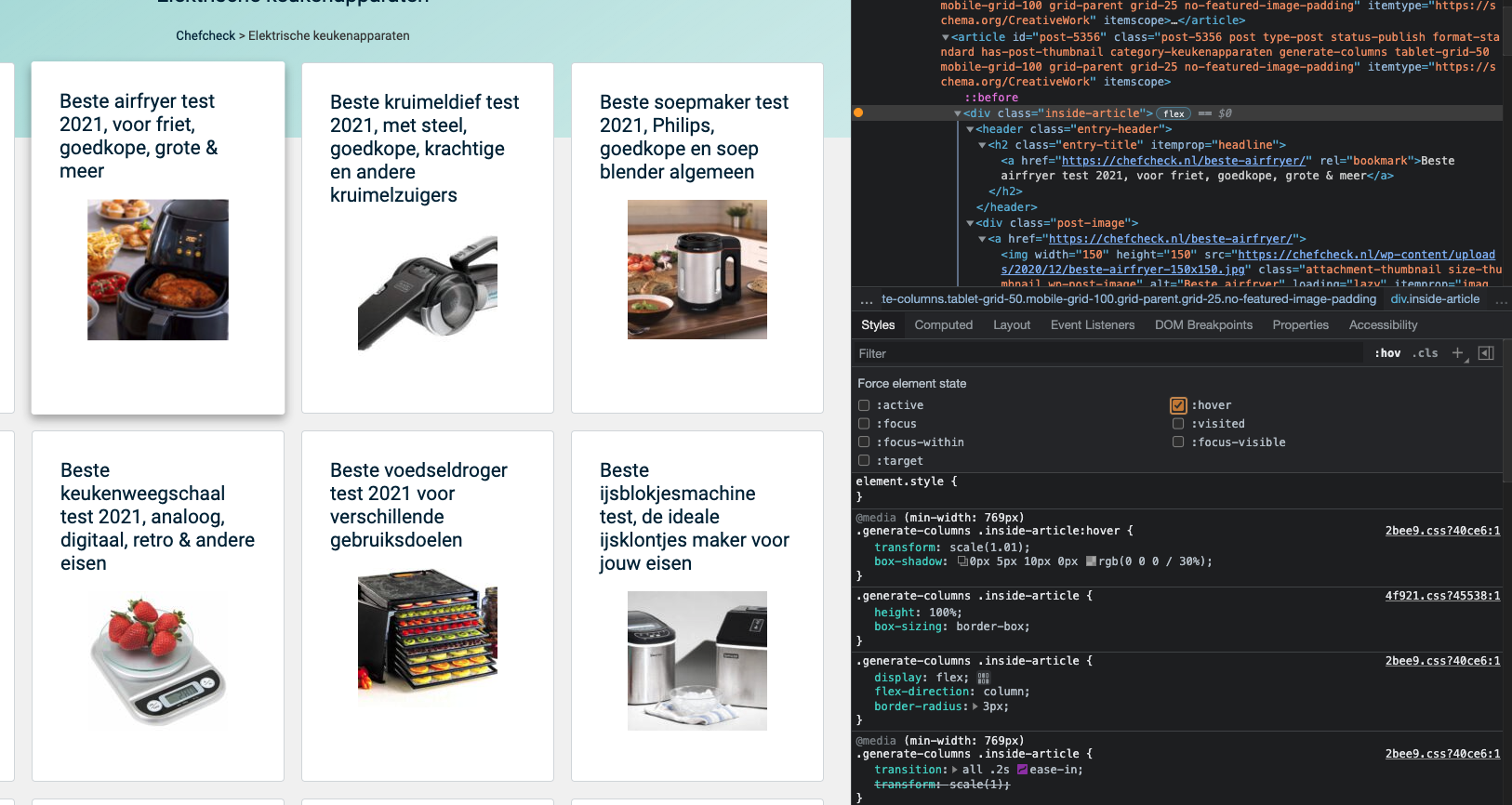
There is no hover for the whole ''card'' but how did enlace oculto did this?
It looks like this site uses custom CSS to achieve the hover effect for the full card, as well as the centered image. It seems they do not use the option "Make the entire container a link", but instead they use separate links for the title and image. Screenshots attached here showing some of the custom CSS they use in the browser inspector.