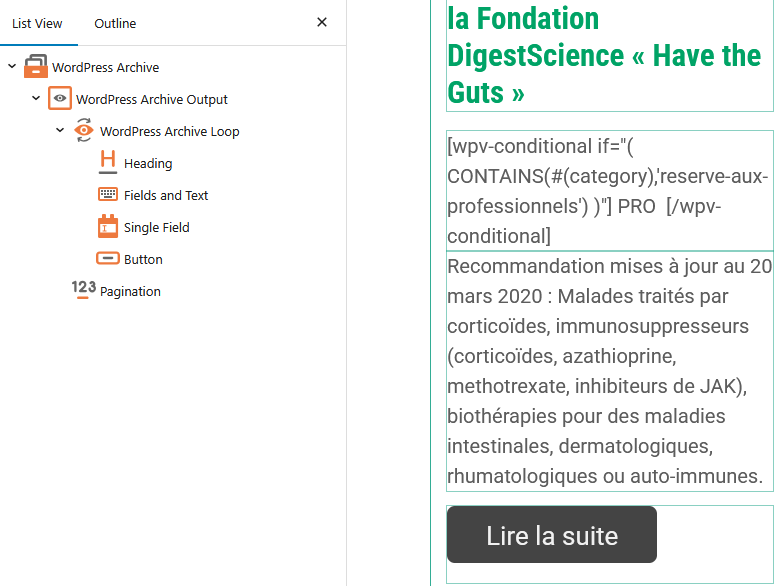
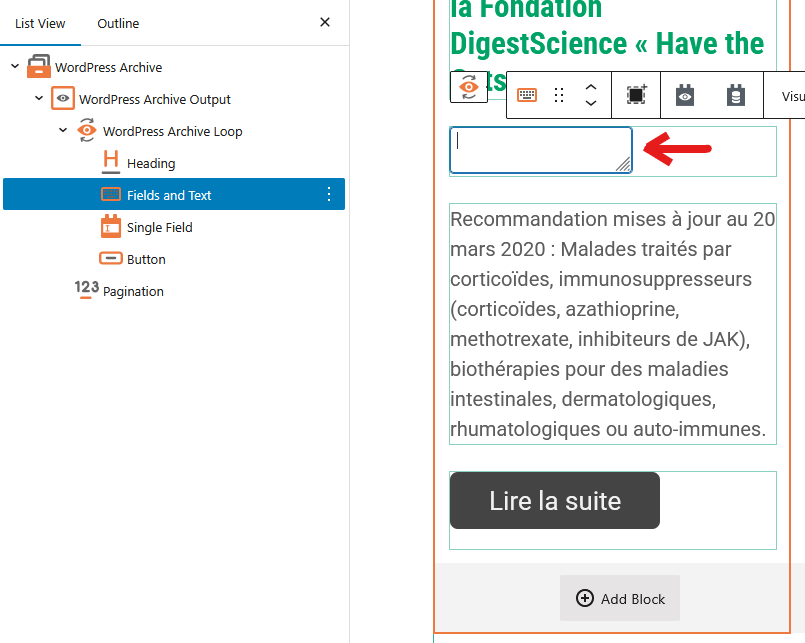
Ever since I updated Toolset Block to version 1.6.24, the “Fields and Text” block displays a blank area when I select it to edit its content.
The content appears when the block is not selected.
Also, WordPress isn’t offering me the update to version 1.7, which I believe was released several days ago.
Hello. Thank you for contacting the Toolset support.
Yes - I can see the issue which you reported for the "Fields and Text" block and I've raise that in front of our Devs. It will be a quick fix, please hold on for futher update.
I'll get in touch with you as soon as I have update on it.
And if you go to your account's Downloads page and click on "Download Toolset manually", it will show you latest plugins version to download.
However - if you click on the "Changelog & Previous versions" link available with every plugin, for instance, Toolset Blocks, you will notice version is publish on what date and it's associated change log information:
- https://toolset.com/download/toolset-blocks/#changelog
On download's page you can see the latest plugin version, you need to make sure you are using that. Toolset 1.7 is the version of the release - that includes all Toolset plugins(they have their own versions).