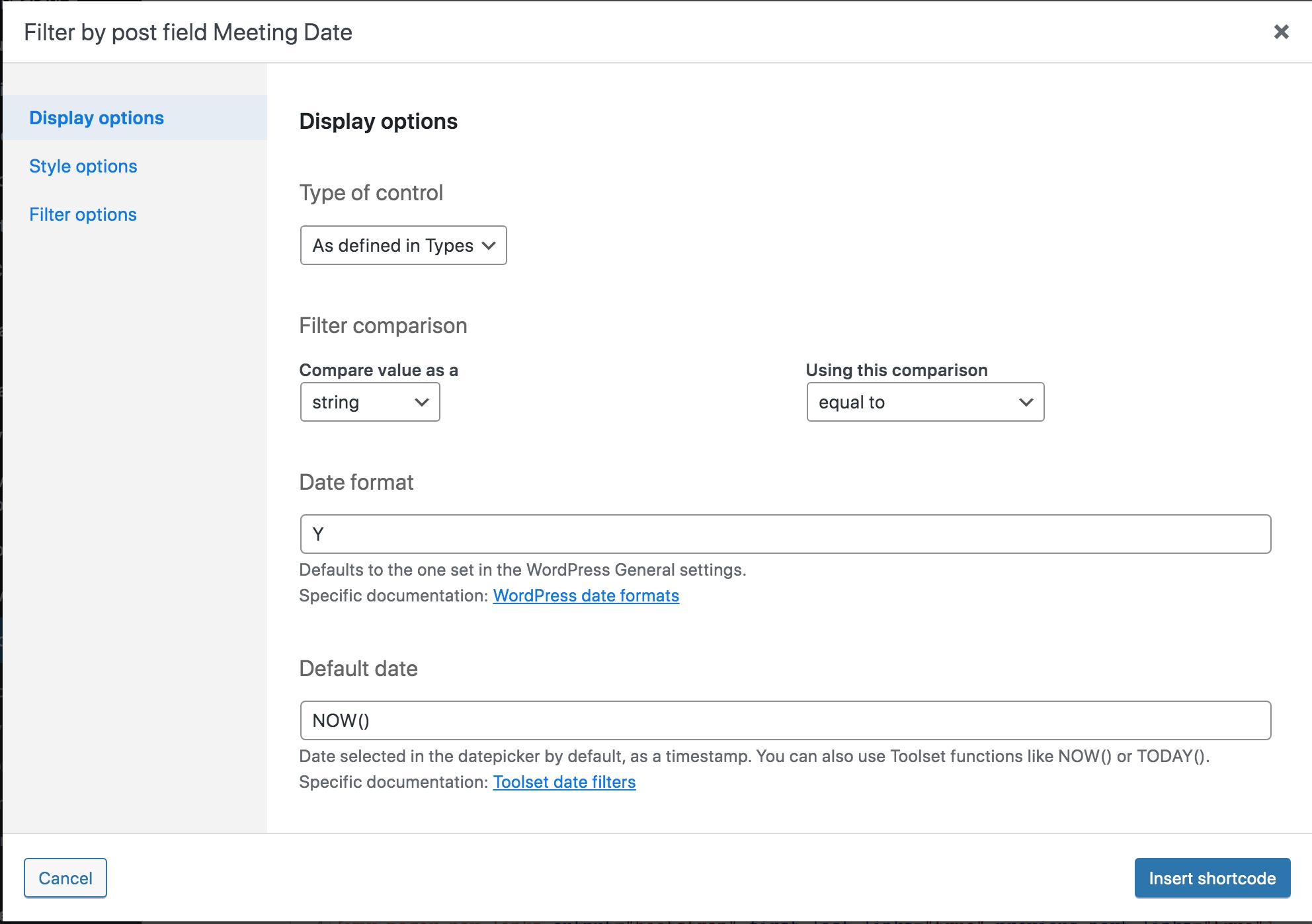
I have a view built in the legacy version of views enlace oculto
I have looked through the documentation and could not figure out if I could filter the view in the way I want.
The view displays a custom post type, "Board Documents" enlace oculto. There is a custom date field, "Meeting Date" (ccf-meeting-date). This view spans a number of years. I would like to have a pull-down menu that allows me to filter the view (2016,2017,2018,2019,2020,2021, 2022, 2023, 2024, etc.)
I think this approach would supply the simplest way to navigate the view, but could not figure out how to accomplish it from the documentation.
Can you please try to add the frontend filter field for your custom field (Meeting Date) within the "Search and Pagination" section as dropdown and check if that help you to resolve your issue.
Ahh - I had impression that you have custom field that holds the year value. But you have custom date field from where you want to extract the year.
In that case - If you do not have many posts added then I suggest you should add a custom field Year and when you save/update the post from frontend/backend make sure to update the Year custom field value by extracting the year value from your custom date field.
Alternatively - you can also think of a custom taxonomy where you can setup terms as years 2025,2024 etc.. etc.
Then add Year field as custom search filter to your view.
I was about to mark this as resolved but then noticed how many other Toolset users are having the same issue. Would it be possible to extract the year and then save it either as a taxonomy when the toolset form is saved?
Would it be possible to extract the year and then save it either as a taxonomy when the toolset form is saved?
===>
Yes - that is possible. We can do that by adding the "cred_save_data" hook.