Saltar navegación

[Resuelto] When I use the view block, the user cannot see the image.

This support ticket is created 4 years, 8 months ago. There's a good chance that you are reading advice that it now obsolete.

This is the technical support forum for Toolset - a suite of plugins for developing WordPress sites without writing PHP.

Everyone can read this forum, but only Toolset clients can post in it. Toolset support works 6 days per week, 19 hours per day.

Sun Mon Tue Wed Thu Fri Sat
- 9:00 – 12:00 9:00 – 12:00 9:00 – 12:00 9:00 – 12:00 9:00 – 12:00 -
- 13:00 – 18:00 13:00 – 18:00 13:00 – 18:00 14:00 – 18:00 13:00 – 18:00 -

Zona horaria del colaborador: America/Jamaica (GMT-05:00)

Este tema contiene 7 respuestas, tiene 2 mensajes.

Última actualización por chelhwanS 4 years, 8 months ago.

Asistido por: Shane.

Autor
Mensajes
#2184339
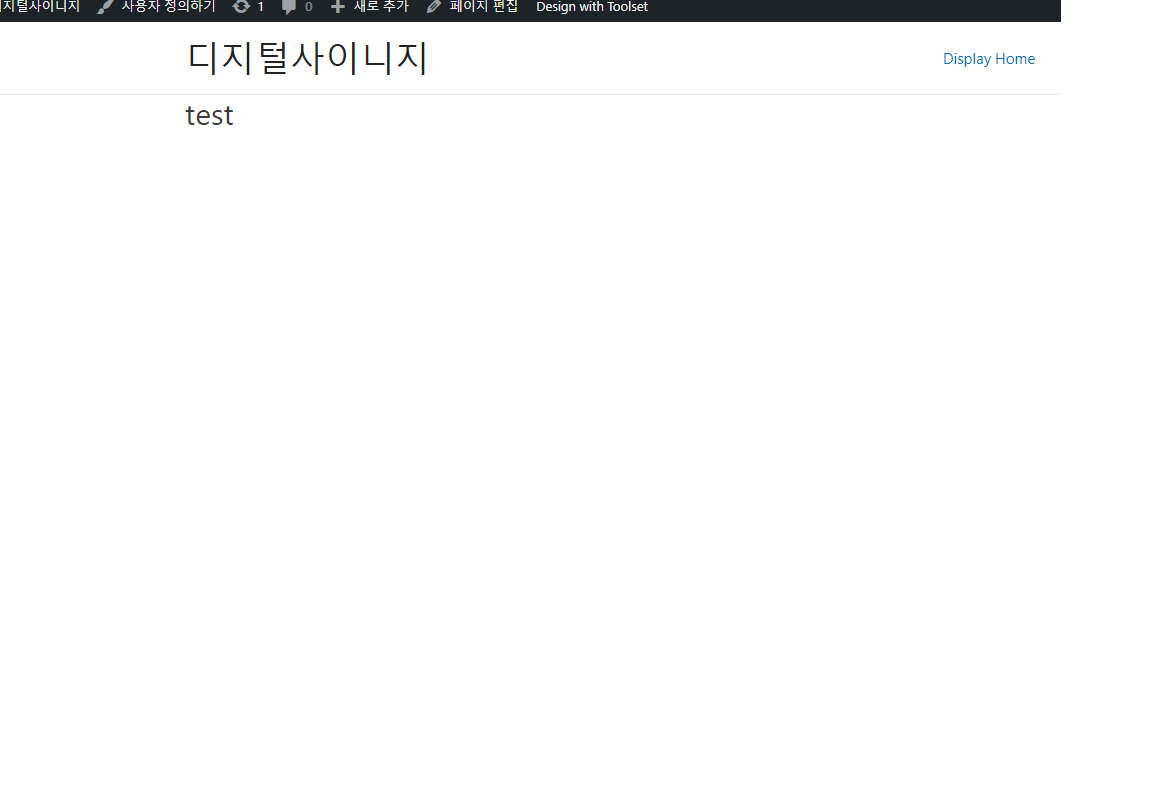
211001-2.png
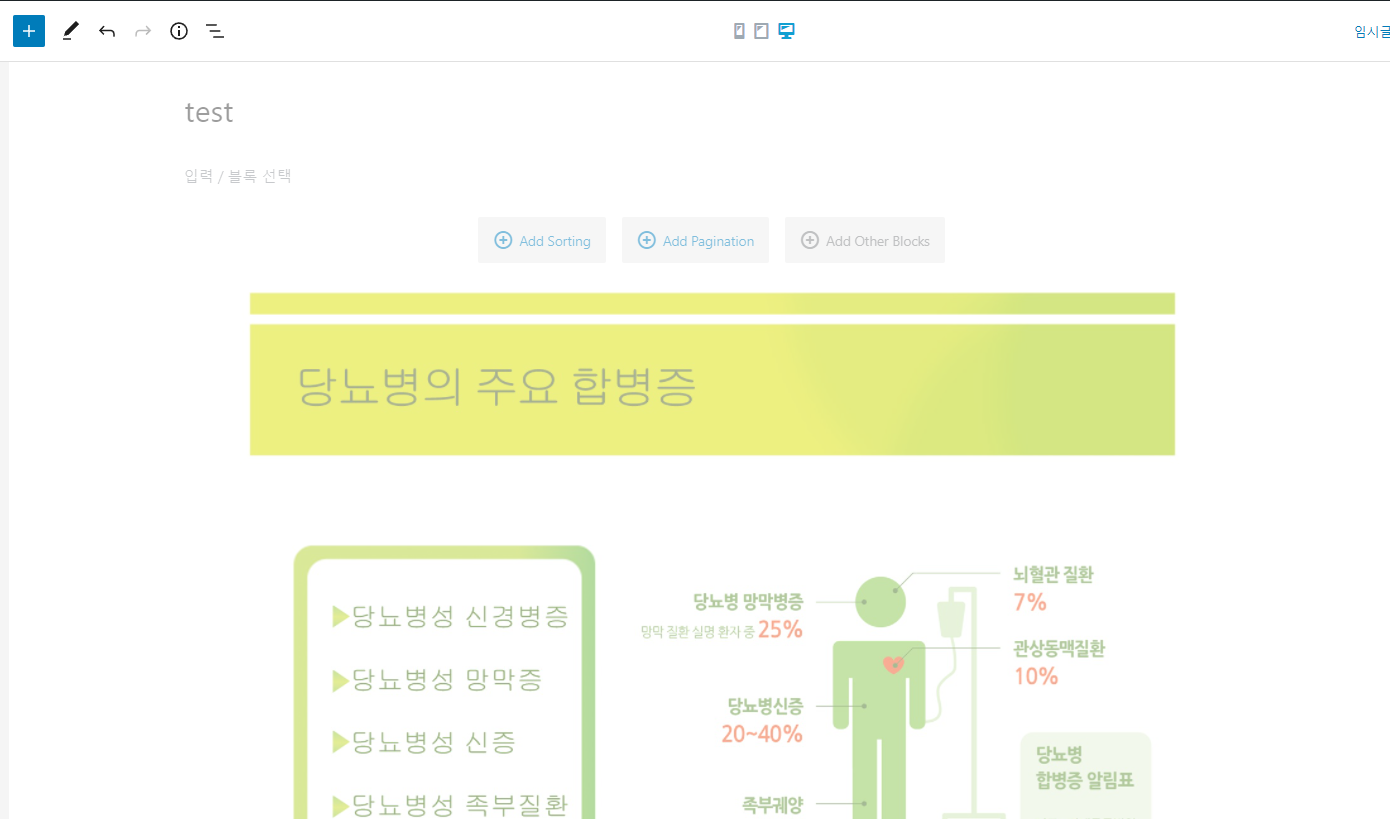
211001-1.png

I am trying to:
This is what I inquired about last time.

At that time, I had a lot of other things to do, so I stopped without solving them. And I created a new sub-directory and proceeded with the work.
https://toolset.com/forums/topic/it-does-not-work-on-certain-pages-while-using-a-container-block/

The problem of not seeing an image in the view block occurs again.
This time, it is not only seen in the toolset image block but also in the gutenberg image block

Fortunately, there is no problem with the existing view screen.
(enlace oculto)

Link to a page where the issue can be seen: enlace oculto

#2184685

Shane
Colaborador

Idiomas: Inglés (English )

Zona horaria: America/Jamaica (GMT-05:00)

Hello,

Thank you for getting in touch.

I tried to download the duplicator package but my access denied.

I've requested access so please let me know when you've approved it.

Thanks,
Shane

#2185227

enlace oculto

I changed it to view of all users with a link.

#2186445

I found a new problem that the content template is not working.

The video to show you the problem is the url below.
enlace oculto

I used duplyactor again.The file storage location is below url.
enlace oculto

#2186957

Shane
Colaborador

Idiomas: Inglés (English )

Zona horaria: America/Jamaica (GMT-05:00)

Hello,

I was able to successfully restore the duplicator package, however it would appear that based on your video, you're not able to create a content template.

Can you confirm this as i'm not able to experience this issue on my end.

Thanks,
Shane

#2187295

When I reported the bug last time, I already told you what I needed, such as site admin url, ID, password, PHP, etc.
The bug I uploaded this time was additionally discovered while the existing bug still remained.

What do you need???

#2187883

Shane
Colaborador

Idiomas: Inglés (English )

Zona horaria: America/Jamaica (GMT-05:00)

Hello,

My problem is i'm not sure what exactly or where exactly I should be looking for the images.

Also these 2 sub sites are completely different sites on your multi install.
enlace oculto

enlace oculto

Also the view on the test page doesn't have a post type assigned to it so it won't be displaying anything at all. Can you let me know the post type that should be assigned to the view?

Additionally you can try remaking the view.

Thanks,
Shane

#2188515

I deleted the sub-directory that had a problem and created a new one. The problem has been solved.

My issue is resolved now. Thank you!