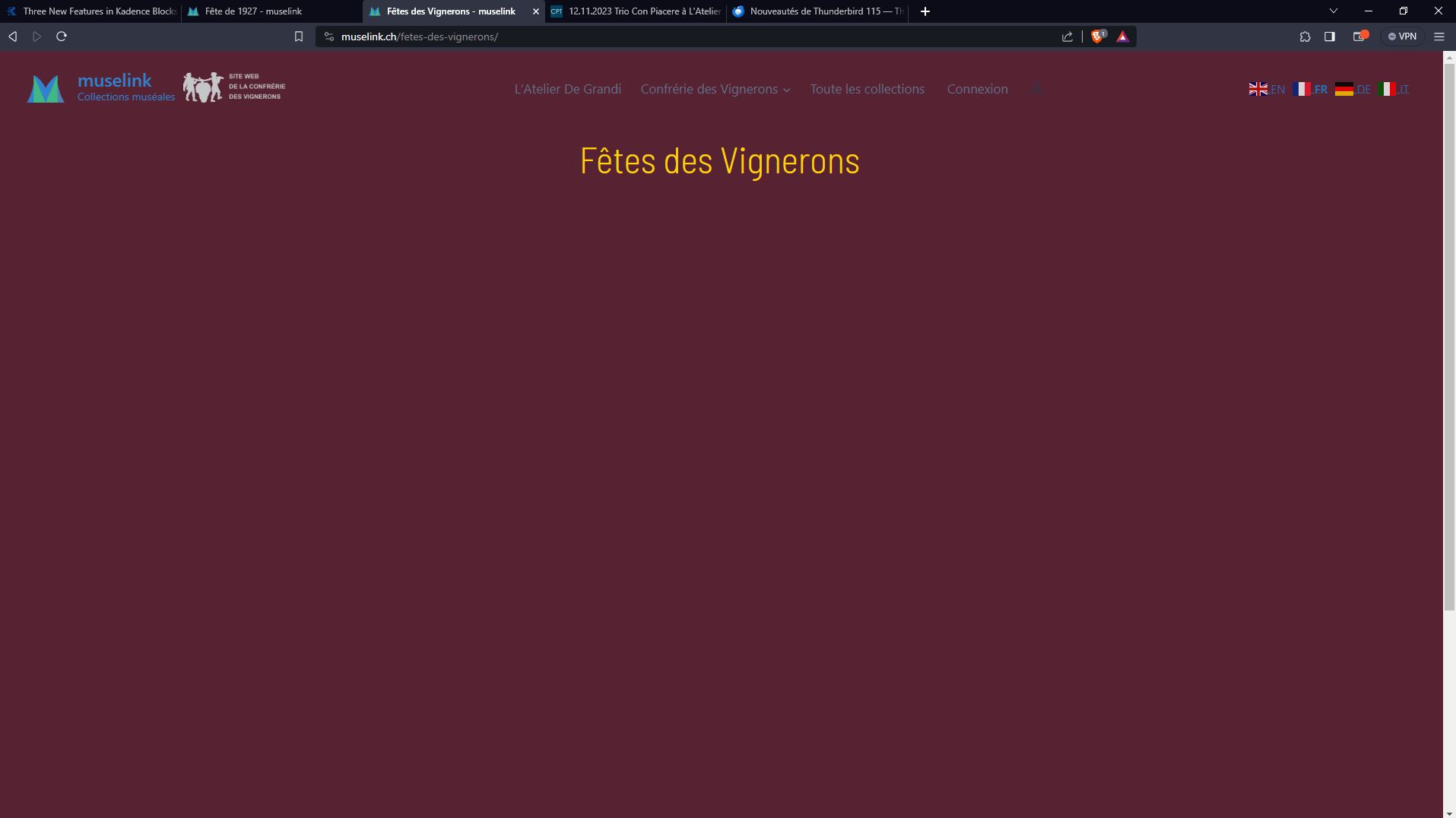
I have several pages and templates with views displaying a loop of Objets
(Objet is a custon type, connected to Expositions and to Createurs with a Many-to-many relationship)
- for logged in users, with Administrator or Editor role for instance, the views in pages or Templates display properly
- for logged out users, the same views don't display at all in pages, and display strangely in Templates
This issue happened suddenly, without any relevant changes I can remember...
Is there any documentation that you are following?
Views - Custom Lists of Posts : but I did not find any clues to resolve the issue
Is there a similar example that we can see?
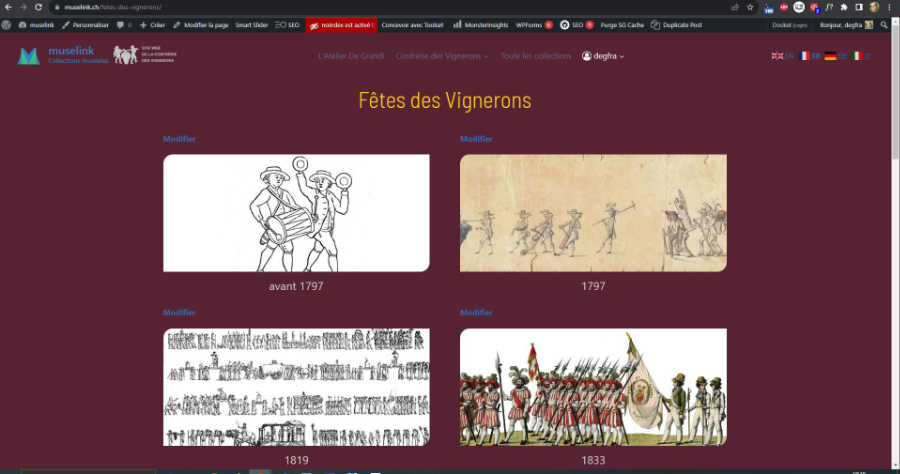
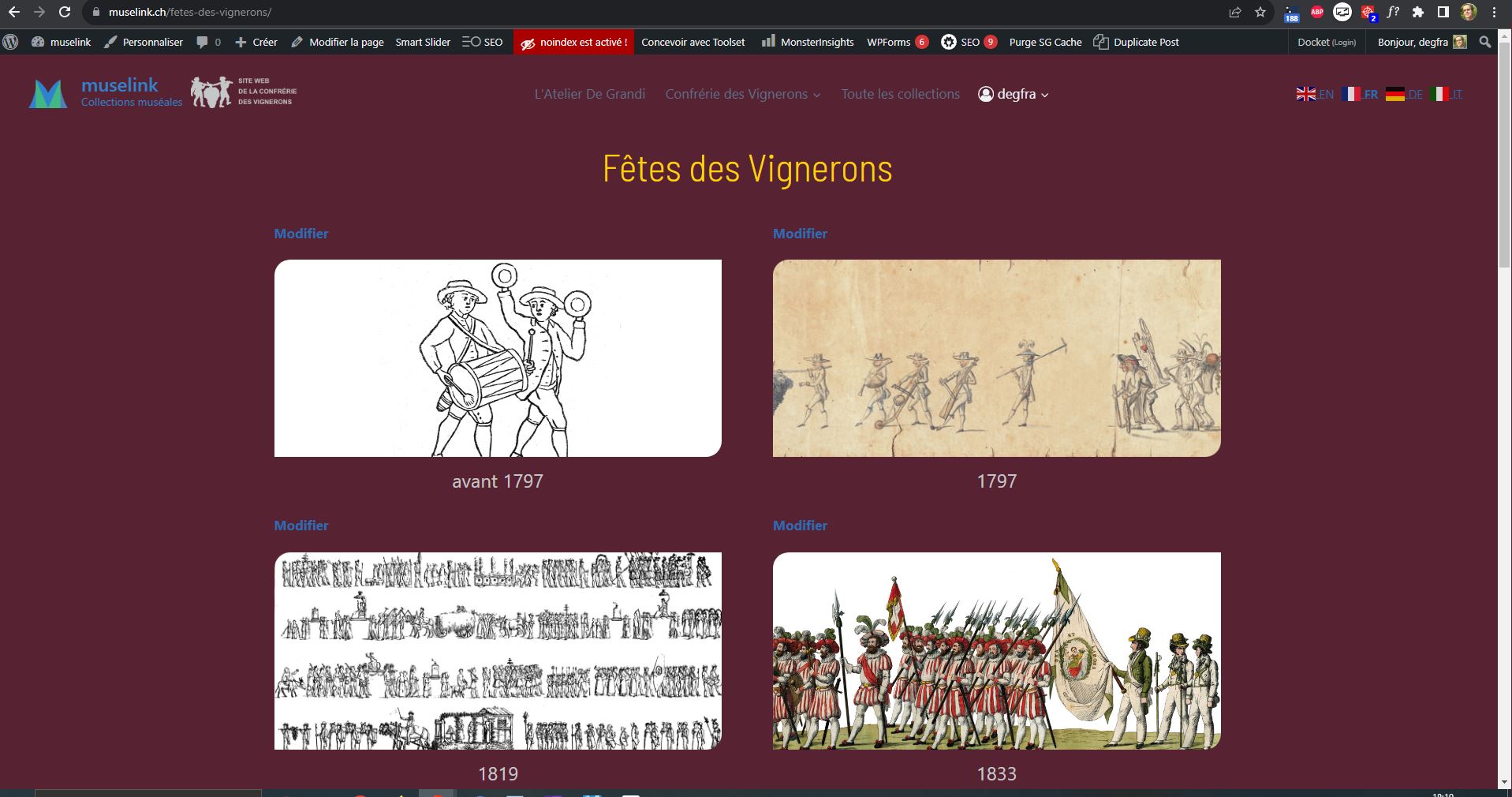
1.- Page displaying all Expositions (here "Fêtes des vignerons")
--- logged in : enlace oculto -> see attached screen capture : Page-Fetes_logged-in.JPG
--- logged out : enlace oculto -> see attached screen capture : Page-Fetes_logged-out.JPG
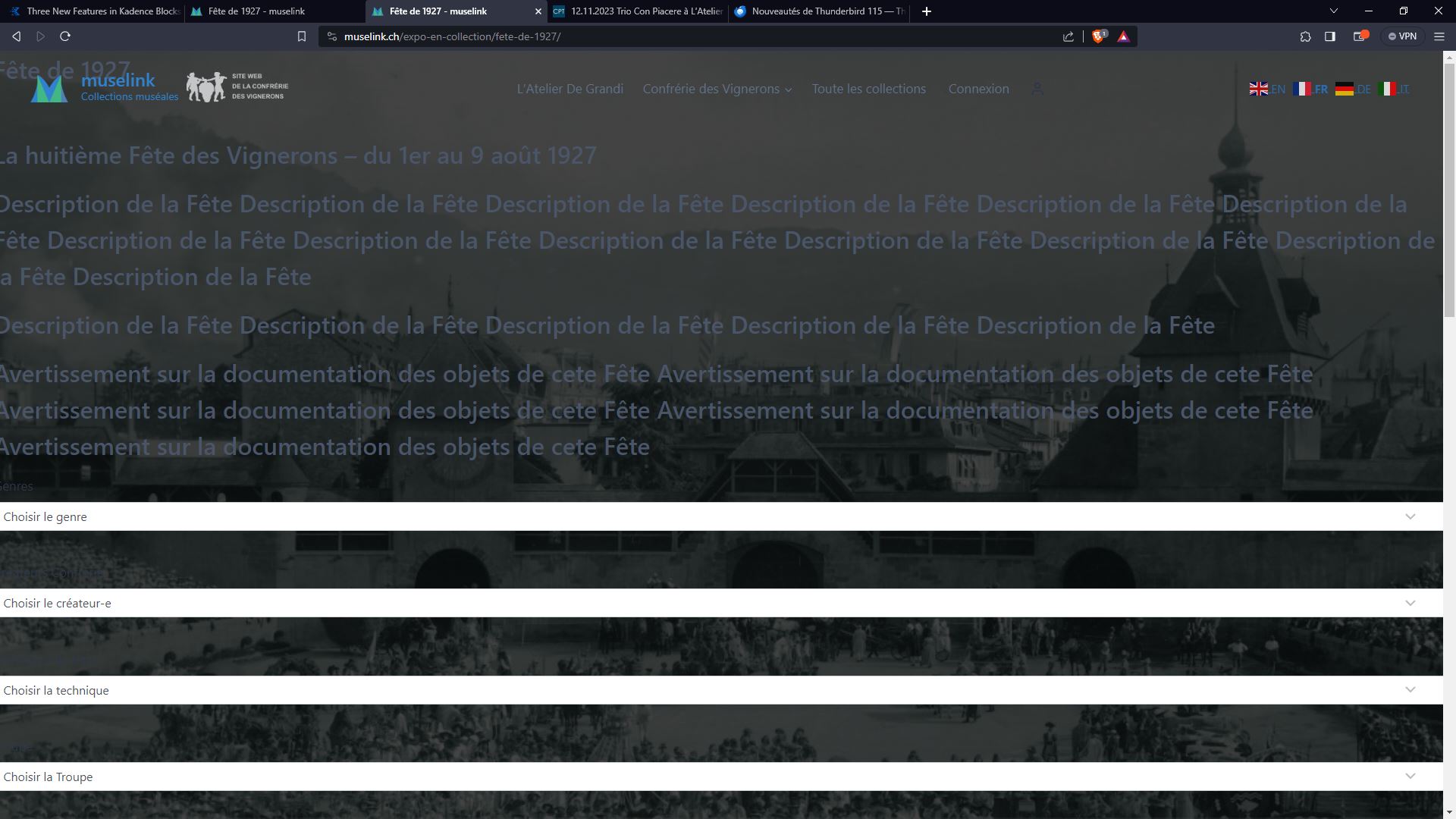
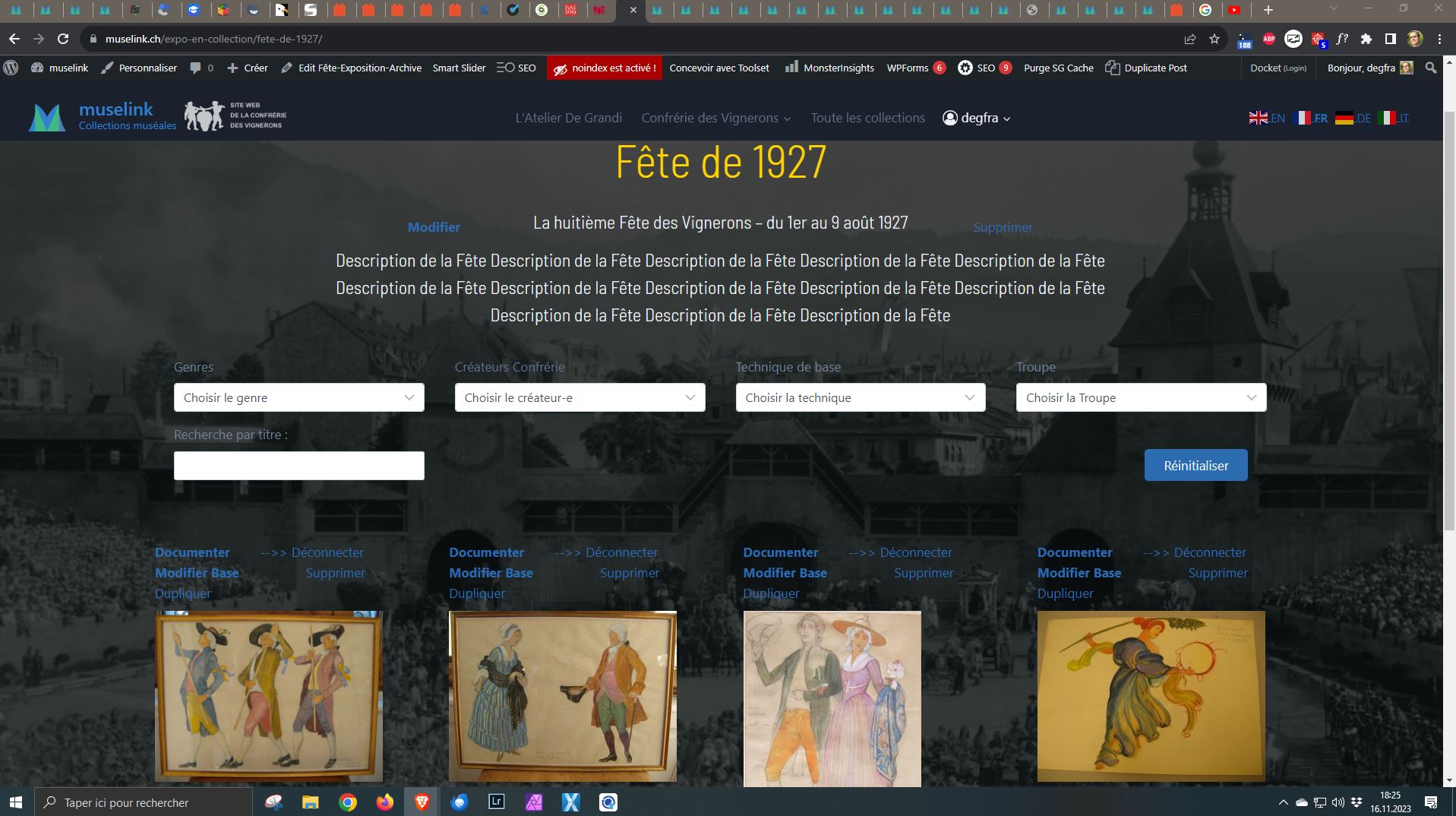
2. Template displaying Objects connected to the Exposition (here "Fête de 1927")
--- logged in : enlace oculto -> see attached screen capture : Template-Fete-1927_logged-in.JPG
--- logged out : enlace oculto -> see attached screen capture : Template-Fete-1927_logged-out.JPG
Hello,
I would like to request temporary access (wp-admin and FTP) to your site to take better look at the issue. You will find the needed fields for this below the comment area when you log in to leave your next reply. The information you will enter is private which means only you and I can see and have access to it.
Our Debugging Procedures
I will be checking various settings in the backend to see if the issue can be resolved. Although I won't be making changes that affect the live site, it is still good practice to backup the site before providing us access. In the event that we do need to debug the site further, I will duplicate the site and work in a separate, local development environment to avoid affecting the live site.
Privacy and Security Policy
We have strict policies regarding privacy and access to your information. Please see:
https://toolset.com/purchase/support-policy/privacy-and-security-when-providing-debug-information-for-support/
**IMPORTANT**
- Please make a backup of site files and database before providing us access.
- If you do not see the wp-admin/FTP fields this means your post & website login details will be made PUBLIC. DO NOT post your website details unless you see the required wp-admin/FTP fields. If you do not, please ask me to enable the private box. The private box looks like this: enlace oculto
Please, let me know if you need any additional details. Have a nice day.
Hey there,
Thank you for sharing those details.
I checked it and I found the following records on the browser console when accessing your site without being logged-in:
siteground-optimizer-combined-js-48f3d37bc0e28f690166e487a4269dc5.js:1 Uncaught SyntaxError: Identifier 'wpvViewHead' has already been declared (at siteground-optimizer-combined-js-48f3d37bc0e28f690166e487a4269dc5.js:1:1)
The resource <URL> was preloaded using link preload but not used within a few seconds from the window's load event. Please make sure it has an appropriate `as` value and it is preloaded intentionally.
The resource <URL> was preloaded using link preload but not used within a few seconds from the window's load event. Please make sure it has an appropriate `as` value and it is preloaded intentionally.
fetes-des-vignerons/:1 The resource <em><u>enlace oculto</u></em> was preloaded using link preload but not used within a few seconds from the window's load event. Please make sure it has an appropriate `as` value and it is preloaded intentionally.
I noticed that while logged-in, the first line which is an error and the rest of those records didn't appear in the console.
As I test, I temporarily disabled Speed Optimizer by Siteground and the error stopped happening, can you please test it again?
I'd recommend reaching out to Siteground support, perhaps they might be in a better position to find and fix the culprit of this error faster.
Thank you,
Mateus
Hi Mateus,
Thank you for your prompt response.
Indeed, the Siteground Speed optimizer is the source of this issue :
- I tried to change it's configurations for caching,but to no avail
I will contact the Sitegroung support and convey your findings to them
.
Please do not close this ticket, until I am able to get back to you with hopefully the fix from Siteground support, which myight be of help to some of Toolset users who run into the same problem.
Best regards,
Francesco
Hello Francesco,
Sure thing.
In the meantime I'm marking this ticket as pending until we hear back from you.
Thank you, please let us know!
Hi Mateus,
The Siteground Support team is looking into theis issue.
Please leave this ticket open, so I can put in their founfings.
Best regards,
Francesco
Hi Francesco,
Thank you for letting us know.
Please keep us in the loop.
Best,
Hi Mateus,
The issue ia resolved. The Siteground Support team found out that the following options in the Siteground Speed Optimizer interfered with the Toolset Views :
- Defer Render-blocking JavaScript option
- Combine JavaScript option
Both are in the Frontend optimizations menu of the Speed Optimizer.
These 2 options must be turned off, in order for the Toolset Views to be displayed properly in Pages and Templates.
Hopefully this will help other Toolset users, who also use the Siteground Speed Optimizer.
Best regards.
Francesco
Hello Francesco,
Thank you very much for coming back and sharing the solution.
This is really helpful.
If you need our assistance in the future, please drop us a line.
Best regards,