Saltar navegación

[Cerrado] Toolset's templates freeze with wordpress 5.7.6

This support ticket is created 4 years ago. There's a good chance that you are reading advice that it now obsolete.

This is the technical support forum for Toolset - a suite of plugins for developing WordPress sites without writing PHP.

Everyone can read this forum, but only Toolset clients can post in it. Toolset support works 6 days per week, 19 hours per day.

Este tema contiene 1 respuesta, tiene 2 mensajes.

Última actualización por Nigel 4 years ago.

Autor
Mensajes
#2364783
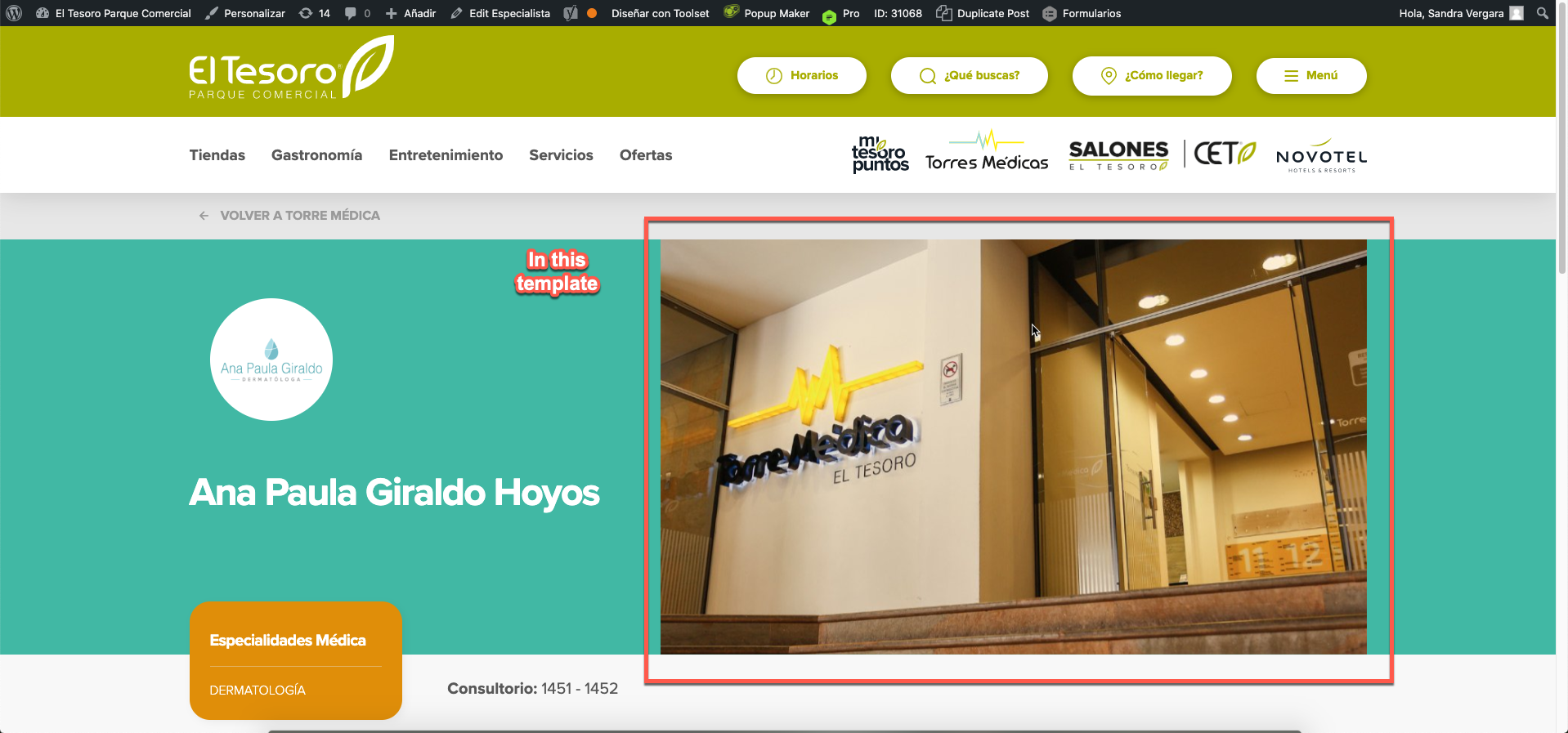
especialistas.png
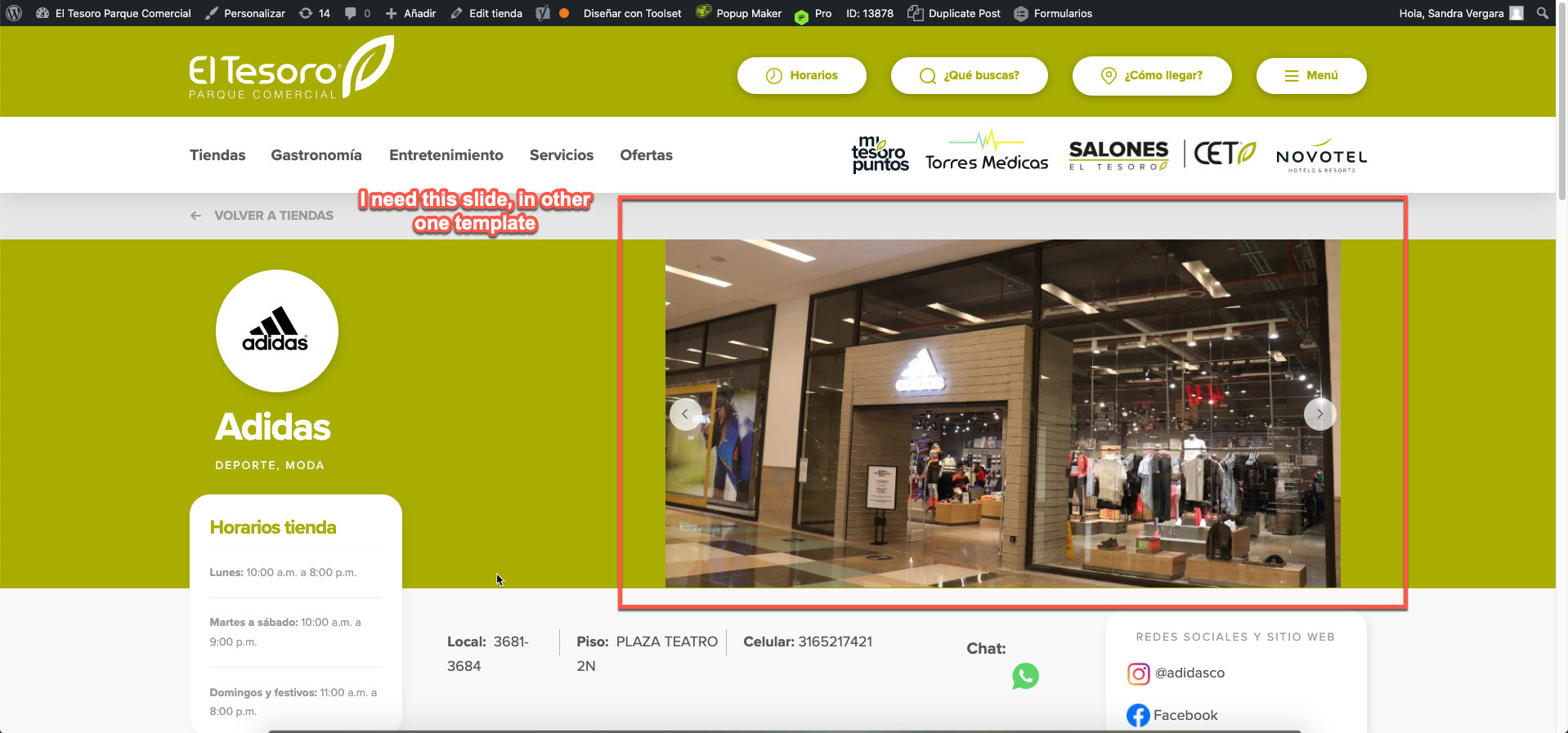
tiendas.png
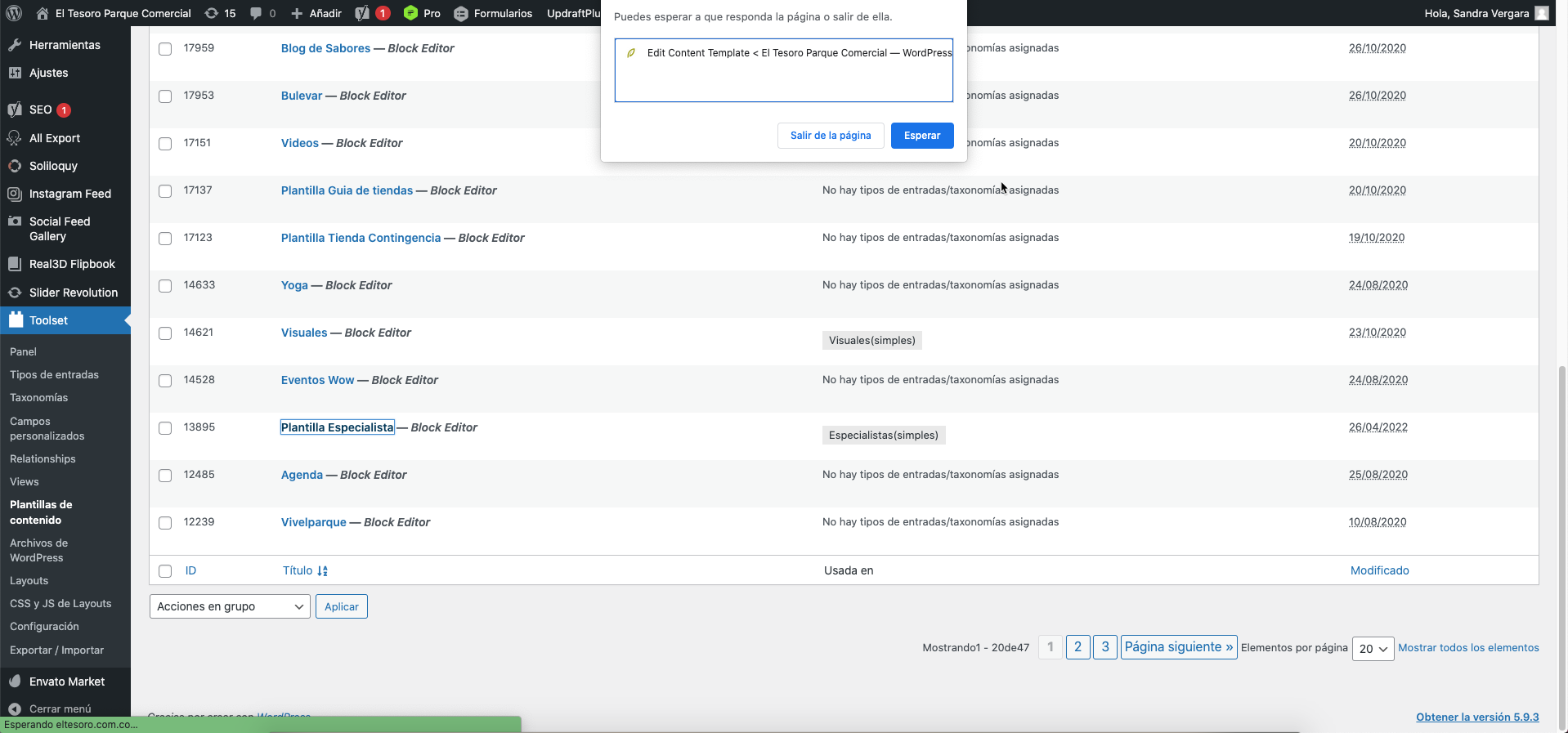
2022-05-16_17-15-12.png

Tell us what you are trying to do?
I'm trying to change the Especialistas Template an image for a slide
Is there any documentation that you are following?
No
Is there a similar example that we can see?
On the images tiendas and especialistas
What is the link to your site?
enlace oculto

#2364913

Nigel
Colaborador

Idiomas: Inglés (English ) Español (Español )

Zona horaria: Europe/London (GMT+01:00)

The page becomes unresponsive when you click to try to edit a content template?

Before going any further, please check for errors.

Check the browser console for JS errors when trying to edit a template, and also check the debug.log for PHP errors.

If you haven't already, turn on the debug log by editing your wp-config.php file and change the line with WP_DEBUG like so:

define('WP_DEBUG', true);
define('WP_DEBUG_LOG', true);
define('WP_DEBUG_DISPLAY', false);define('WP_DISABLE_FATAL_ERROR_HANDLER',true);

That will create a debug.log file in your /wp-content/ directory which you can examine in any text editor. Try editing the template again and then inspect the log. If you don't find the debug.log file it means it didn't generate any warnings or errors.

Finally, check for conflicts. Disable all plugins except Toolset, and make sure you are not running any custom code (if you edited the theme's functions.php file, switch theme to twentytwenty, and disable any code snippets added in Toolset > Settings). Then try editing a template again.

If the problem no longer appears then you should be able to determine the source of any conflict that triggers the problem by a process of elimination.

El debate ‘[Cerrado] Toolset's templates freeze with wordpress 5.7.6’ está cerrado y no admite más respuestas.