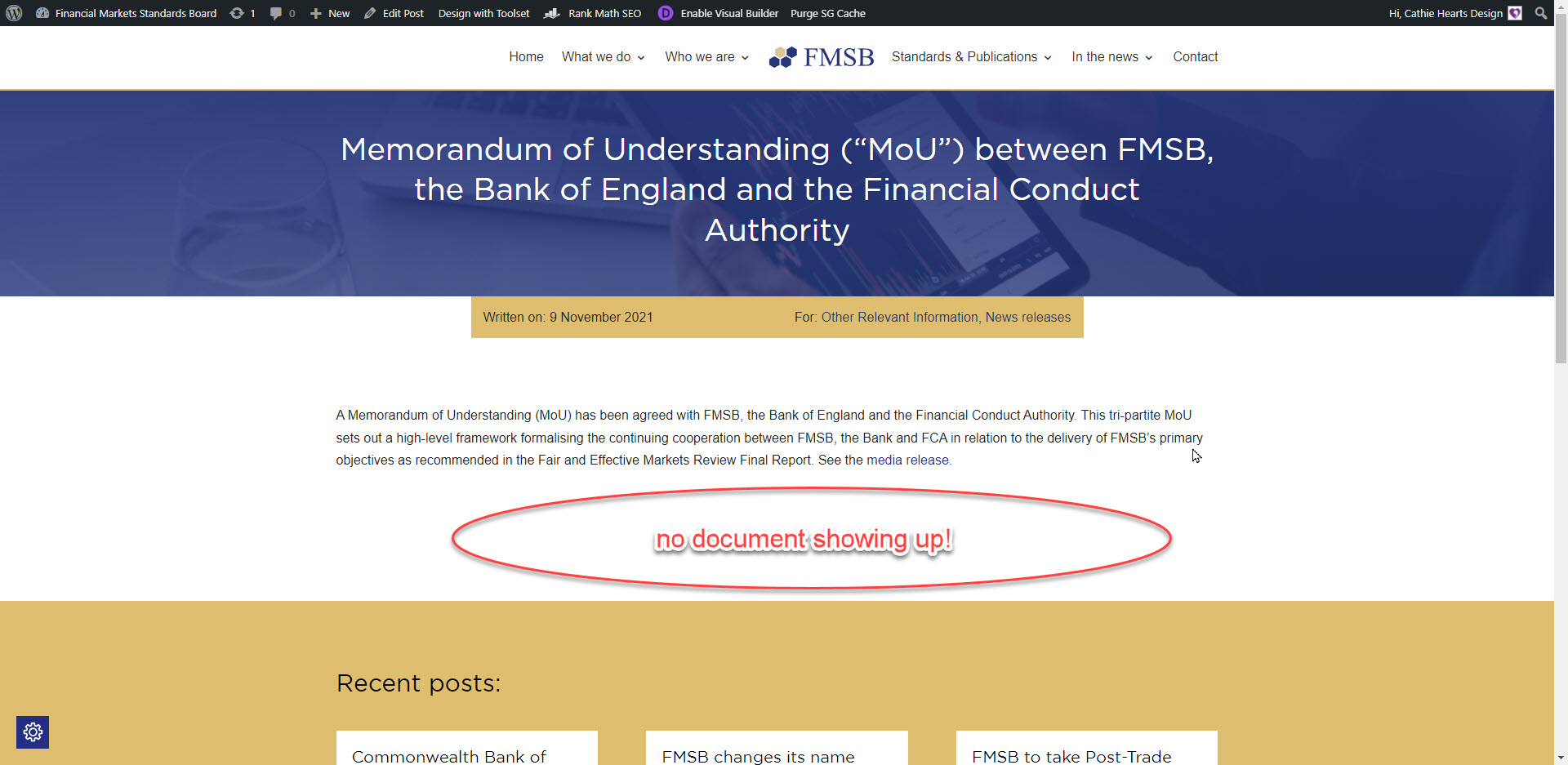
I launched my clients website two weeks ago and the toolset views plugin was working smoothly and it was outputting the document files linked to the posts. Now it isn't.
enlace oculto
There is a group of custom fields attached to posts allowing for posts to have a file associated with it, a file name and notes about the contents of the file. This view no longer returns any documents for any posts that have a linked document which over 50 posts.
There have been no changes that I can see made by my client that makes this feature stop working. I can't figure out why they no longer work either .. help!!
Hi Cathie,
Thank you for getting in touch.
Would you mind allowing me to have admin access to the website so that I can have a more detailed look at this for you ?
I've enabled the private fields for your next response.
Thanks,
Shane
Hi Cathie,
Based on what I see your view is functioning exactly how you intended it to .
enlace oculto
If you look at the template for your view you can see that you're checking if the Linked File custom field is not empty and then display the file.
However when you look at the post itself you will see that the linked file is empty.
enlace oculto
Thanks,
Shane
Sorry that was a bad example, it does have a file in the launched website but not this older staging version.
Here is a post that DOES have a file attached and the view is NOT showing the file. It used to and it should do.
enlace oculto
Can you still help me as I don't know why this has stopped working. All the other views work but not this one!
All the posts within this category do have files attached to them but not are being displayed on their individual single posts.
enlace oculto
Thanks
Cathie.
Hi Cathie,
I believe i've spot the issue now.
Can you let me know where the template is that you're using to design this page?
enlace oculto
If you look I've added the following shortcode to the view.
Post ID [wpv-attribute name="ids"]
This should display the ID that is being passed into the view. Unfortunately this is not returning any value so this means there is something wrong with what is passing the ID to the view to filter it.
Thanks,
Shane
I'm writing this from my phone so please forgive the mobile screenshots.
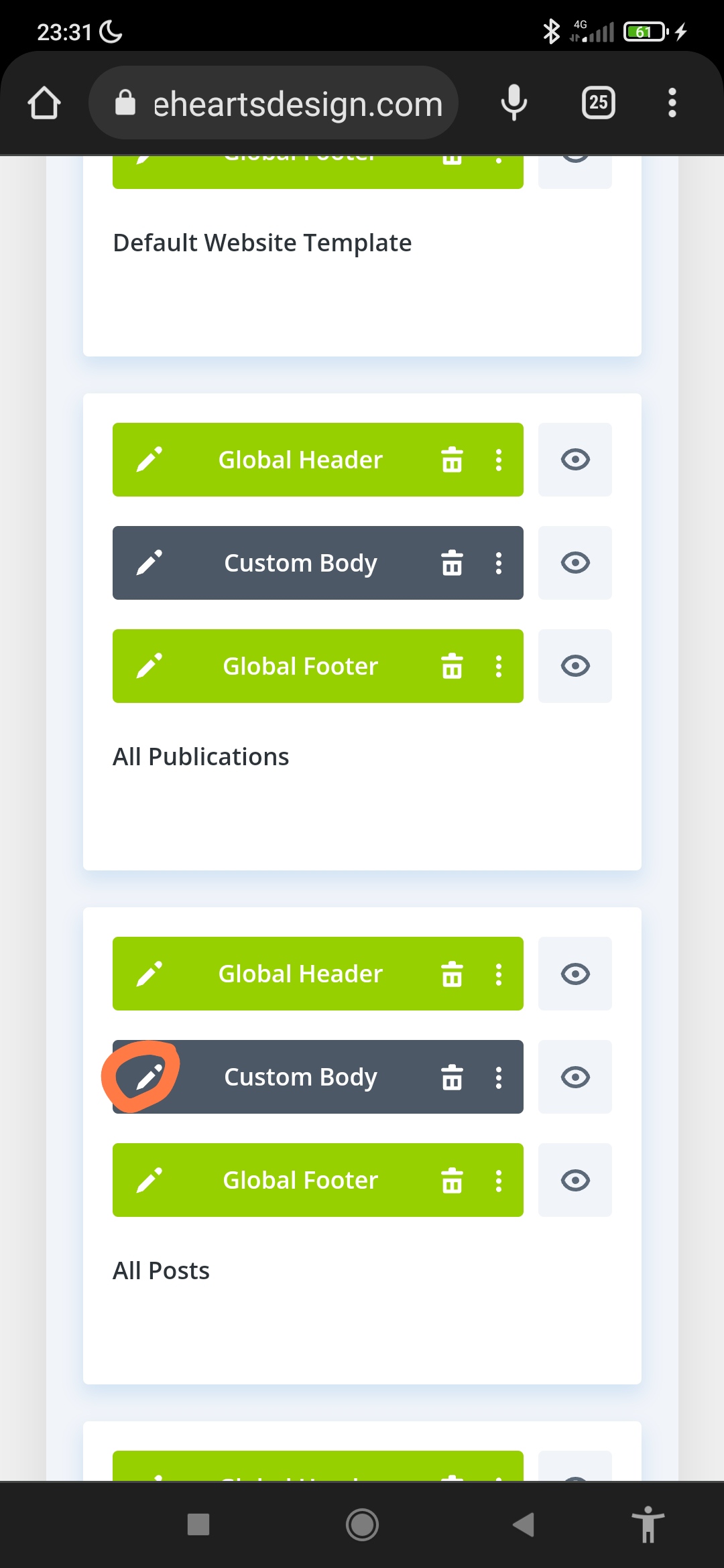
I use Divi to design my client websites. If you go to Divi >theme builder> all posts (see screenshot) and click on that grey box's cog it'll take you to that template design.
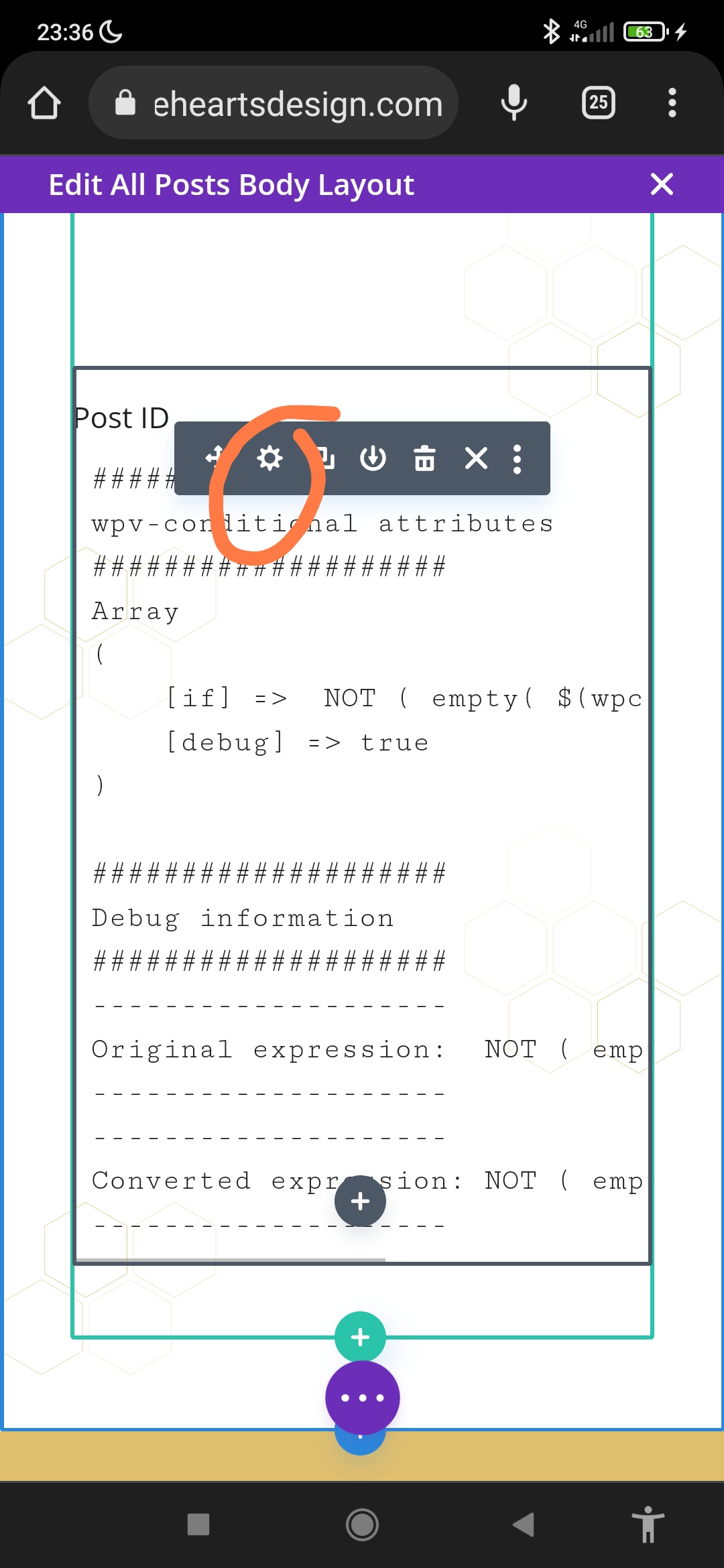
There is a text box with the shortcode (see screenshot)
[wpv-view name="Press Media Document Link"]
That now does show the error code.
That is what's pulling the view to the correct spot in the template design.
Thanks
Cathie
Hi Cathie,
I see the issue now.
The problem was that you were using a post id filter but no ID was being passed to the view for it to be filtered.
Please update your view shortcode to the one below.
[wpv-view name="Press Media Document Link" ids="[wpv-post-id item='$current_page']"]
This should now work as you can see from the link below.
enlace oculto
Thanks,
Shane
Thank you Shane, I didn't know how to pass along the ID but didn't know that was what the problem was. Thank you for teaching me something new.
It all works perfectly now.