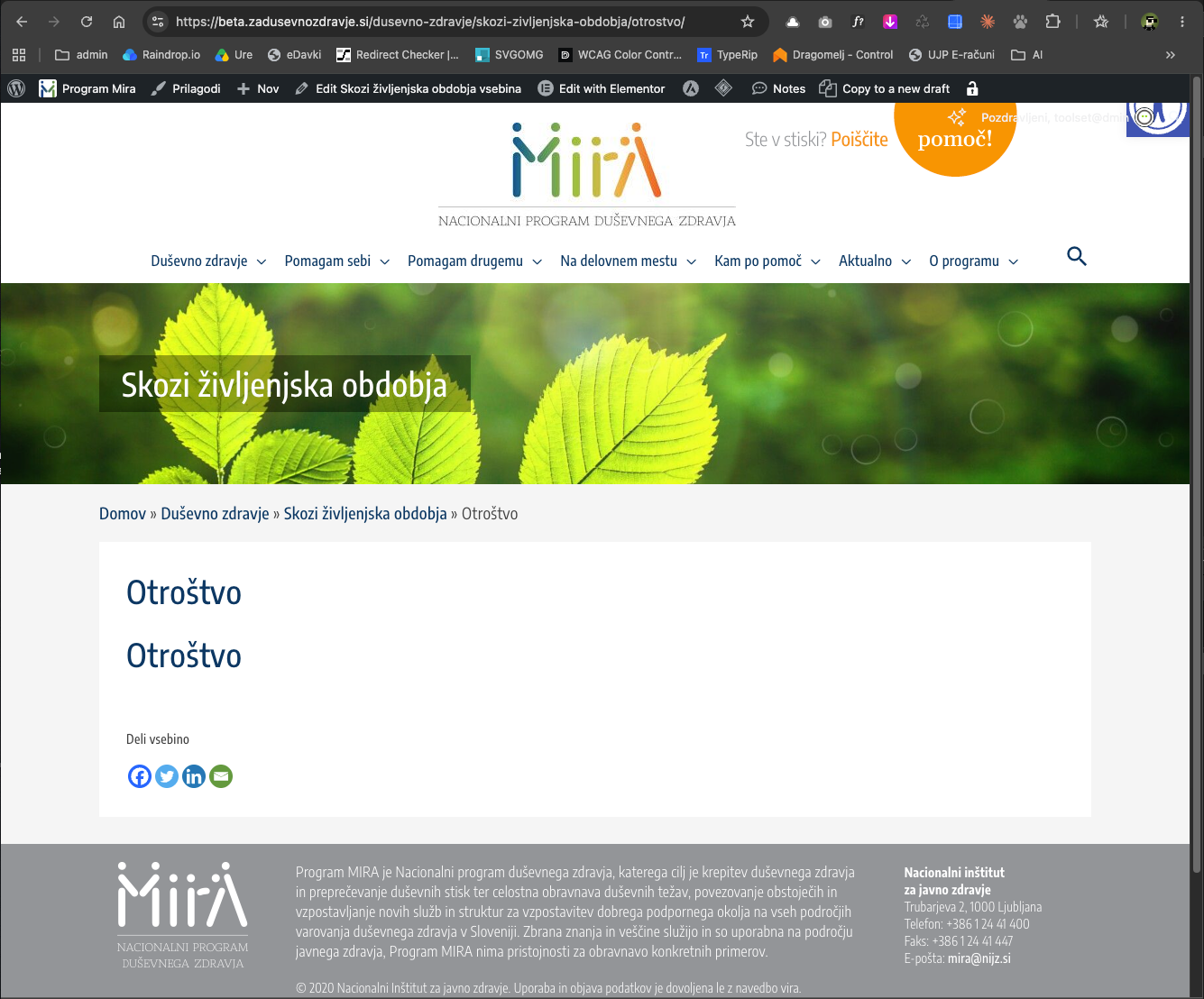
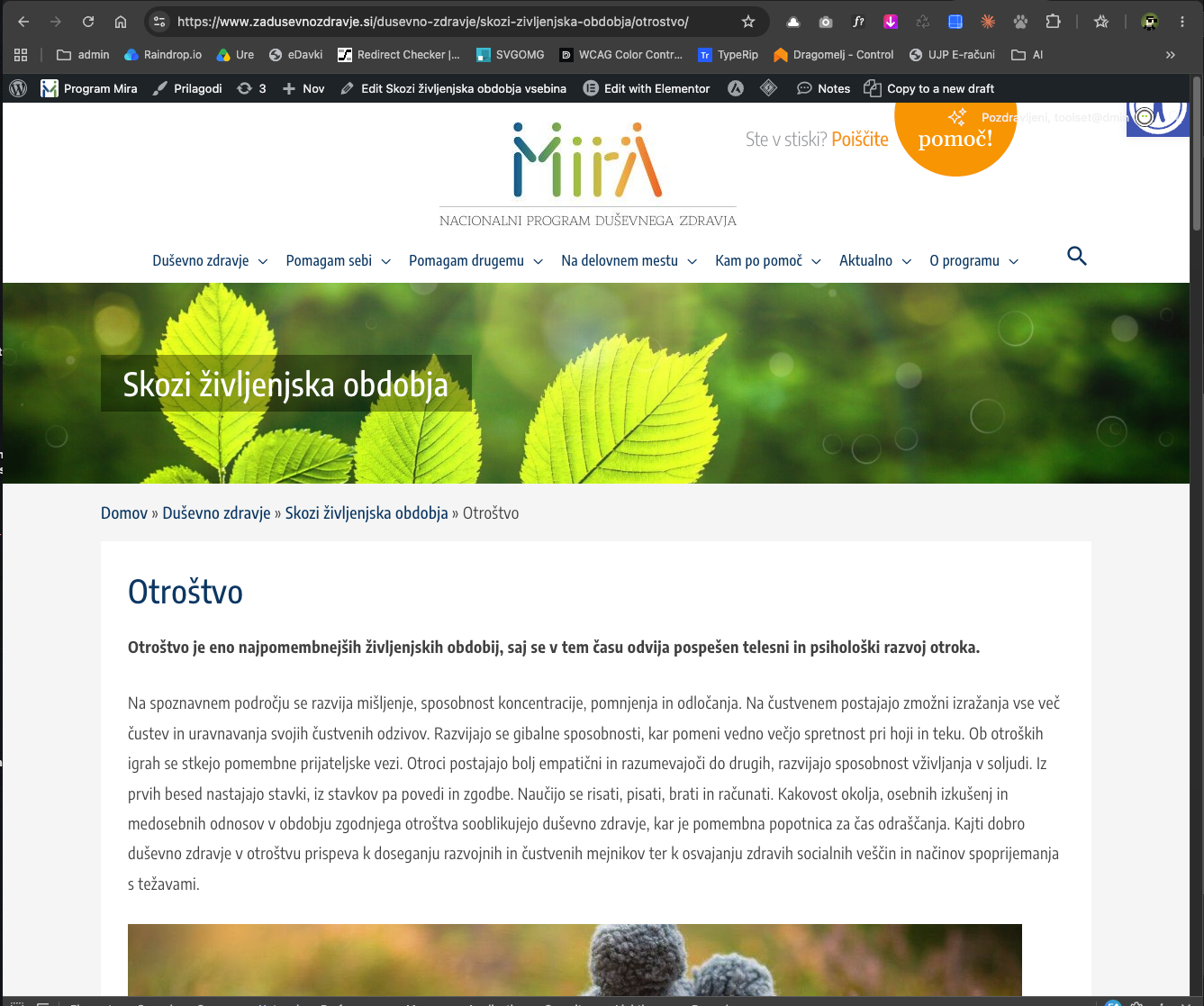
After updating Toolset Views from 3.6.21 to 3.6.29, all single posts that use a Content Template render incorrectly: the post title appears twice and the post content is missing. Reverting to 3.6.21 fixes it.
Setup: Astra (classic theme, not a block theme) with a child theme, WordPress 6.x, PHP 8.2. The Content Templates are built in the block editor and contain a Toolset Heading block (post title) followed by the core Post Content block.
The issue affects all post types that use a Content Template with this structure.
I created a staging environmet for testing, where the error is seen. Password to view content is "zdravje".
Hello. Thank you for contacting the Toolset support.
Can you please share staging site access details and let me check whats going wrong with your setup.
*** Please make a FULL BACKUP of your database and website.***
I would also eventually need to request temporary access (WP-Admin and FTP) to your site. Preferably to a test site where the problem has been replicated if possible in order to be of better help and check if some configurations might need to be changed.
I have set the next reply to private which means only you and I have access to it.
I need bit more information, can you please tell me what template/layout is used to display the following post, is there any astra template/hook used? if yes, can you please share the direct link:
- enlace oculto
Thank you, I can confirm that the "Zrela leta" page displays the content again with the Single Field block.
However, this looks like a workaround rather than a fix, and I'd like to understand the root cause before we update the live site:
- On our production site (Toolset Views 3.6.21, WordPress 7.1.3) the same content template uses the core Post Content block (<!-- wp:post-content /-->) and works fine.
- On the beta site (Toolset Views 3.6.29, WordPress 7.1.3) the same template stopped displaying the post body.
So it appears the issue was introduced in a newer Toolset version, not by WordPress itself.
The Post Content block is used in 21 content templates on our site (e.g. "Template for Duševne težave in motnje", "Aktualno", "Template for Zgodbe ljudi", "Template for Psihološka prva pomoč" …), not just this one.
Could you please let me know:
1. Is this a known bug in Toolset Blocks/Views that will be fixed in an upcoming release, so that the core Post Content block works inside content templates again?
2. If not, is replacing the Post Content block with the Single Field block (Post Content / Body) the officially recommended solution? In that case we would need to change all 21 templates before updating Toolset on the live site.
The Post Content block is the WordPress core block core/post-content (block name "Post Content", markup <!-- wp:post-content /-->). It is part of WordPress itself and comes with no plugin. You can insert it in the block editor from the "Theme" category of the inserter.
It is not related to Elementor. Elementor is installed on the site, but none of the affected content templates use it. All 21 templates are built in the block editor (none of them has _elementor_edit_mode set), for example:
- 5722 Aktualno
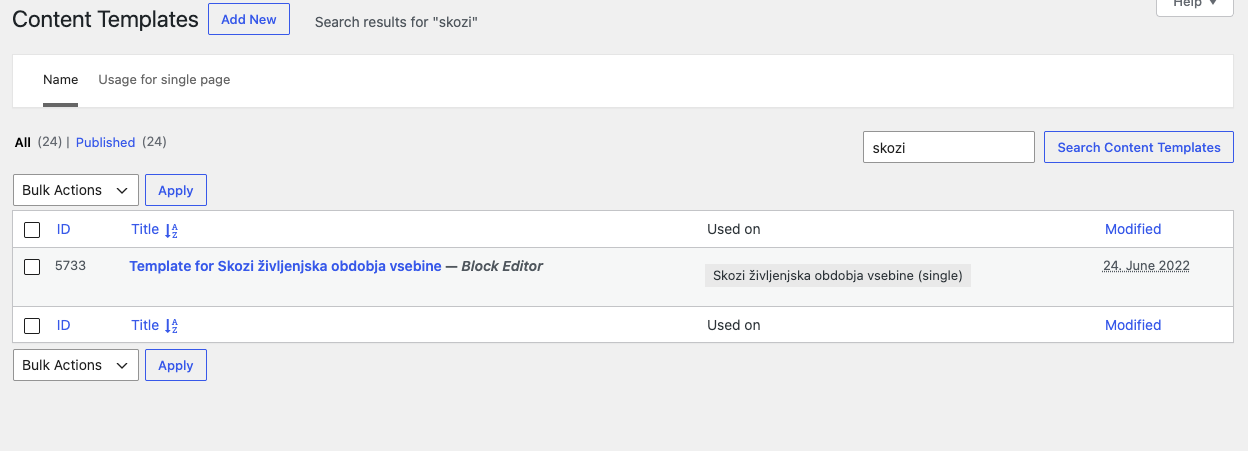
- 5733 Template for Skozi življenjska obdobja vsebine
- 6579 Template for Duševne težave in motnje
- 6643 Template for Zgodbe ljudi
- 12641 Template for Psihološka prva pomoč
- … and 16 more
To summarise the setup:
- Theme: Astra 4.14.0 with a child theme
- WordPress 7.1.3 on both sites
- Production runs Toolset Views 3.6.21, where core/post-content inside the content templates renders the post body correctly.
- Beta is a copy of production with only Toolset Views updated to 3.6.29. There the same templates render nothing in place of the post body.
Since the only difference between the two sites is the Toolset Views version, it looks like a regression in Views between 3.6.21 and 3.6.29.
Could you please check this with the developers and let me know whether a fix is planned? If replacing the block with the Single Field block is the recommended way, I'd like to know that too, because then we need to update all 21 templates.
if you check the content template:
=> enlace oculto
Try to click on the "+" sign at top left corner (which is used to insert the blocks) and do you see the post content block available with the block inserter?
The post content block you mentioned is used in theme templates not the block builder. You may have made a wrong choice to display the post content. I strongly suggest to use the block available with the block inserter to display the content.