Este hilo está resuelto. Aquí tiene una descripción del problema y la solución.
Problem:
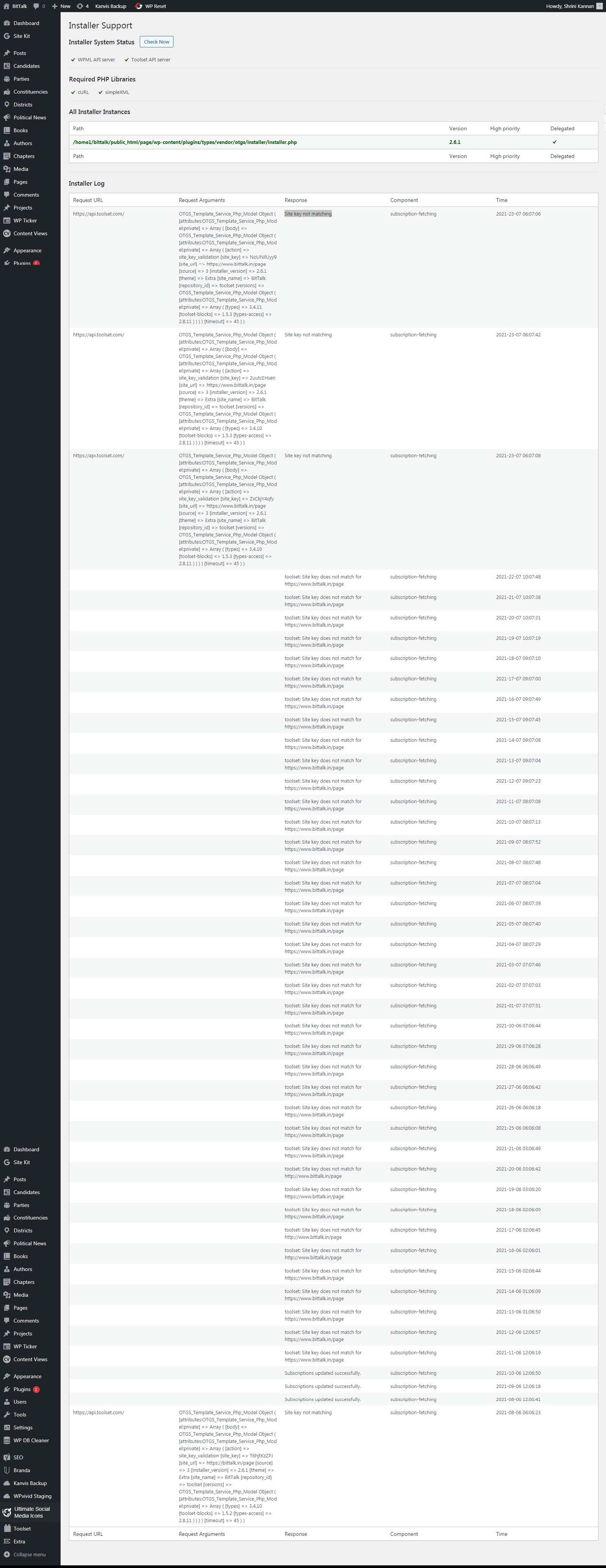
The issue here is that the user is getting the error "Toolset plugin cannot connect to toolset"
Solution:
This usually occurs when there is an issue with the registration key.
As precaution could you attempt to re-register the site by following the instructions in the link below.
https://toolset.com/faq/how-to-install-and-register-toolset/#automatic-installation-once-you-have-types-plugin-installed
Please follow the instructions exactly as this will allow you to automatically get the correct key for the site.
This is the technical support forum for Toolset - a suite of plugins for developing WordPress sites without writing PHP.
Everyone can read this forum, but only Toolset clients can post in it. Toolset support works 6 days per week, 19 hours per day.
| Sun | Mon | Tue | Wed | Thu | Fri | Sat |
|---|---|---|---|---|---|---|
| - | 9:00 – 12:00 | 9:00 – 12:00 | 9:00 – 12:00 | 9:00 – 12:00 | 9:00 – 12:00 | - |
| - | 13:00 – 18:00 | 13:00 – 18:00 | 13:00 – 18:00 | 14:00 – 18:00 | 13:00 – 18:00 | - |
Zona horaria del colaborador: America/Jamaica (GMT-05:00)
Este tema contiene 2 respuestas, tiene 2 mensajes.
Última actualización por 4 years, 11 months ago.
Asistido por: Shane.