Saltar navegación

[Resuelto] Toolset plugin cannot be connected to toolset

This is the technical support forum for Toolset - a suite of plugins for developing WordPress sites without writing PHP.

Everyone can read this forum, but only Toolset clients can post in it. Toolset support works 6 days per week, 19 hours per day.

Sun Mon Tue Wed Thu Fri Sat
- 10:00 – 13:00 10:00 – 13:00 10:00 – 13:00 10:00 – 13:00 10:00 – 13:00 -
- 14:00 – 18:00 14:00 – 18:00 14:00 – 18:00 14:00 – 18:00 14:00 – 18:00 -

Zona horaria del colaborador: Asia/Kolkata (GMT+05:30)

Este tema contiene 1 respuesta, tiene 1 mensaje.

Última actualización por christianM-10 1 year, 5 months ago.

Asistido por: Minesh.
Autor
Mensajes
#2794119
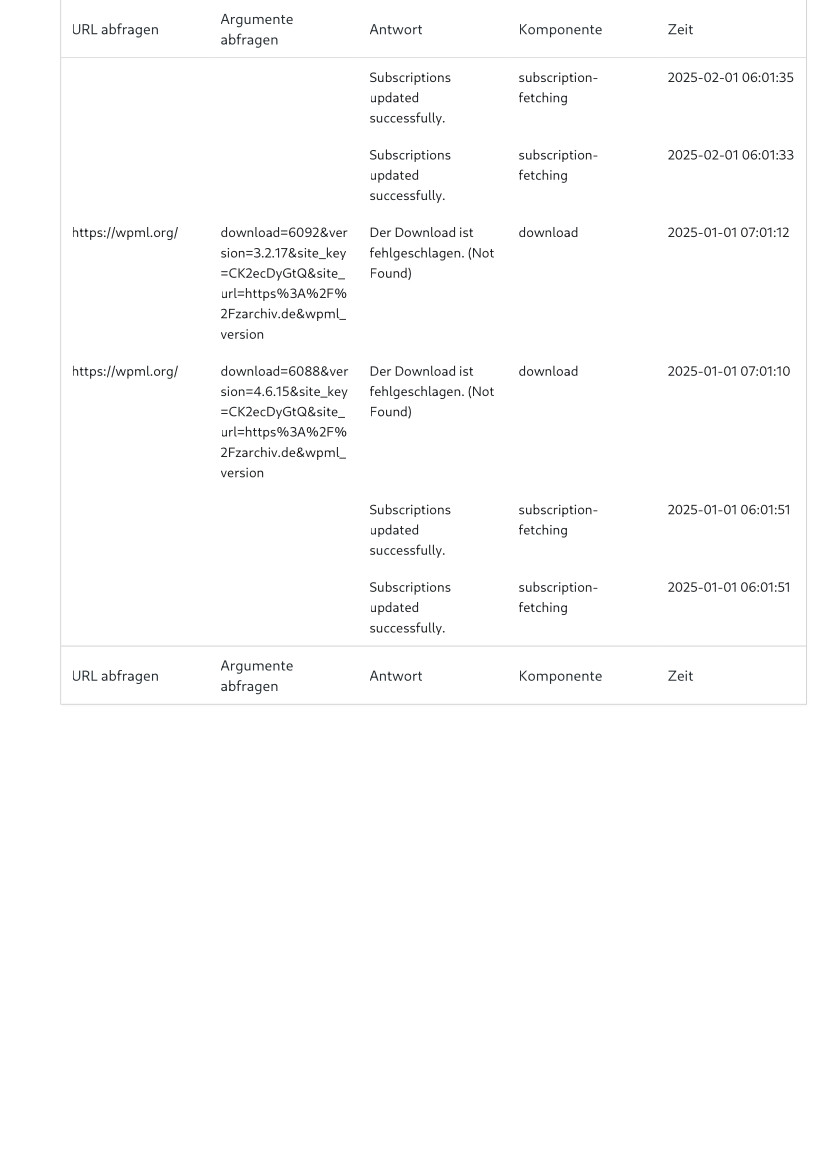
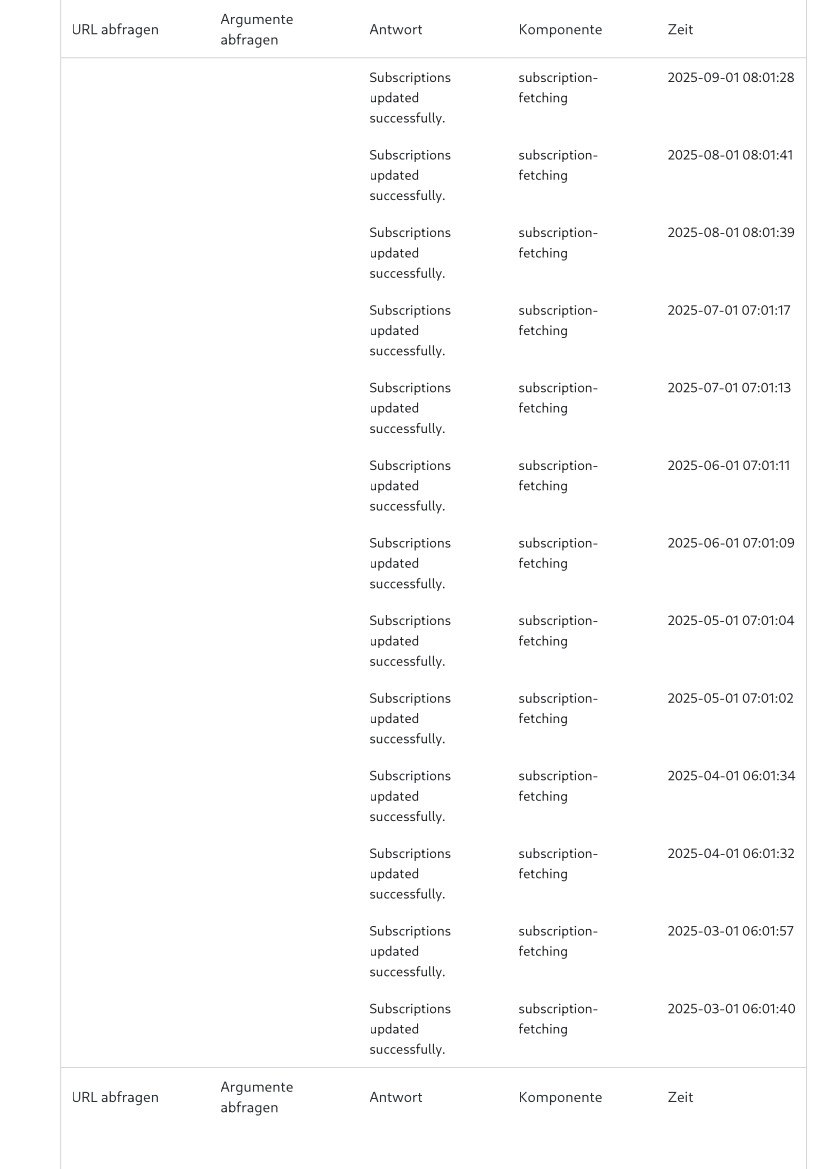
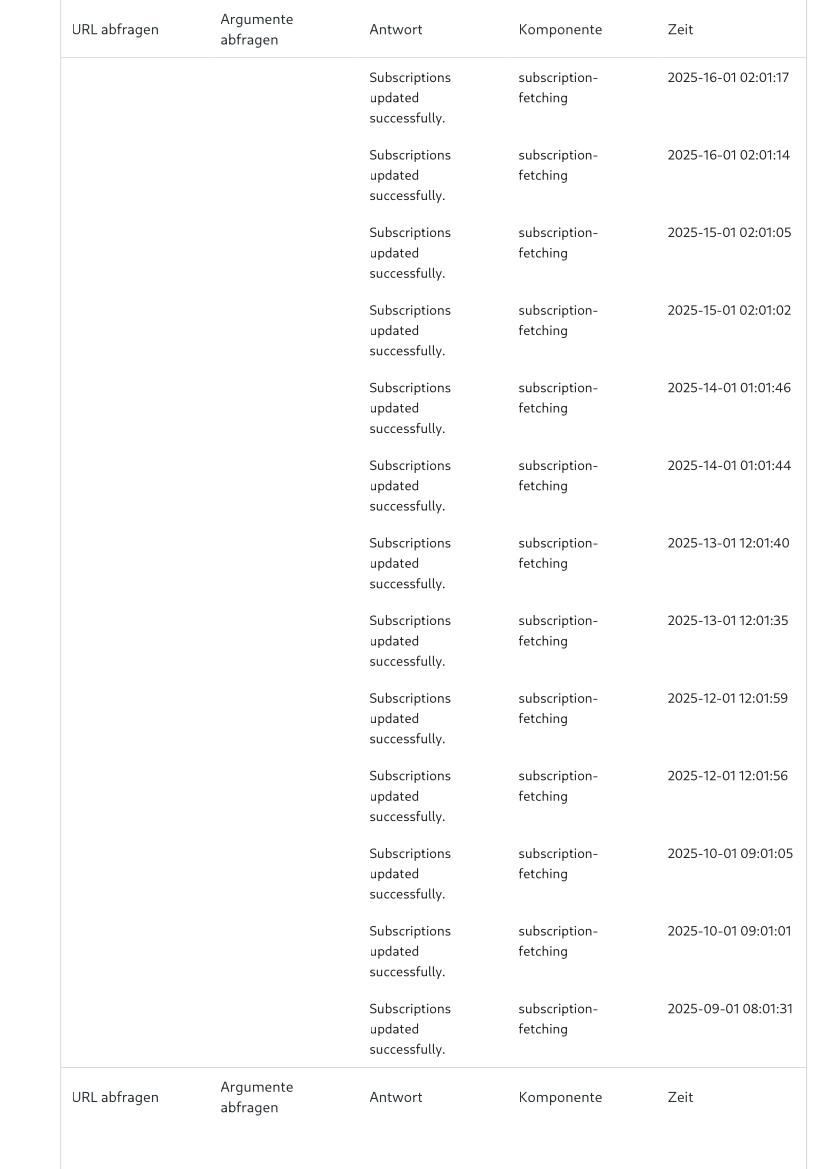
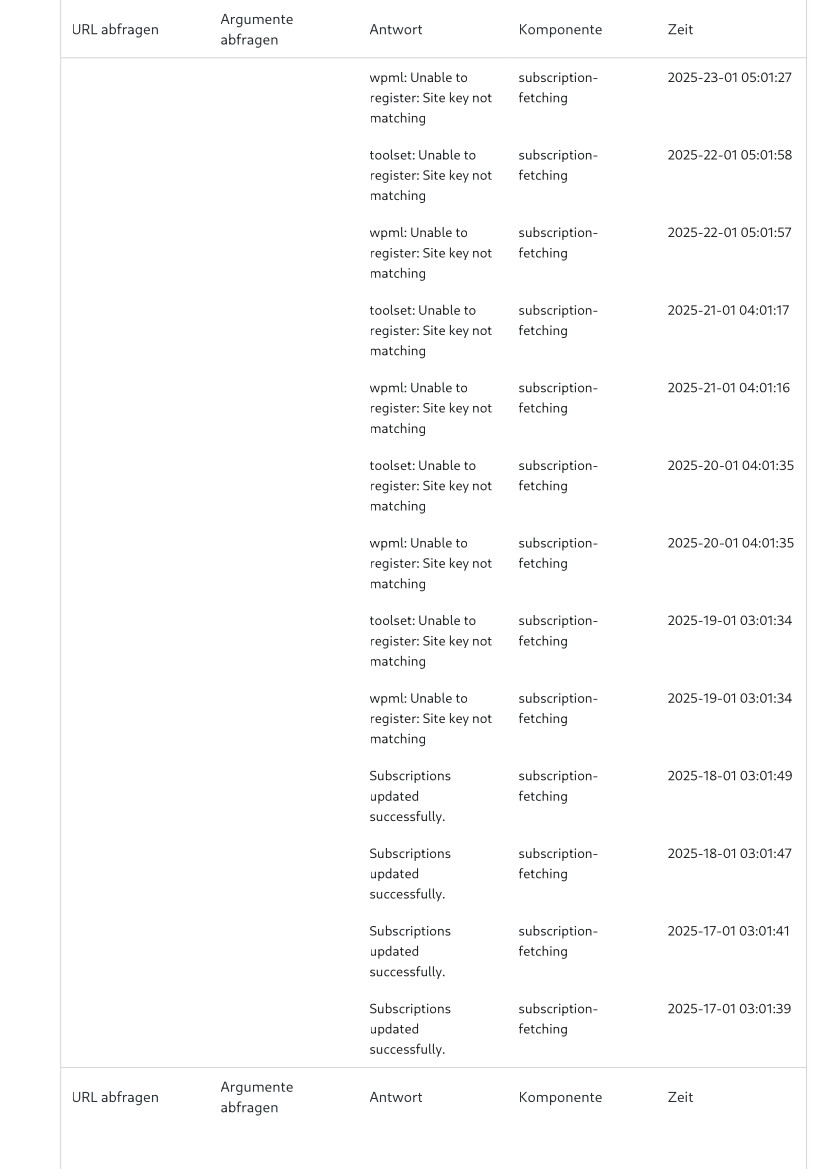
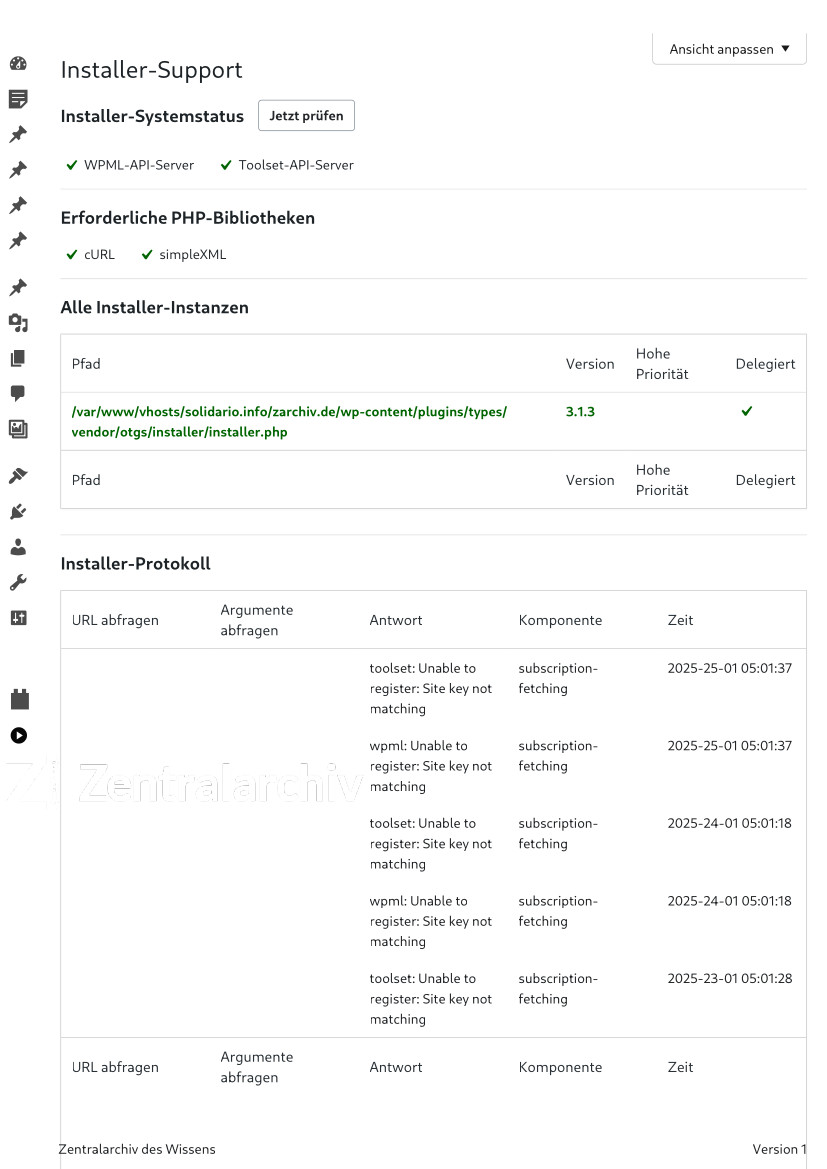
05 - Installer-Support — WordPress.jpg
04 - Installer-Support — WordPress.jpg
03 - Installer-Support — WordPress.jpg
02 - Installer-Support — WordPress.jpg
01 - Installer-Support — WordPress.jpg

Hello, I get the following message from Toolset:
„Toolset plugin cannot be connected to toolset.com“
and I don't know how to solve the problem. I will send you the report.
Many thanks for your support and best regards
Christian

#2794186

Minesh
Colaborador

Idiomas: Inglés (English )

Zona horaria: Asia/Kolkata (GMT+05:30)

Hello. Thank you for contacting the Toolset support.

Can you please try to navigate to:
=> Plugins => Add new => Commercial tab and under Toolset section click on button "Check for updates" and see if that help you to fix the issue.
- Does that helps?

Can you please make sure that you have correct site key generated and registered with Toolset?

Alternatively - what if you try to generate a new site key and register that newly generated site key to Toolset?
- https://toolset.com/faq/how-to-install-and-register-toolset/#automatic-installation-once-you-have-otgs-installer-plugin-installed

#2794218

Thank you very much! It was necessary to re-enter the key.