Hi there,
For some reason maps has stopped working, I am using the same on few sites and all sites I have checked so far are the same:
enlace oculto or enlace oculto
jquery.min.js?ver=3.6.0:2 jQuery.Deferred exception: Cannot read property 'event' of undefined TypeError: Cannot read property 'event' of undefined
at WPViews.ViewAddonMaps.self.initGoogle (enlace oculto)
at WPViews.ViewAddonMaps.self.init (enlace oculto)
at new WPViews.ViewAddonMaps (enlace oculto)
at HTMLDocument.<anonymous> (enlace oculto)
at e (enlace oculto)
at t (enlace oculto) undefined
S.Deferred.exceptionHook @ jquery.min.js?ver=3.6.0:2
jquery.min.js?ver=3.6.0:2 Uncaught TypeError: Cannot read property 'event' of undefined
at WPViews.ViewAddonMaps.self.initGoogle (wpv_addon_maps.js?ver=2.0.8:1459)
at WPViews.ViewAddonMaps.self.init (wpv_addon_maps.js?ver=2.0.8:1569)
at new WPViews.ViewAddonMaps (wpv_addon_maps.js?ver=2.0.8:1575)
at HTMLDocument.<anonymous> (wpv_addon_maps.js?ver=2.0.8:1579)
at e (jquery.min.js?ver=3.6.0:2)
at t (jquery.min.js?ver=3.6.0:2)
Thanks for your help!
Phil
Hello,
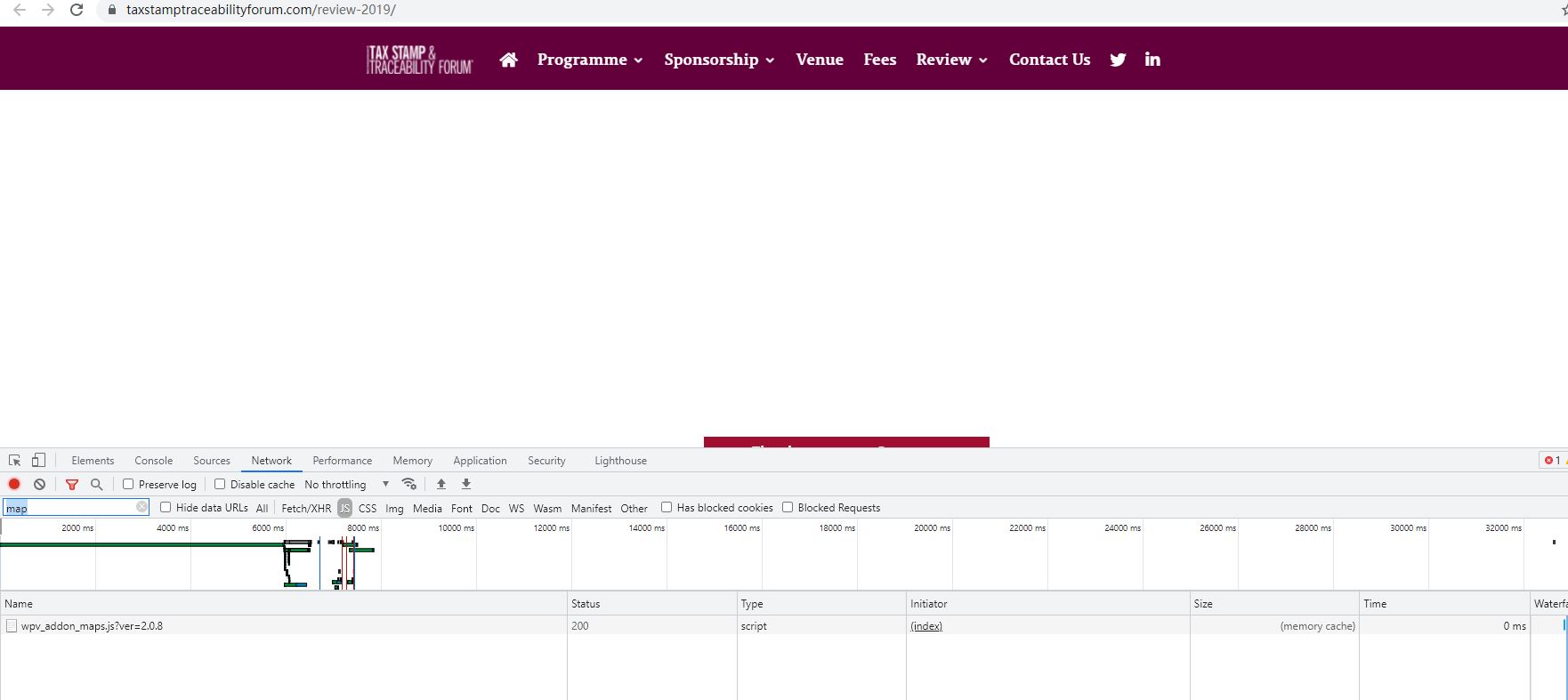
I have checked the URL you mentioned above, it does not load any Google map API JS files, for example:
enlace oculto
See my screenshot map5.JPG
The problem is abnormal, please check these:
1)Follow our document to setup new Google map API keys, and test again:
https://toolset.com/course-lesson/creating-a-maps-api-key/#creating-an-api-key-for-google-maps
2) Make sure you are using the latest version of Toolset plugins, you can download them here:
https://toolset.com/account/downloads/
3) In case it is a compatibility problem, please deactivate all other plugins, and switch to WordPress default theme 2021, and test again
Hi Luo,
Thanks for your quick reply. As you can see on the homepage enlace oculto Google map loads properly. It is only when using the toolset map which doesn't.
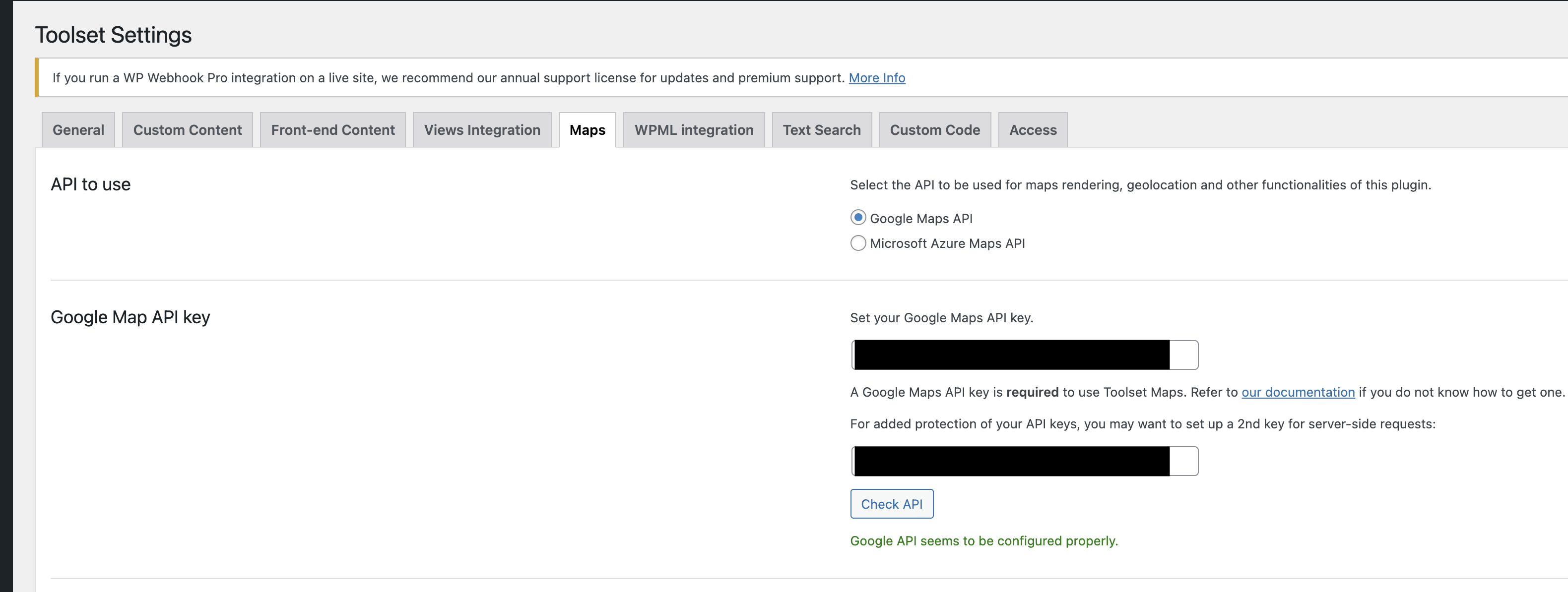
When I do a Toolset check API it seems to be OK. This use to work fine.
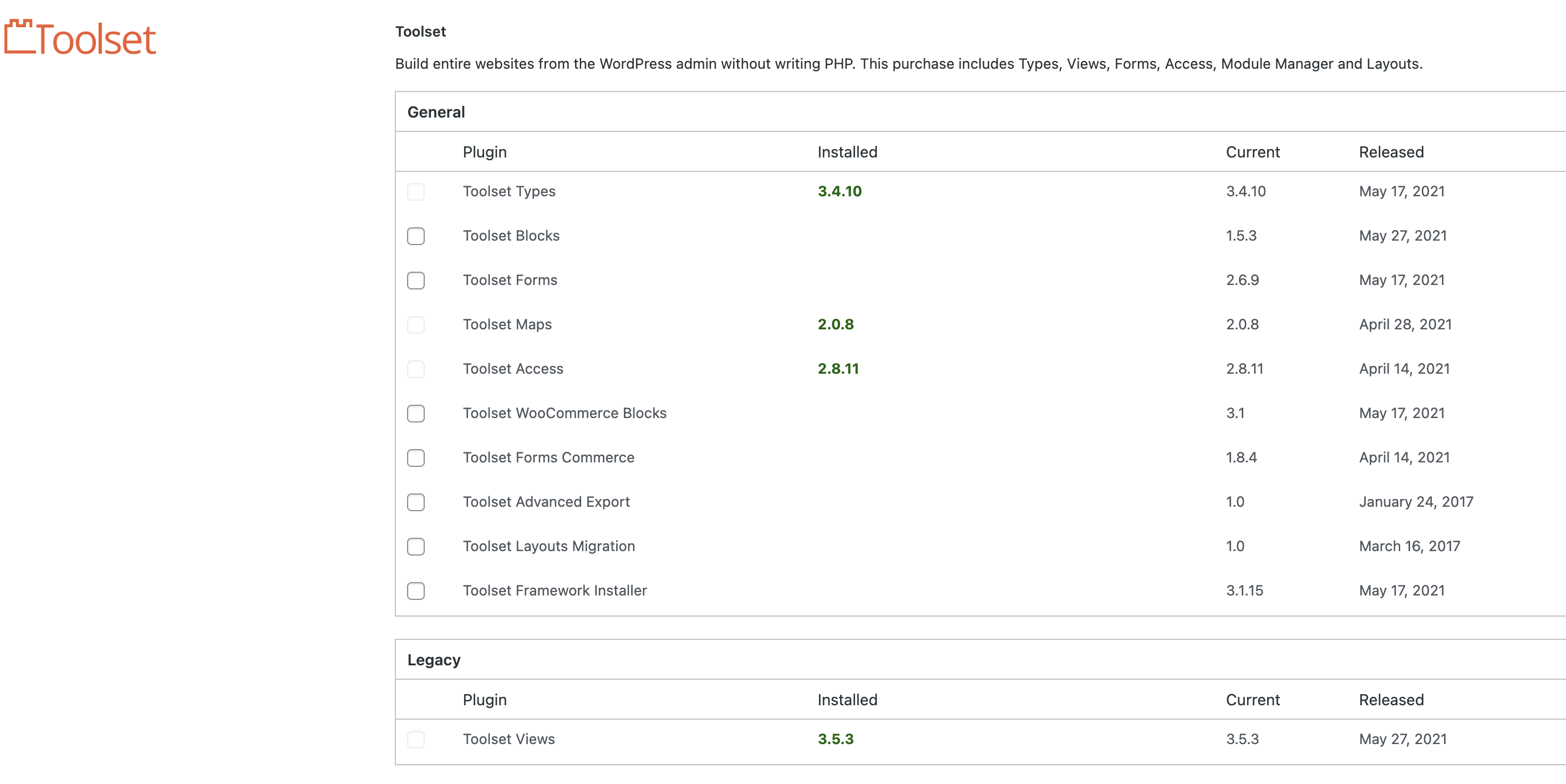
Currently running the latest version - see screen shot.
Any other idea? I can provide access to the site if needed.
Thanks,
Phil
You are using old version of Toolset plugins, the latest version of Types plugin is 3.4.11, Maps plugin is 2.0.9, you can download them here:
https://toolset.com/account/downloads/
And please try as I mentioned above:
3) In case it is a compatibility problem, please deactivate all other plugins, and switch to WordPress default theme 2021, and test again
If the problem still persists, please provide database dump file(ZIP file) of your website, you can put the package files in your own google drive disk, share the link only, I need to test and debug it in my localhost, thanks
https://toolset.com/faq/provide-supporters-copy-site/
My issue is resolved now. Thank you!