Saltar navegación

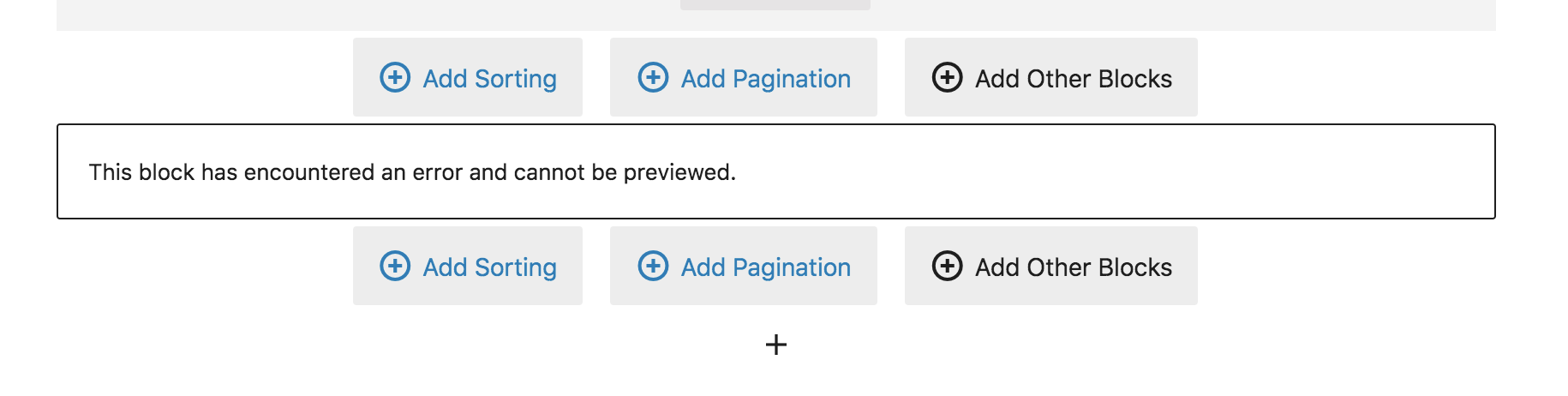
[Cerrado] This block has encountered an error and cannot be previewed

This support ticket is created 4 years, 4 months ago. There's a good chance that you are reading advice that it now obsolete.

This is the technical support forum for Toolset - a suite of plugins for developing WordPress sites without writing PHP.

Everyone can read this forum, but only Toolset clients can post in it. Toolset support works 6 days per week, 19 hours per day.

Sun Mon Tue Wed Thu Fri Sat
- 10:00 – 13:00 10:00 – 13:00 10:00 – 13:00 10:00 – 13:00 10:00 – 13:00 -
- 14:00 – 18:00 14:00 – 18:00 14:00 – 18:00 14:00 – 18:00 14:00 – 18:00 -

Zona horaria del colaborador: Asia/Kolkata (GMT+05:30)

Este tema contiene 1 respuesta, tiene 2 mensajes.

Última actualización por Minesh 4 years, 4 months ago.

Asistido por: Minesh.

Autor
Mensajes
#2276689
Screen Shot 2022-01-26 at 11.57.01 AM.png

Tell us what you are trying to do?
Add an image into my toolset view loop.
All of the other fields seem to be working, but once I try to add in the image, it gives me that preview error. I have tried deleting the whole view on that page and starting from scratch. I have also tried creating a brand new view on a new page and all times it gives me this error for the image.

What is the link to your site?
enlace oculto
I can provide the direct link to the page. It is called Classroom Kit Toolset View

#2277175

Minesh
Colaborador

Idiomas: Inglés (English )

Zona horaria: Asia/Kolkata (GMT+05:30)

Hello. Thank you for contacting the Toolset support.

I would like to have debug information that will help us to debug and investigate your issue:
- https://toolset.com/faq/provide-debug-information-faster-support/

- Are you using PHP 8?
- What MySQL version you are using?

El debate ‘[Cerrado] This block has encountered an error and cannot be previewed’ está cerrado y no admite más respuestas.