enlace oculto
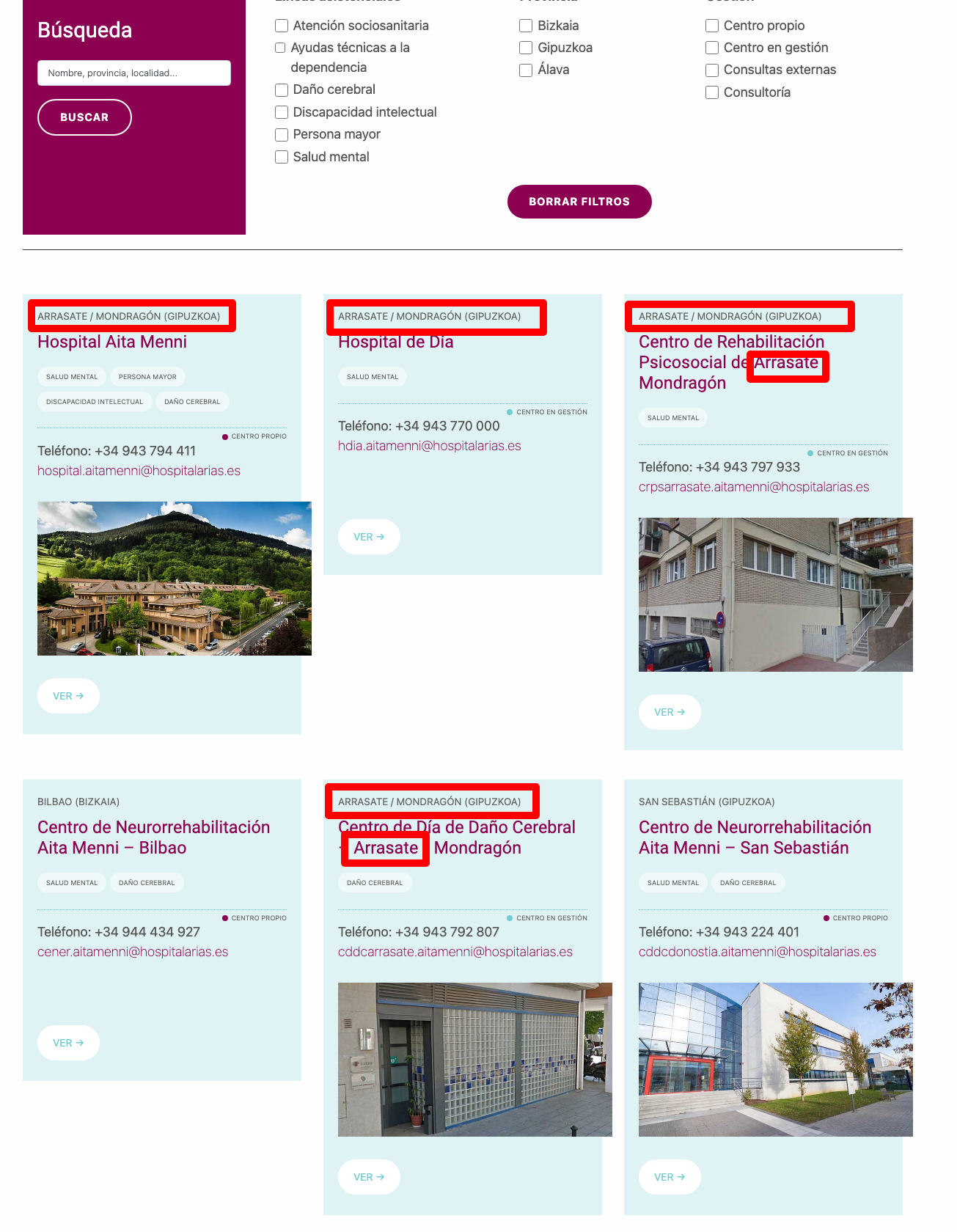
This is a view with filters and search box that shows a loop of "Centers" (custom post field).
The content template shows several custom fields from the "Center" CPT.
It seems that the search functionality works for titles, but what about custom fields? Are they searchable?
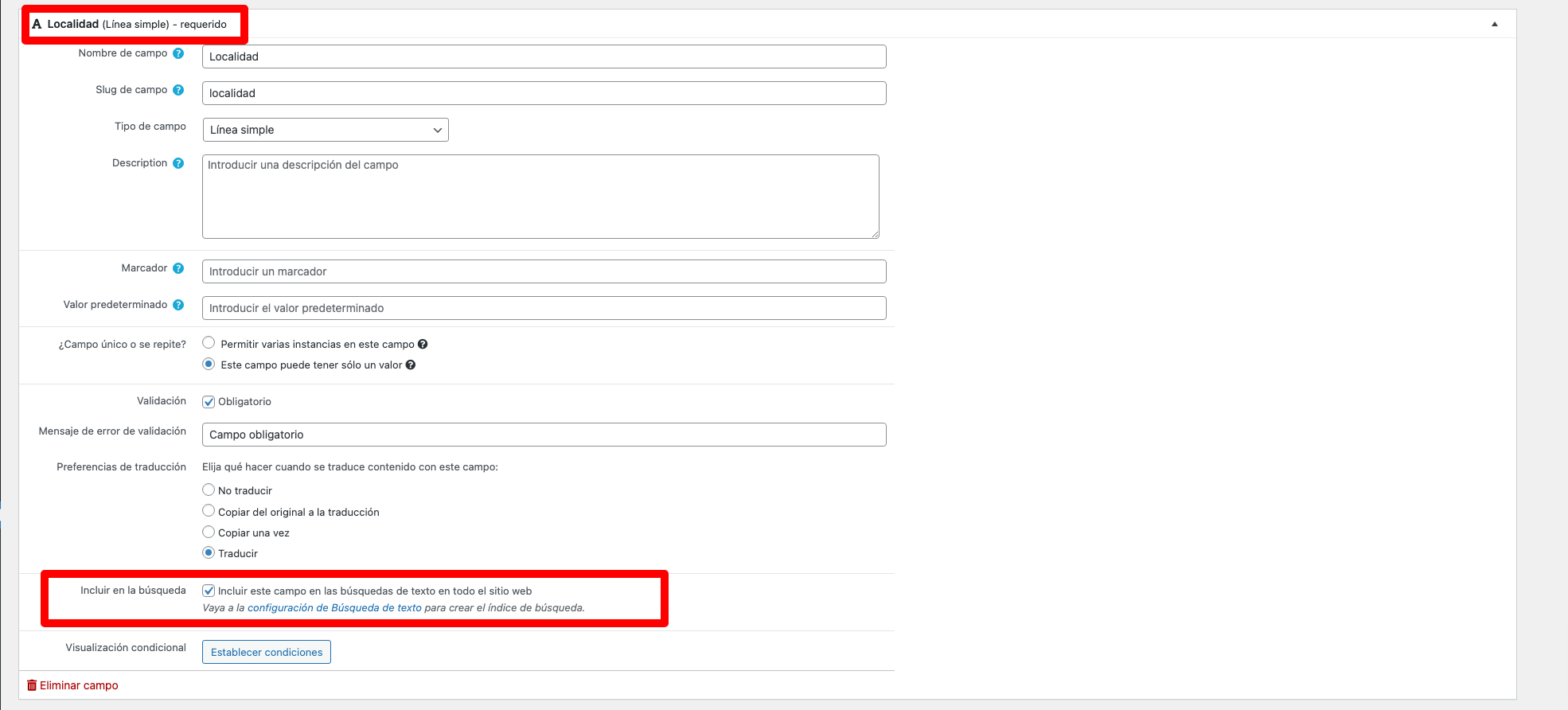
I checked the "Include this field in text searches".
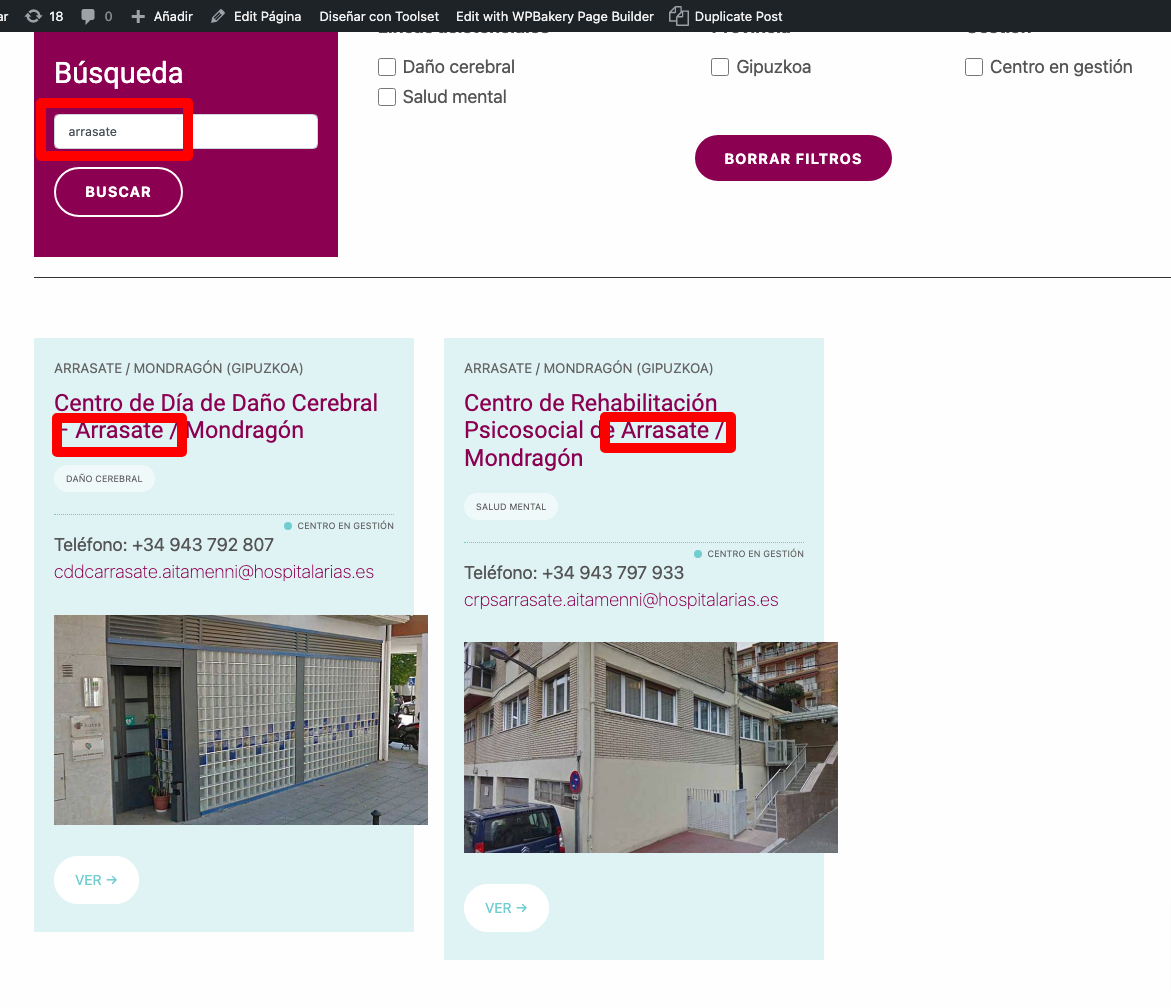
There are 5 centers in Arrasate (a city), but when searching for "Arrasate" in the search box, only those centers who have "Arrasate" in their titles are shown. It seems that the search is not performed through the custom fields.
HI Roberto,
Thank you for getting in touch.
It is possible to have your text search go through your custom fields. To do this you will need to follow the instructions in the link below.
https://toolset.com/course-lesson/searching-texts-in-custom-fields-with-toolset-and-relevanssi/
Thanks,
Shane
Thank you for your guidance, Shane.
I followed the steps in the lesson:
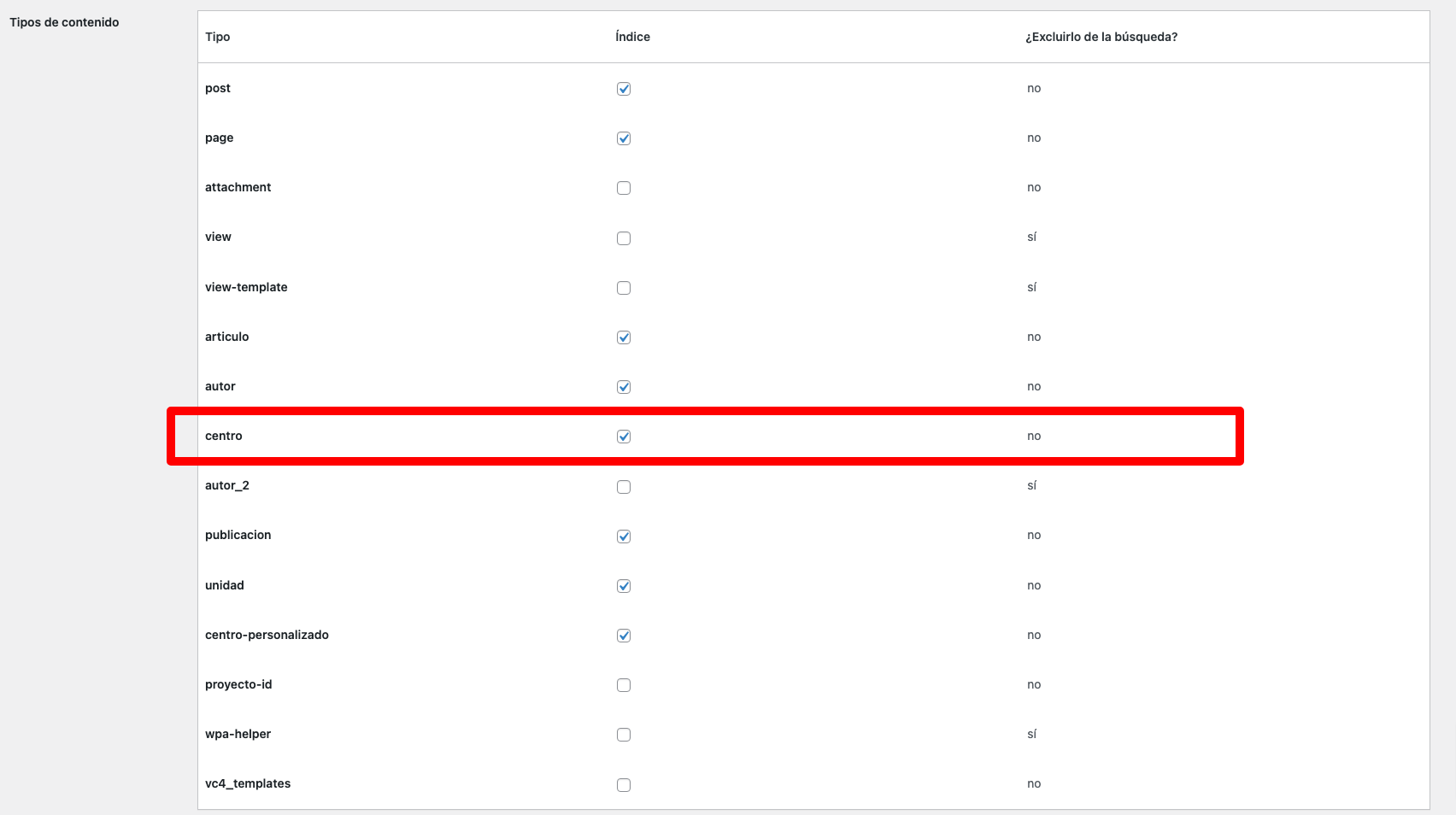
1. "Centros" CPT is ticked as Index in Relevanssi. (screenshot)
2. "Localidad" custom field is a single line field and has "Include in search" ticked. (screenshot)
3. wpcf-localidad is registered in Relevanssi. (screenshot)
4. Index is built in Relevanssi.
But I get the same result: only Centers that have the City name in their titles are shown.
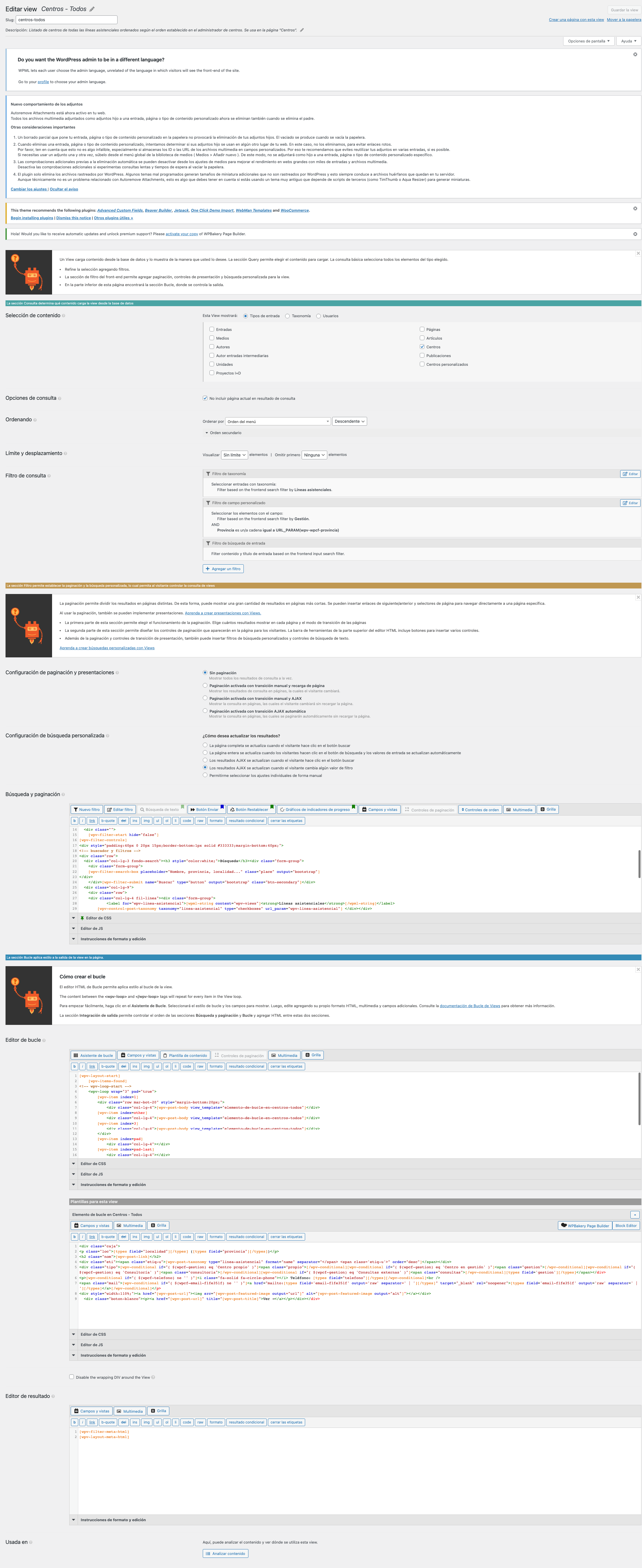
The view is built in legacy mode, not with Blocks, but Blocks is installed.
I´m attaching a screenshot of the view configuration, too.
Is there something I´m missing?
Hi Roberto,
The documentation assumes that you're adding the search for the first time. However you will need to remove the search filter shortcode from your view and then delete the query filter for it. It should pop up once you delete the search filter shortcode and save your view.
Re-add your search bar and then Select the option that includes the custom field when you're re-adding the search.
Thanks,
Shane
Re-adding the search box with the right option did the job.
My issue is resolved now. Thank you!