Saltar navegación

[Resuelto] Styling not showing up on front end

This is the technical support forum for Toolset - a suite of plugins for developing WordPress sites without writing PHP.

Everyone can read this forum, but only Toolset clients can post in it. Toolset support works 6 days per week, 19 hours per day.

Sun Mon Tue Wed Thu Fri Sat
- 10:00 – 13:00 10:00 – 13:00 10:00 – 13:00 10:00 – 13:00 10:00 – 13:00 -
- 14:00 – 18:00 14:00 – 18:00 14:00 – 18:00 14:00 – 18:00 14:00 – 18:00 -

Zona horaria del colaborador: Asia/Kolkata (GMT+05:30)

Este tema contiene 1 respuesta, tiene 2 mensajes.

Última actualización por Minesh 1 year, 11 months ago.

Asistido por: Minesh.

Autor
Mensajes
#2704168
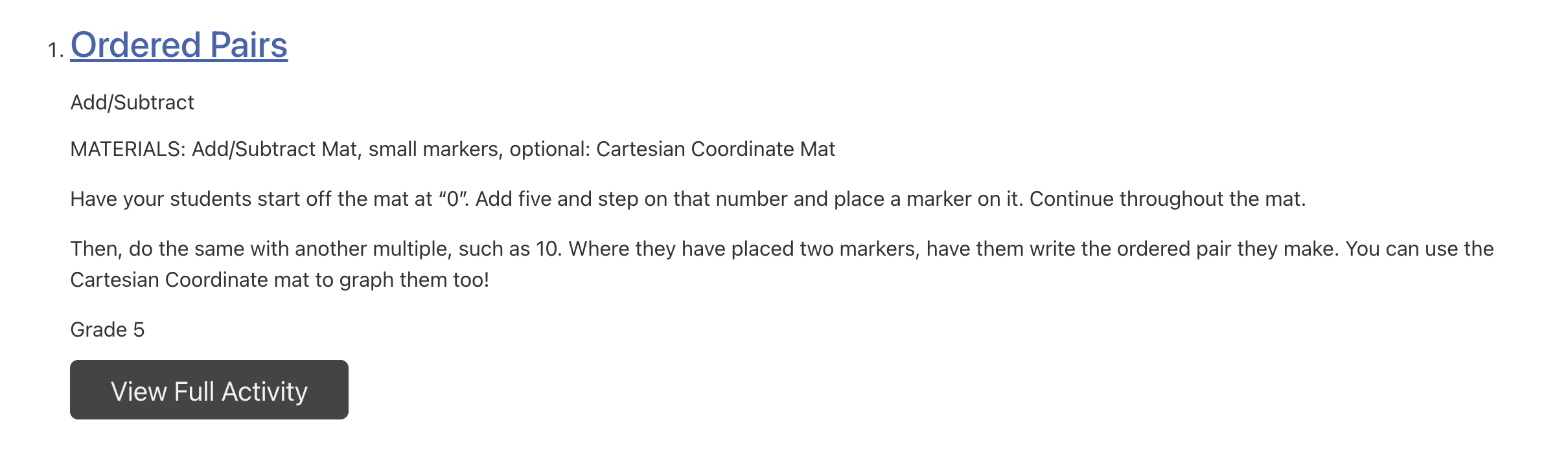
Screen Shot 2024-06-24 at 2.48.53 PM.png
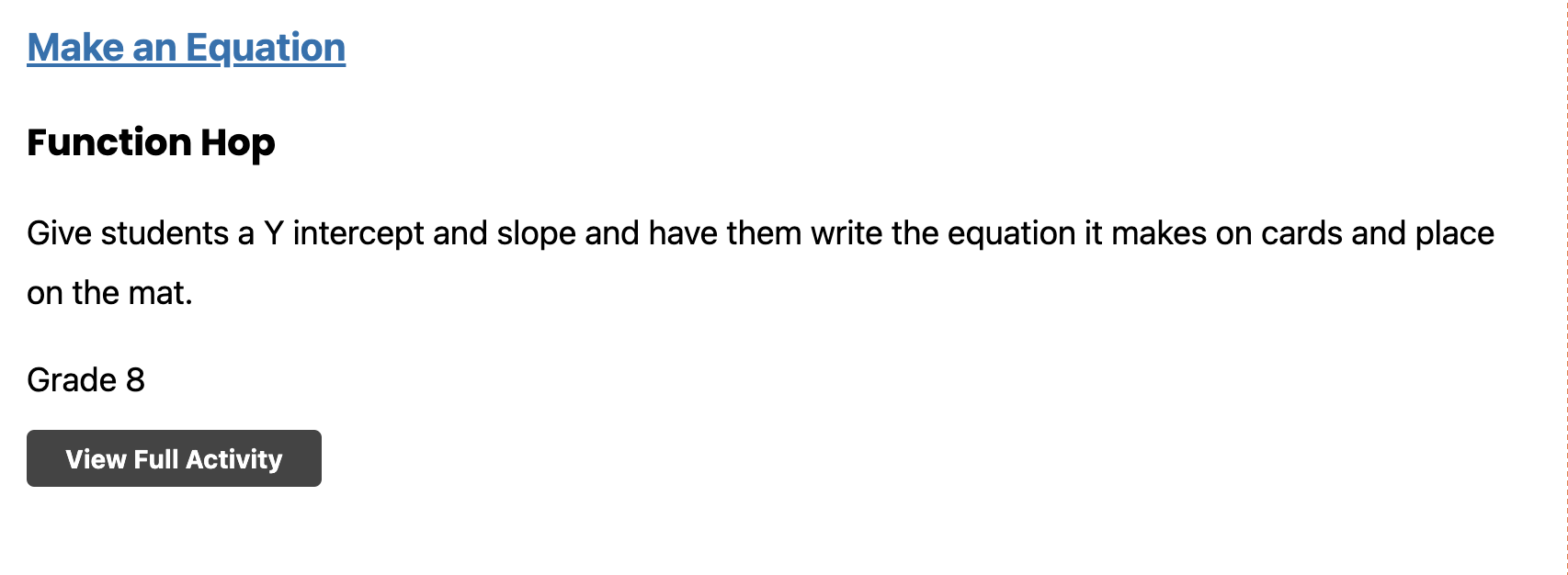
Screen Shot 2024-06-24 at 2.48.29 PM.png

Tell us what you are trying to do? Make the styling I have setup for the single field - current activity used and the button to show up as I have it in the view editor. I also want to change the numbering order to be the same font size as the heading it is next to.

Is there any documentation that you are following?

Is there a similar example that we can see?

What is the link to your site?
enlace oculto

#2704335

Minesh
Colaborador

Idiomas: Inglés (English )

Zona horaria: Asia/Kolkata (GMT+05:30)

Hello. Thank you for contacting the Toolset support.

There is a known issue with this and you can see the following errata for that:
- https://toolset.com/errata/styles-lost-on-front-end-of-blocks-added-to-the-output-of-a-view-block/

Here is the Doc that shows how you can style the view result:
- https://toolset.com/course-lesson/styling-views-and-archives/