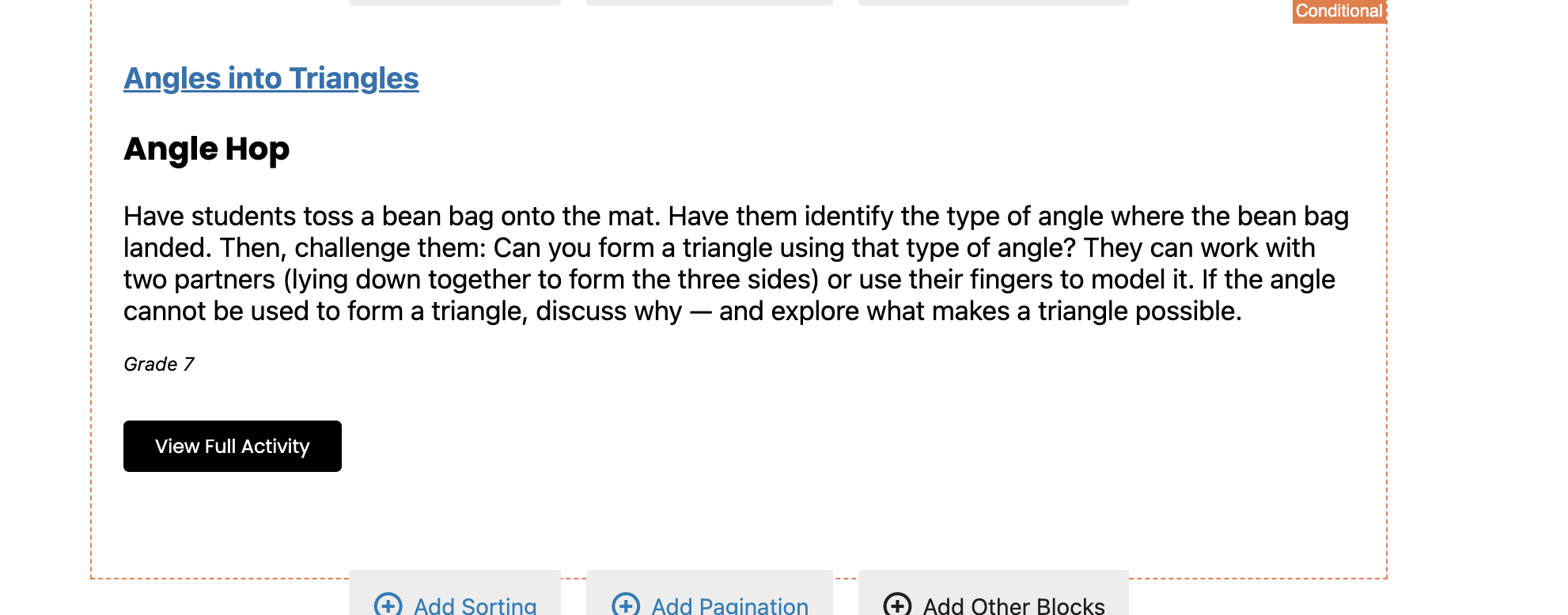
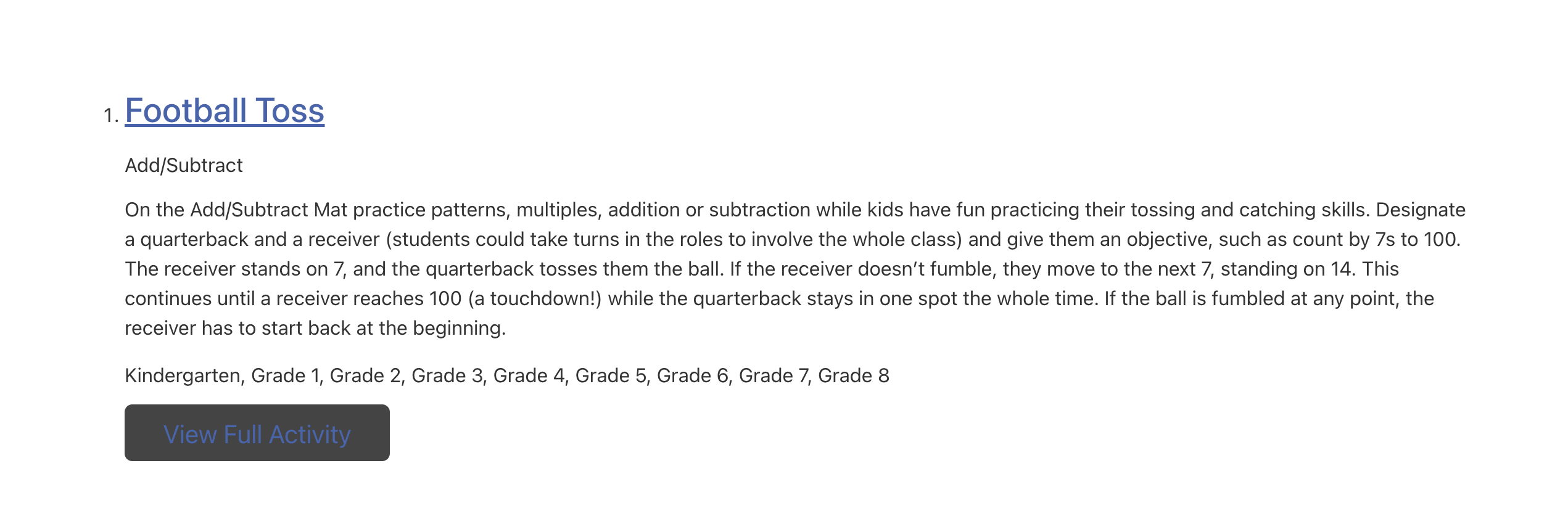
I am trying to:
make the front end of my view match what I am seeing in the editor.
Link to a page where the issue can be seen:
enlace oculto
Hi,
That seems to be related to your theme as the front end styling might overwrite the normal styling of Toolset.
- IMPORTANT STEP! Create a backup of your website. Or better approach will be to test this on a copy/staging version of the website to avoid any disruption of a live website.
- Switch to the default theme such as "TwentyTwenty" by going to "WordPress Dashboard > Appearance > themes".
- See if the issue is fixed.
Thanks.
Hello - unfortunately, I cant test it on our staging site because it doesn't seem like the toolset account will allow us to use it on 2 accounts. I also want to note that styling is okay on some of our other toolset created pages, so this doesn't seem like it's theme related:
Example where styling is correct: enlace oculto
We also cannot change the theme on our main site because it is live.
Staging site: enlace oculto
Hi,
A test to know if it is the case or not is important, Toolset allows you to add extra slot if you set it as development. Please do as follows for the staging website:
- Make sure that you are logged in toolset.com.
- Go to "WordPress Dashboard > Plugins > Add New > Commercial (Tab)".
- Click the unregister link to unregister Toolset
- Click the "Register Toolset" at the right section of the screen.
- Click the "Get a key for this site" link
- A new page will open up and the auto-generated key will show in pop-up.
- In the pop up you will have an option to set this site as a development site. It will not take extra slot from that site.
- Copy the key and paste it into the "Site Key" input box
- Click the "OK" button.