I am trying to: Add a coupon to a business. These post types were previously working in a relationship of 1 to many. That relationship still is shown under relationships.
Link to a page where the issue can be seen: enlace oculto
I expected to see: Under the coupons tab I expected to see the coupon listed for this business (it is listed under the coupons section here enlace oculto "TESTYTYT")
Instead, I got: No coupon in the the business, and when editing that coupon post...it does not show that the relationship was formed connecting it to the business. This was previously working, and I have not checked it in a while but maybe 6 months ago. I didn't change any settings. Now it is not working.
We can't really assess what is happening without access to or a copy of your site.
Let me set up a private reply so that we can get log-in credentials from you—you may want to create a temporary admin user for us to use that you can later delete. And be sure to have a current backup of your site.
I run into the issue when logging in to the front end dashboard: enlace oculto
Since you are an admin, you will see all businesses...scroll down a bit until you see the list of businesses and click on ADD Coupon. This will take you to a Toolset form. When you fill it out and submit, it will take you back to the dashboard where there would be a coupon shown and a chance to add another one if desired. Only, it doesn't show. It does add a coupon and you could verify it by looking at the Coupons in the WP-Admin, but does not connect the relationship to the business using that form. It used to.
Thank you for the feedback. Unfortunately, I can't see what you describe on the membership page enlace oculto
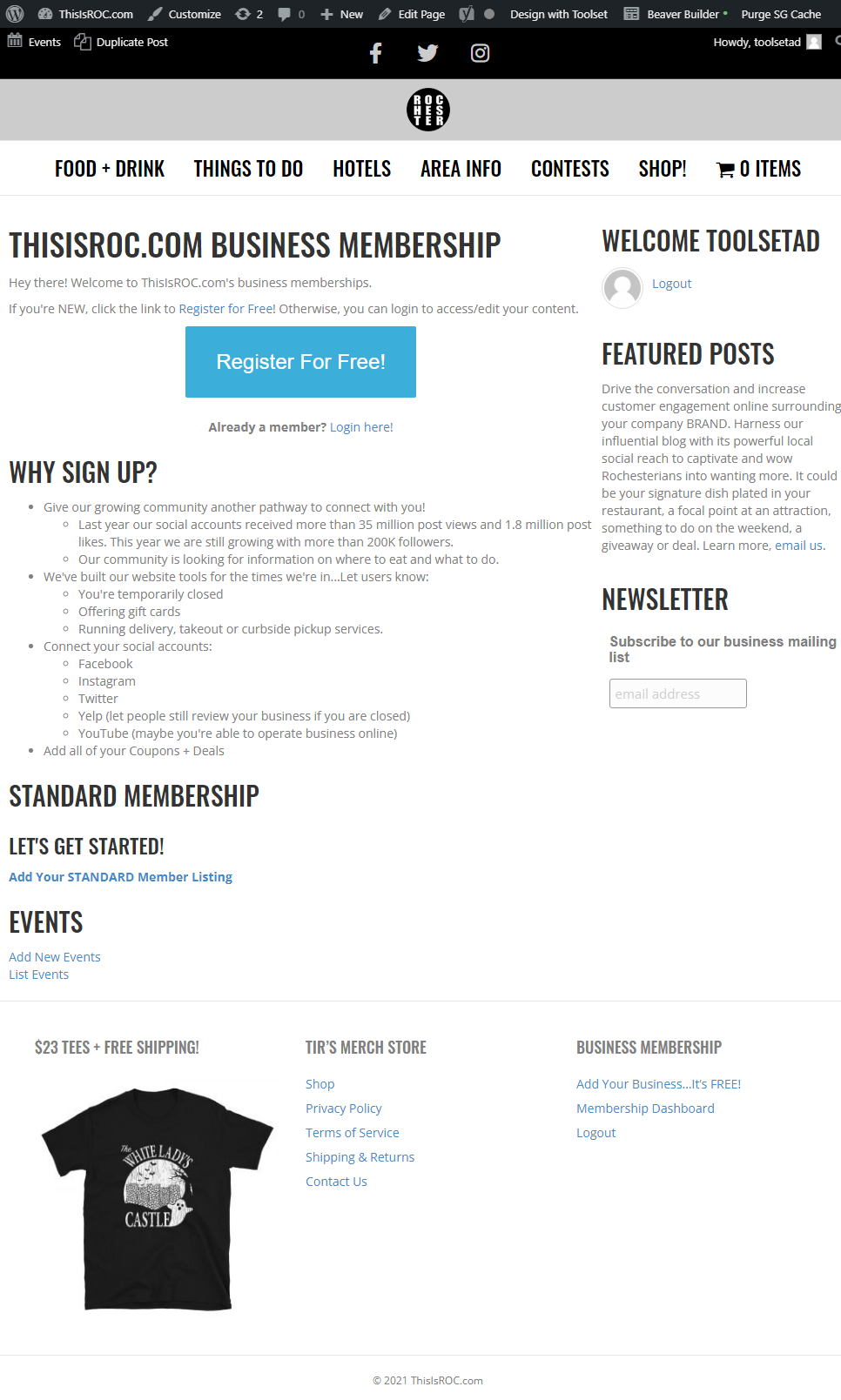
Check the attached image.
So, I inspected the forms and found two that create Coupons. Both forms do not include the relationship field that will ensure the relation between the posts. Check this screenshot enlace oculto
Then you will have to pass the Business ID to the field. Either using a URL_Parameter, or using a shortcode.
I can't tell which one, I need to see the form on the frontend and check its URL.