I’m still struggling following the migration of the antegnati.it website, mainly because some pages created by the previous administrator aren’t visible. In particular, I’d like to view the templates in Toolset ‘Content templates’, but the site tells me I don’t have permission to access those pages. I’ve deleted the previous administrator’s account and assigned all their pages to my account, but it still won’t let me see them...
Hello. Thank you for contacting the Toolset support.
That is really strange.
Can you please share admin access details and problem URL and tell me what content template you are targeting?
*** Please make a FULL BACKUP of your database and website.***
I would also eventually need to request temporary access (WP-Admin and FTP) to your site. Preferably to a test site where the problem has been replicated if possible in order to be of better help and check if some configurations might need to be changed.
I have set the next reply to private which means only you and I have access to it.
The four links you shared with your previous reply is of views not content template.
Do you mean you have issue with view's template - the content template added within view's loop?
Can you please share few screenshot poinnting out the issue and then once I understand where exactly the issue is I will be able to guide you in the right direction.
thank you for the reply.
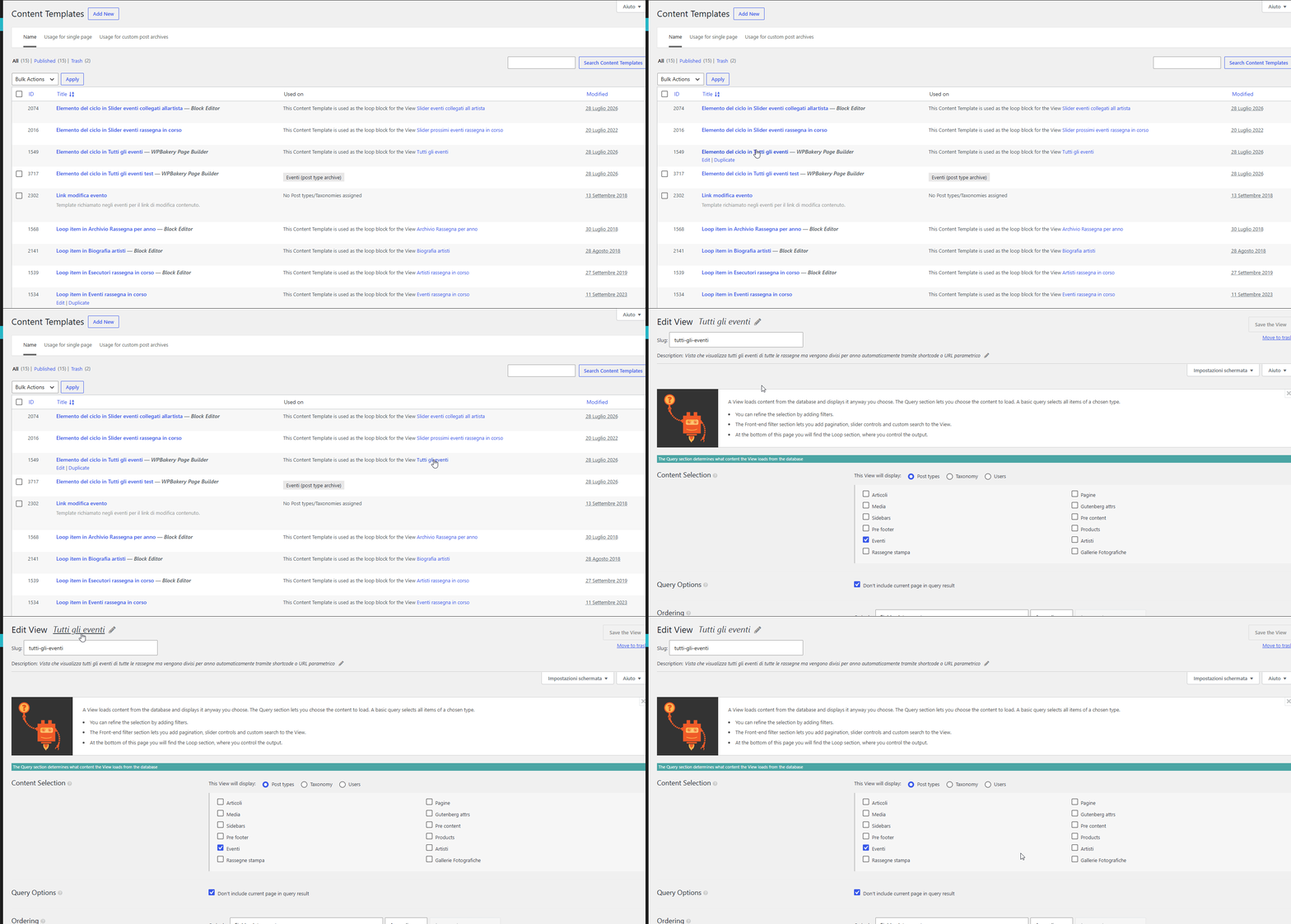
Well, now I can see - for example - the view "Tutti gli eventi" (see attach 01.gif).
I couldn't open the view before (Error 403). Now I can open it. For this, thank you.
Could you please explain to me?...
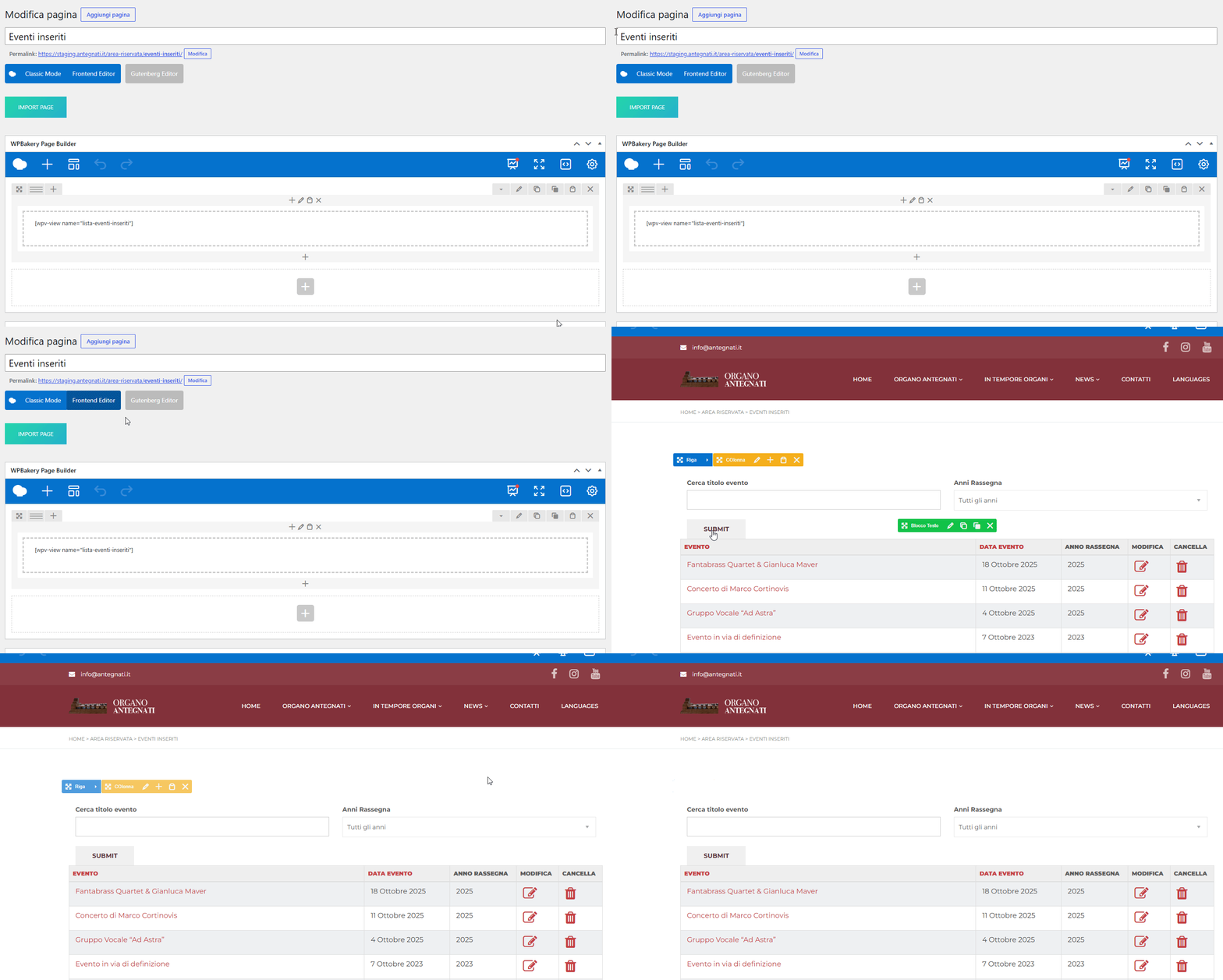
I wanted to open the views to understand how modify the page "Eventi inseriti" (see attach. 02.gif).
I thought the page gets the template "Elemento del ciclo in Tutti gli eventi" (see attach. 01.gif ID 1549),
but I couldn't verify it because the error.
At this point, I think that "Eventi inseriti" isn't associated to the template...
I see in the editor WPBakery Page Builder the string [wpv-view name="lista-eventi-inseriti"]...
I mean, I need to get a better understanding of how your plugin works.