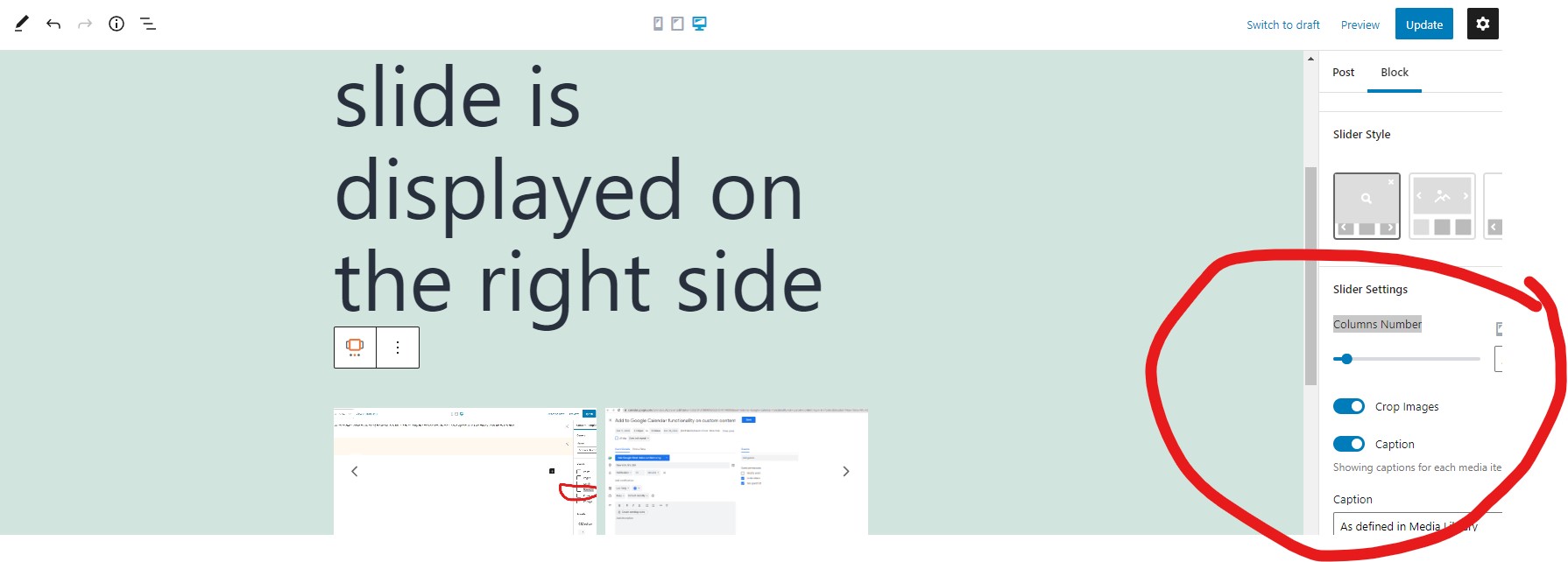
I need to make the slider on the right side to be like here on the project:
enlace oculto
How to do it?
best regards
Hello,
It is possible within Toolset plugins, see below demo site:
enlace oculto
Login URL:
enlace oculto
Here is the detail steps:
1) Create a custom multiple instances image field:
enlace oculto
2) In the single post:
enlace oculto
- Add images in above image field
- Display the sliders with Toolset Image Slider block, choose image source from above image field
For your reference.
Dear Luo,
I need this version
enlace oculto
Can be done?
best
Unfortunately, there isn't such kind of exact feature within Toolset plugins.
You can setup the sliders width as 1 or 2 columns, it can not be setup as 1.5 columns.
See it in above test site:
enlace oculto
in the slider block setting, option "Columns Number", see my screenshot Columns-Number.jpg
I understand. I don't use Toolset Block. But old view and elementor. How to do it?
The classic view(old view) does not have Toolset Image Slider block, it needs blocks editor(Toolset Blocks plugin).
You can follow our document to use Elementor with the WordPress Block Editor:
https://toolset.com/course-lesson/using-toolset-with-elementor-page-builder/#getting-started
And you can enable legacy Version of Toolset Views in Toolset Blocks plugin:
https://toolset.com/course-lesson/enabling-legacy-version-of-toolset-views/
Dear Luo, I created a group of fields. But there is no block editor: enlace oculto . My option in settings is: enlace oculto Can I share you access to my website? Best
OK, please provide your website credentials in below private message box, thanks
Thanks for the details, I have done below modifications in your website:
1) Create a content template "Image slider CT", edit with Blocks editor:
enlace oculto
add "Image Slider", and setup the source from your custom image field
2) Edit the elementor template:
enlace oculto
Add a shortcode widget, with below shortcode:
[wpv-post-body view_template="Image slider CT"]
It works fine in frontend:
enlace oculto
More help:
https://toolset.com/documentation/programmer-reference/views/views-shortcodes/#wpv-post-body
According to our support policy, we prefer one ticket one question.
For other new questions, please create new threads for them.
My issue is resolved now. Thank you!