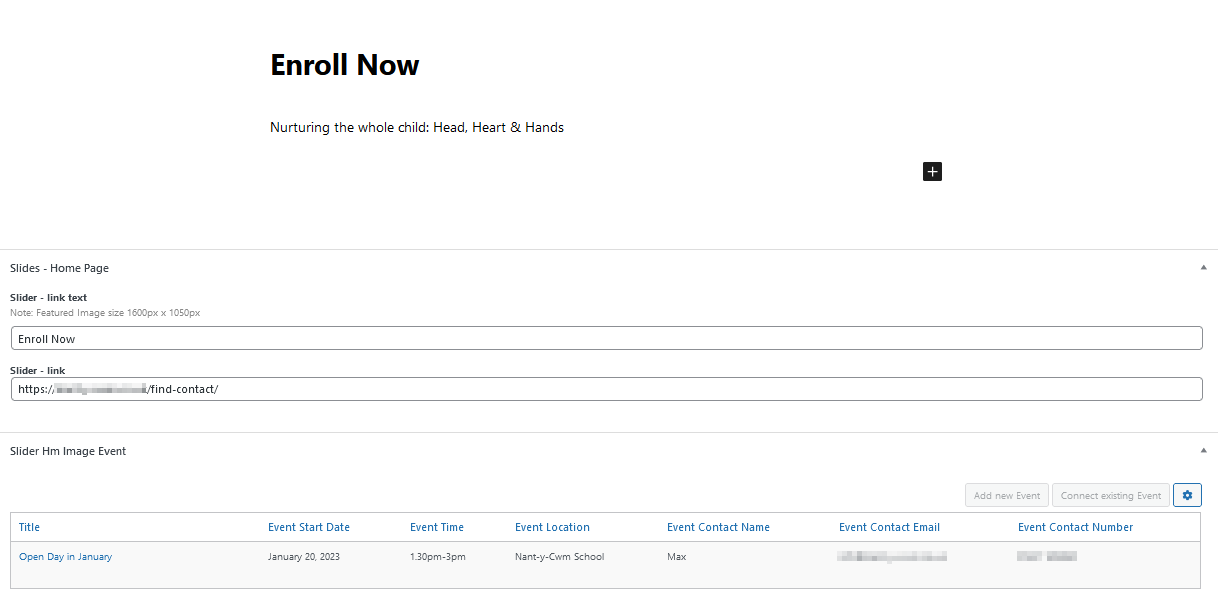
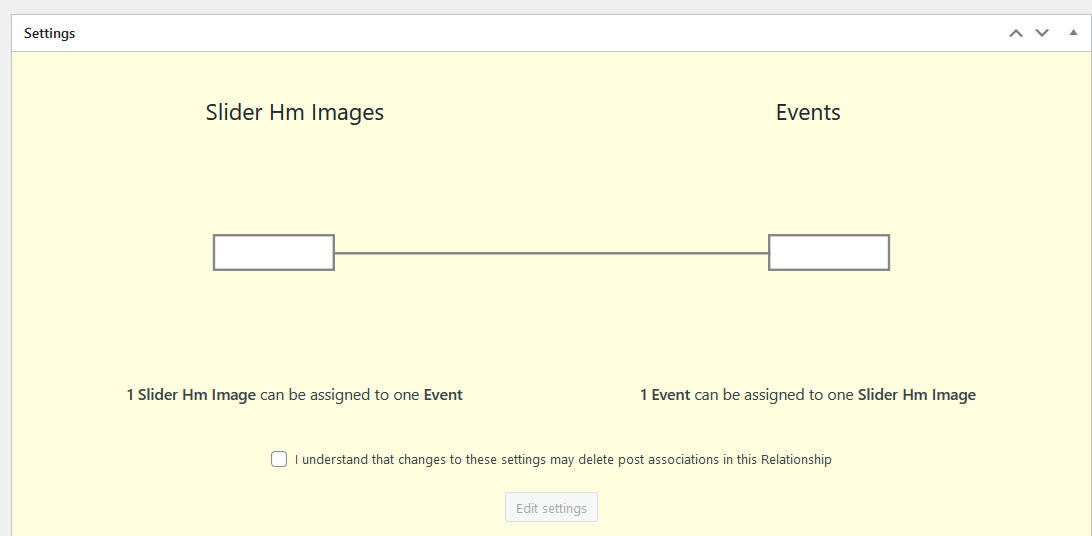
I've a One to One relationships set up. Slider Hm Images and Events.
On one slider image only I want to show the next Open Day Event (set up on the Enroll Now slider for now).
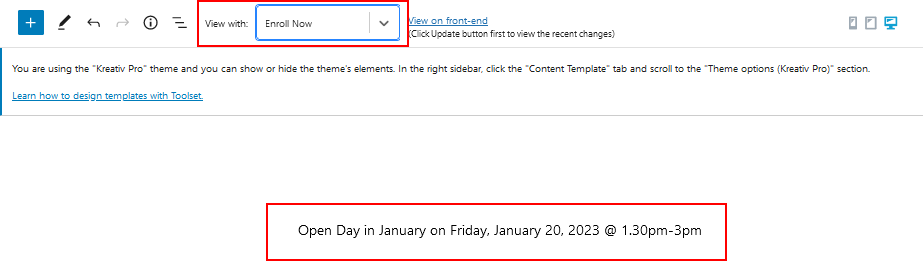
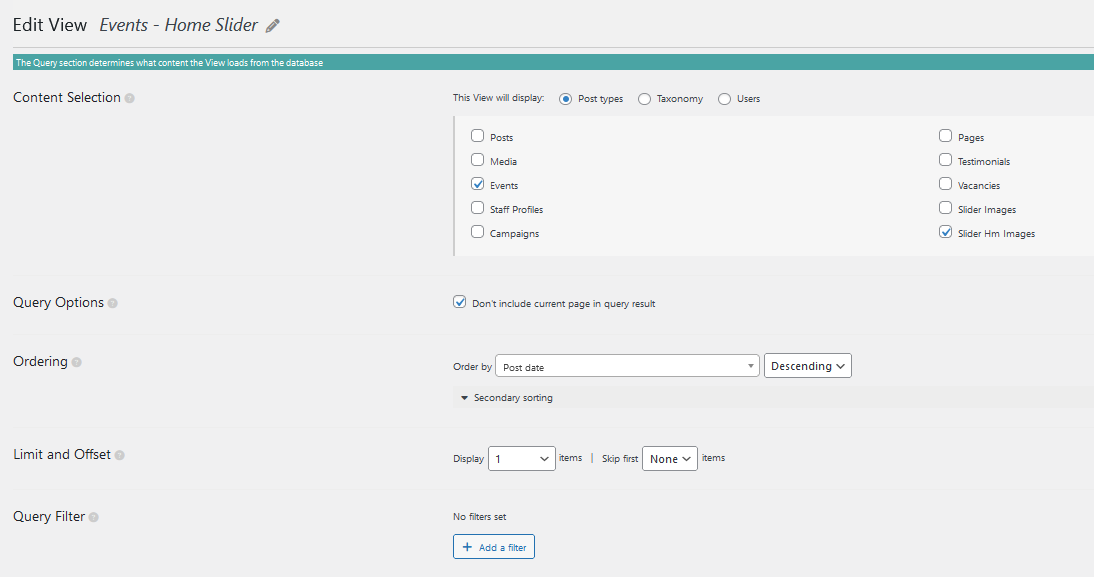
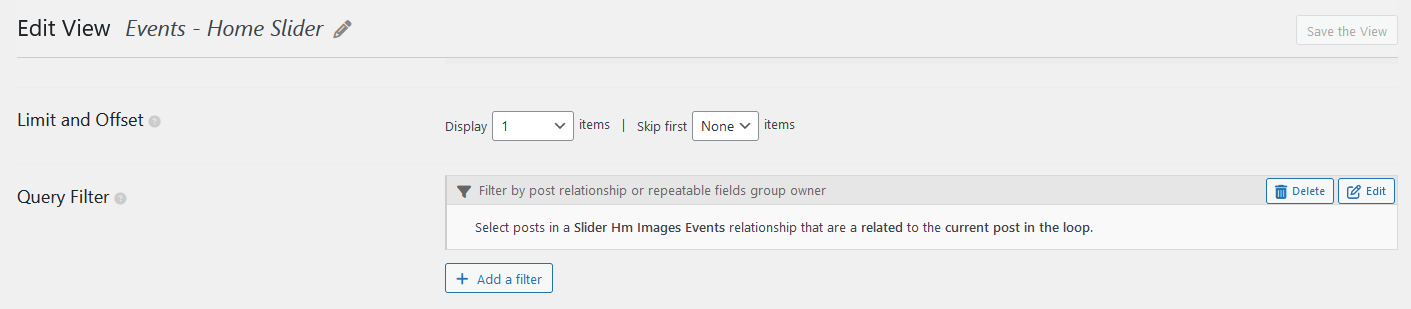
I created a View Events - Home Slider. It 'works' in the back end when I select the Slider post (Enroll Now) that I've linked an Event to.
This is the code.
<p>[wpv-post-title item="@121slider-hm-image-event.child"] on [types field='event-start-date' style='text' format='l, F j, Y' item='@121slider-hm-image-event.child'][/types] @ [types field='event-time' item='@121slider-hm-image-event.child'][/types]</p>
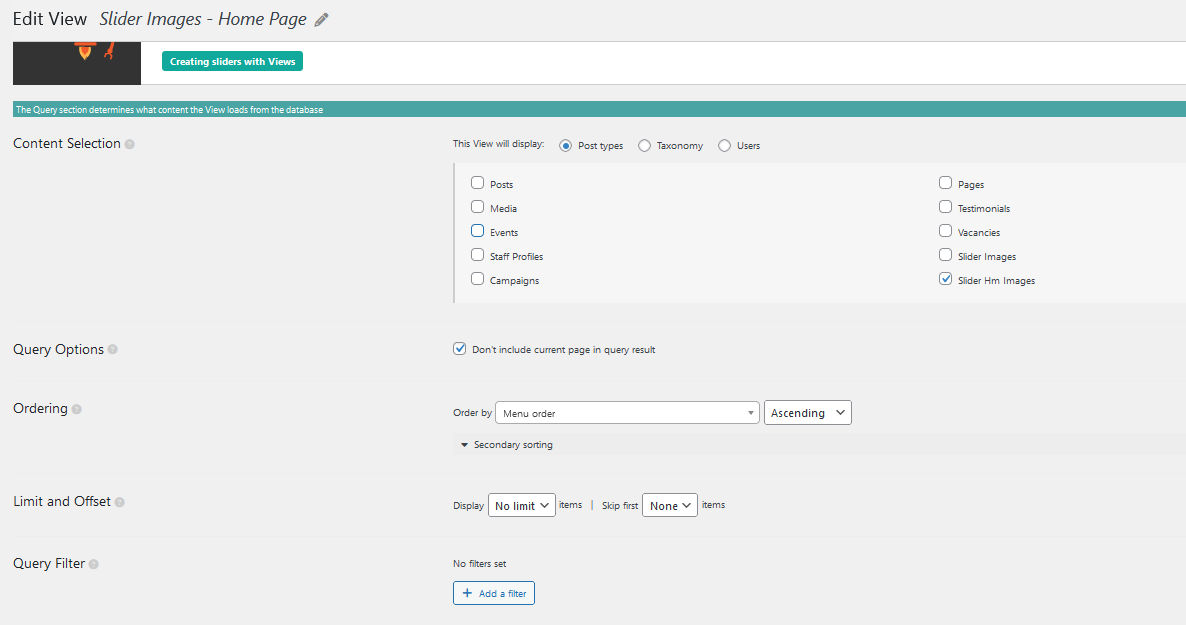
It doesn't work though when I add the above view to the Slider Images - Home Page view - no data comes through (not sure if that's because I don't have Events selected but if I do that I see all the Events as slides). I'm sure I'm doing something wrong... but I'm going round in circles.
In short I just want to display the next (single upcoming Open Day) Event(s) on only one Slider Hm Images
Have you added view inside view or you are just adding a view inside a content template? Can you please share problem URL where you added your view as well as share admin access details.
I see on home page you are displaying header images, you want to display related even content on those images - if yes, how you are displaying those header images from where? Is it coming from the theme or where you created that content and where it is coming from?
*** Please make a FULL BACKUP of your database and website.***
I would also eventually need to request temporary access (WP-Admin) to your site. Preferably to a test site where the problem has been replicated if possible in order to be of better help and check if some configurations might need to be changed.
I have set the next reply to private which means only you and I have access to it.
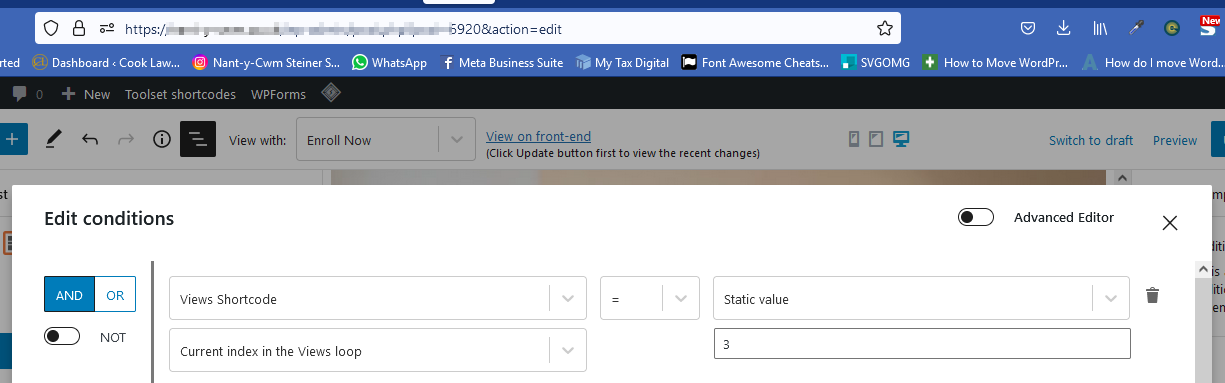
With the loop content template - I've added the conditional block to check the current loop index equal to 1 and if thats true then I've added the "fields and text" block that displays the following content:
=> enlace oculto
<p>[wpv-post-title item="@121slider-hm-image-event.child"] on [types field='event-start-date' style='text' format='l, F j, Y' item='@121slider-hm-image-event.child'][/types] @ [types field='event-time' item='@121slider-hm-image-event.child'].[/types]</p>
I'll close this now... but just for my reference and if it helps others.
In Slider Images - Home Page id=6920 the conditional is set as image attached (I changed to 3).
And a Query was added to the view Events - Home Slider id=6963 (image also attached). Do I need this view though as you've added the Fields and Text code block in directly with this code
<p>[wpv-post-title item="@121slider-hm-image-event.child"] on [types field='event-start-date' style='text' format='l, F j, Y' item='@121slider-hm-image-event.child'][/types] @ [types field='event-time' item='@121slider-hm-image-event.child'].[/types]</p>