I am trying to:
Add an image block or replace the image in a "Media & text" block. We deactivated all plugins and reactivated one by one: the "culprit" is Toolset Forms.
Link to a page where the issue can be seen:
Not publicly visible, only in edit mode. We cannot provide you access to the site, so we're hoping you can work with the information provided. Maybe we aren't the only ones experiencing this issue and you might already have an idea.
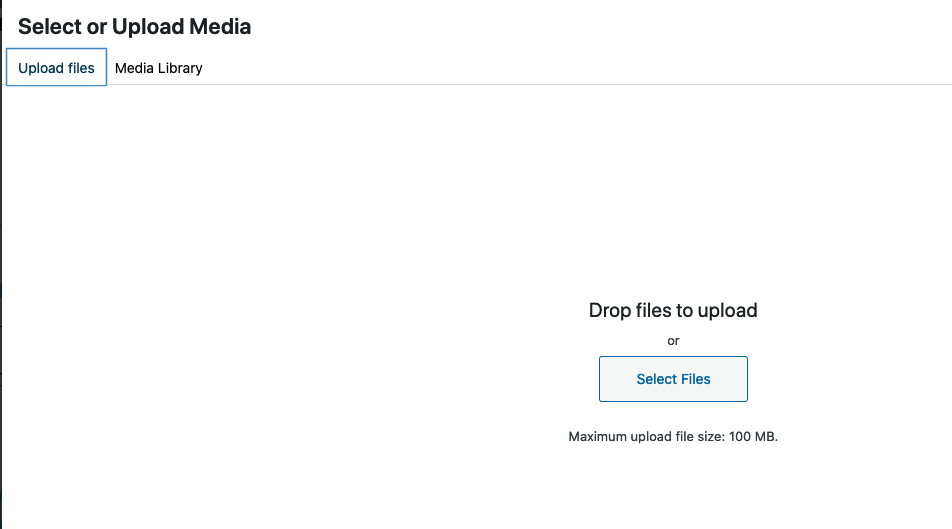
I expected to see:
Screenshot 2
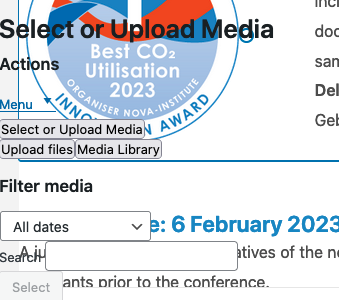
Instead, I got:
Screenshot 1 and the error message:
Uncaught TypeError: wp.media.mixin is undefined
render enlace oculto
_attach Backbone
Underscore 2
Backbone 3
set enlace oculto
createSingle enlace oculto
Backbone 9
single enlace oculto
Underscore 3
Backbone 11
add enlace oculto
onOpen enlace oculto
onOpen enlace oculto
Backbone 4
t enlace oculto
propagate enlace oculto
open enlace oculto
t enlace oculto
openModal enlace oculto
ha enlace oculto
B enlace oculto
He enlace oculto
He enlace oculto
je enlace oculto
Xe enlace oculto
sa enlace oculto
Xe enlace oculto
Xe enlace oculto
ge enlace oculto
me enlace oculto
unstable_runWithPriority enlace oculto
xn enlace oculto
ua enlace oculto
pe enlace oculto
media-views.min.js:2:33010
I managed to reproduce this on my own test site after I upgraded WordPress from 6.1 to 6.1.1, but only if Toolset Forms was the only Toolset plugin active.
When other plugins, e.g. Blocks, or Types, or Access were also active then the problem didn't occur.
Possibly you are not seeing the same because your versions of Types and Module Manager are not the current versions.
While I do some more testing with a view to escalating this, try making sure all plugins are up-to-date and check if activating at least one other Toolset plugin (like Blocks) prevents the issue occurring.
thanks for your reply. Unfortunately we still have this issue when other plugins are activated. Different combinations of activated/deactivated toolset plugins didn't help either.
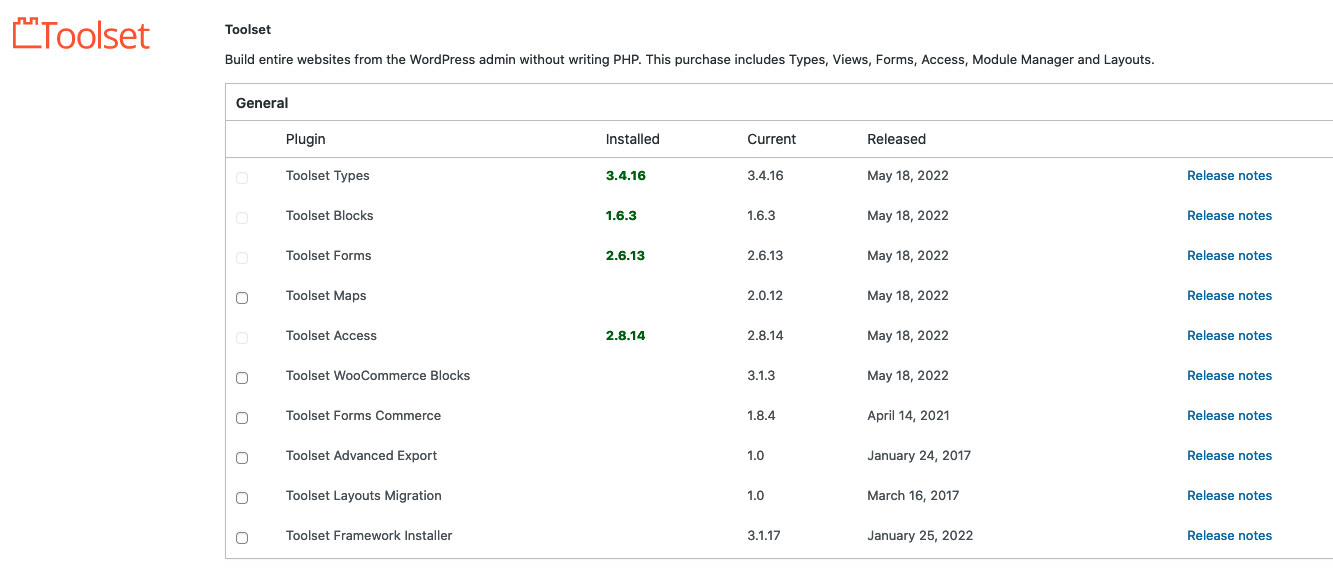
All toolset plugins seem to be up to date, please see the attached screenshot.
Sorry to hear that. Until this is fixed I don't have a solution other than downgrading WordPress (I think it was introduced in WP 6.1.1, so to WP 6.1). You can try the WP Downgrade plugin (https://wordpress.org/plugins/wp-downgrade/).
unfortunately a downgrade didn't help, WordPress version 6.0 through 6.0.3 have the same problem. And we can't downgrade to a version 5.X.
Looking forward to the fix 🙂
We have today shipped updates to most of our plugins, which includes a fix for this issue, if you could please upgrade.
If the updates do not show up on your plugin installer page (click the registered link beneath the plugin name to go to the custom installer page) click the the Check for Updates button to update the list.