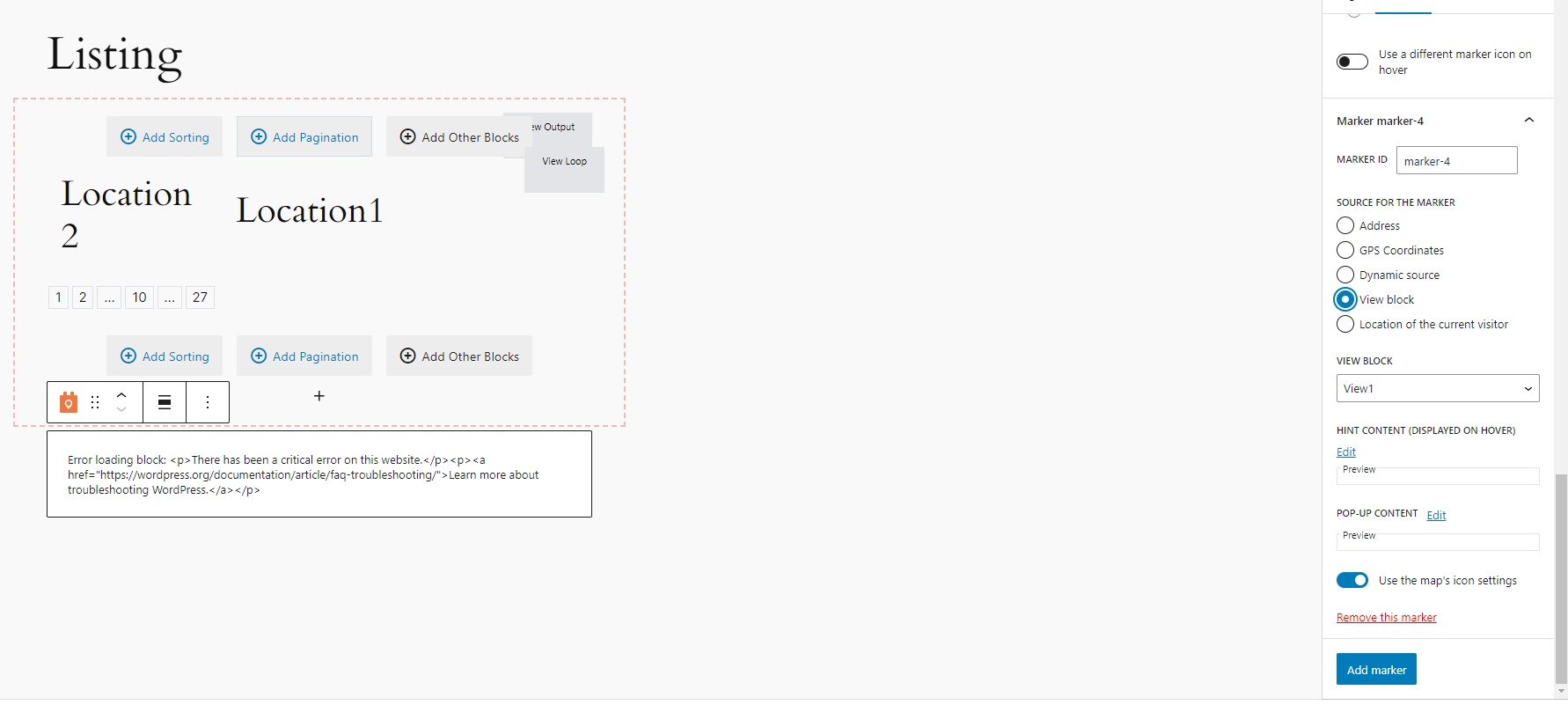
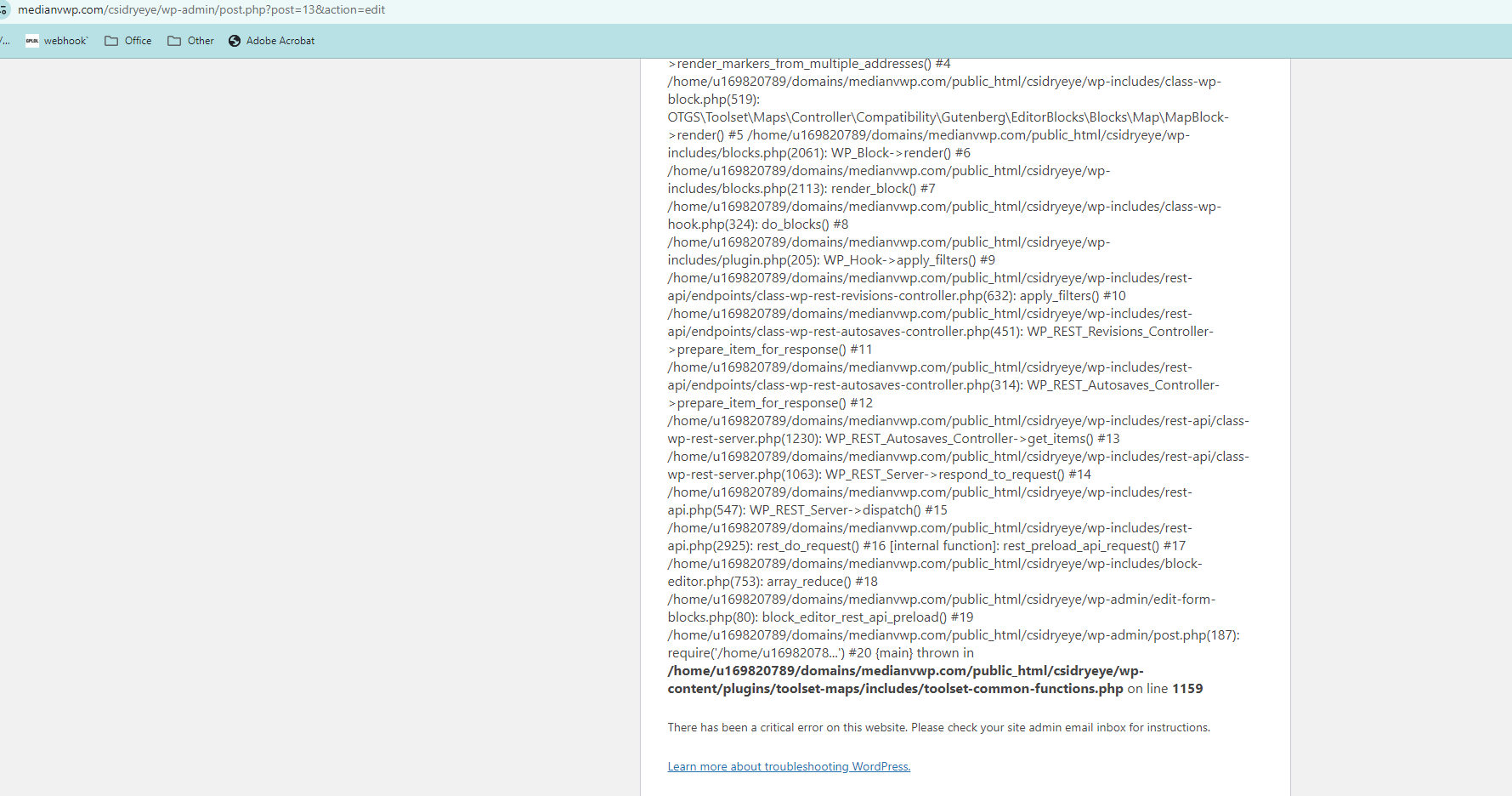
It's not obvious why you are getting the error, and with the screenshot I can't quite see the full details of the error to better understand the cause.
Would it be possible to get access to your site to take a closer look?
Let me mark your next reply as private so that we can get log-in credentials from you—you may want to create a temporary admin user for us to use that you can later delete. And be sure to have a current backup of your site.
Can you also confirm the page where we can see the problem.
I logged in and edited a clinic post to check what we are dealing with.
The location address field doesn't look right, it should be a field with Google Maps autocomplete for looking up an address.
Indeed, when I check the type of field you created at Toolset > Custom Fields I see that it is not an address field, just a single line text field.
For map markers to work, these need to be proper address fields, so that as well as the formatted address, under the hood the address is being saved with lat and lon coordinates to determine the actual location.
Also, I checked your settings, and it shows that the API key you provided is not valid.
Before going any further you will need to add an API key that is valid for this site URL, and you will need to use an actual address custom field for the clinic addresses to be able to display them as markers on a map.
If when you've done that you still encounter problems let me know, I will of course be happy to help.
El debate ‘[Cerrado] map error’ está cerrado y no admite más respuestas.