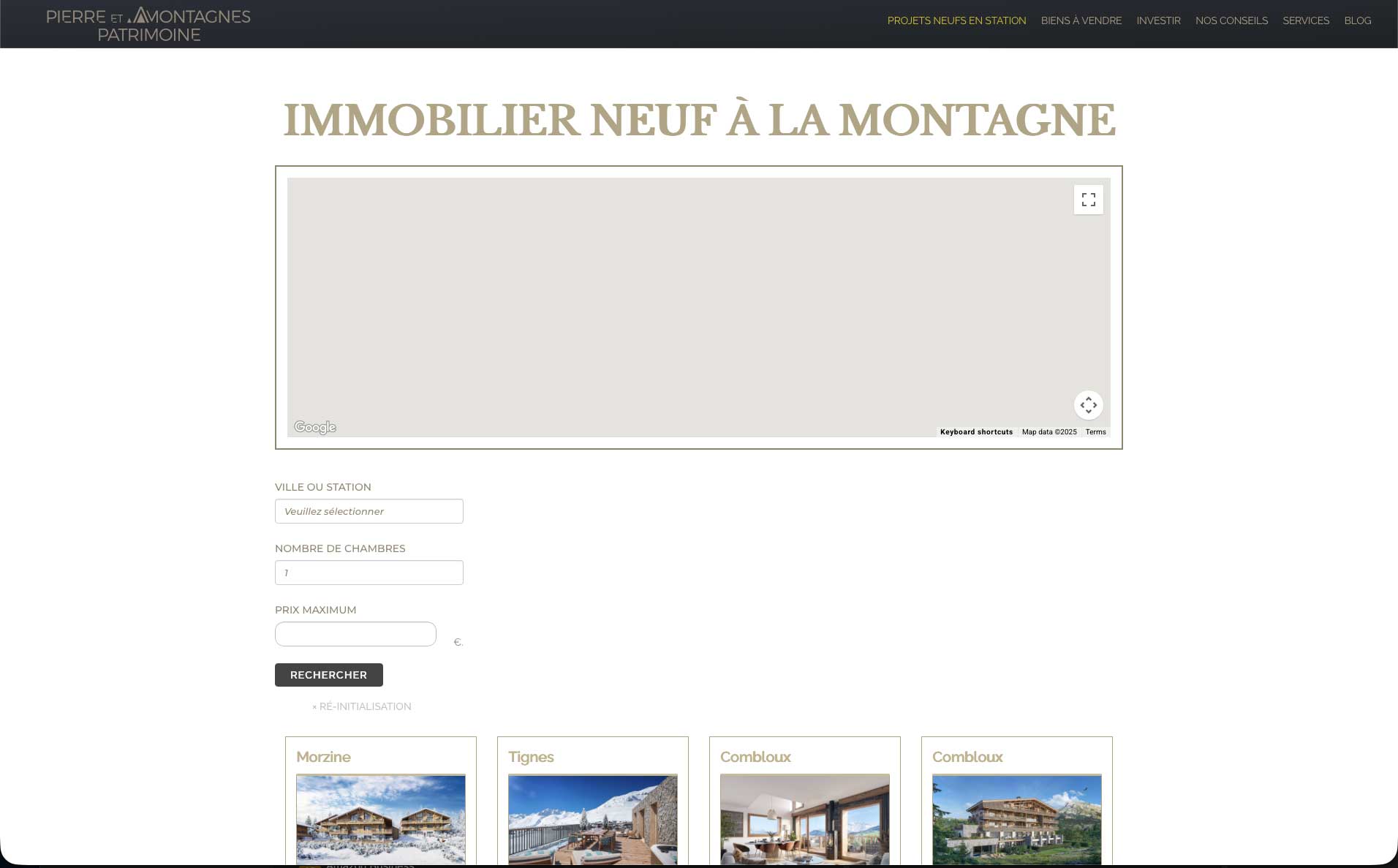
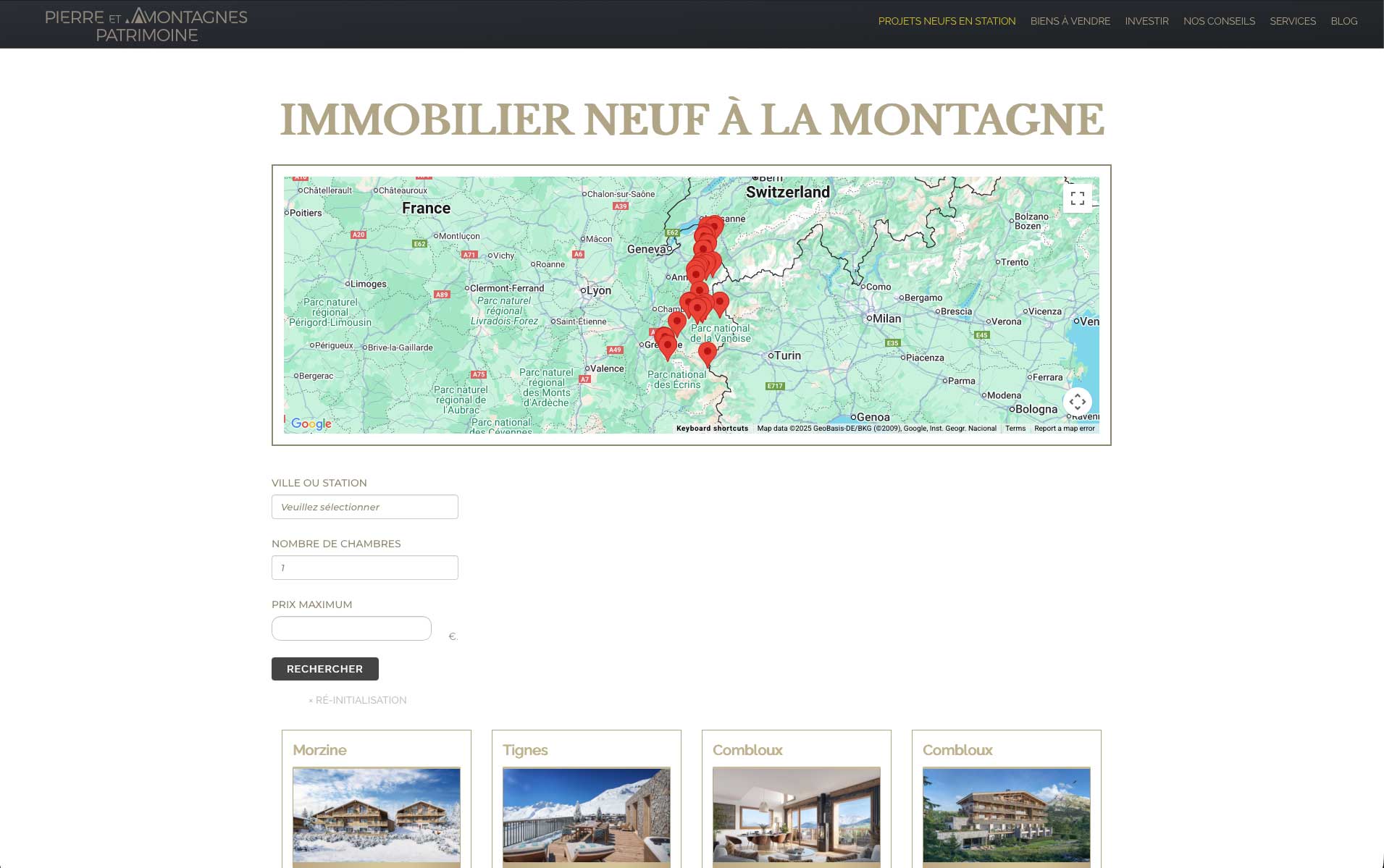
I have a page where the map displays properties following their address.
Until no search field is filled, the map is empty. As soon as I select a city, it is correct again. Is there a way to put a default location when nothing is selected by the user ?
Hi,
Welcome to Toolset support. When a map is tied to a View that uses distance search (or any filter that relies on URL/shortcode inputs), the initial load can return “no results,” which makes the map look empty. You’ve got a few clean ways to show something useful by default.
Solution: Give the map a default center/zoom (shows a map even if there are zero markers)
Blocks UI: Edit the Map block → Map settings → set Center map on → A specific address (or lat/lng) and choose a Zoom.
Classic shortcodes: make sure your map uses fixed center/zoom and no “fit to markers” on first load:
[wpv-map-render map_id="props-map"
    map_width="100%" map_height="420px"
    fitbounds="off"
    general_center_lat="48.8566" general_center_lon="2.3522"
    general_zoom="10"]
Thanks.
Actually the map display on the online version is a mess where the exact copy of the website locally works well. Do you have an idea where it can come from ?
Hi,
Would you please check in Toolset settings and see if you used the correct API keys on the live version?
Also please check if the same thing happens on a minimal installation to rule out any possible conflicts:
- IMPORTANT STEP! Create a backup of your website. Or better approach will be to test this on a copy/staging version of the website to avoid any disruption of a live website.
- Switch to the default theme such as "TwentyTwenty" by going to "WordPress Dashboard > Appearance > themes".
- Go to "WordPress Dashboard > Plugins" and deactivate all plugins except:
. Toolset Types
. Toolset Blocks
. Toolset Maps
- Check if you can still recreate the issue.
- If not, re-activate your plugins one by one and check the issue each time to find out the plugin that causes the problem.