Este hilo está resuelto. Aquí tiene una descripción del problema y la solución.
Problem:
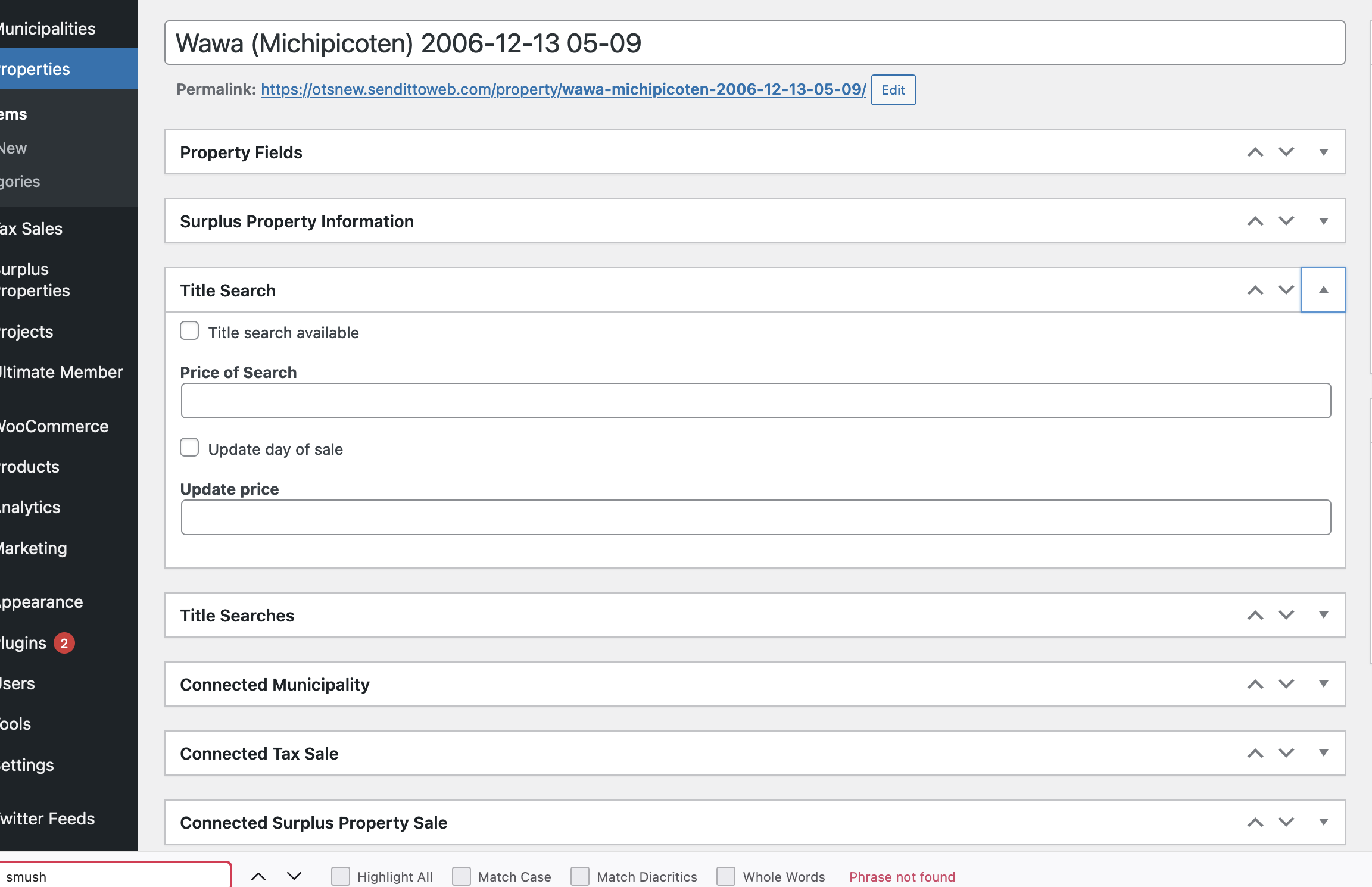
The issue here is that the user wanted to reorder their post meta boxes of only admins as well as predetermine which boxes are opened and closed etc.
Solution:
Unfortunately not that i'm aware of certainly this is not something that can be done using our plugins given that this arrangement is controlled by the wordpress API directly.
This is the technical support forum for Toolset - a suite of plugins for developing WordPress sites without writing PHP.
Everyone can read this forum, but only Toolset clients can post in it. Toolset support works 6 days per week, 19 hours per day.
| Sun | Mon | Tue | Wed | Thu | Fri | Sat |
|---|---|---|---|---|---|---|
| - | 9:00 – 12:00 | 9:00 – 12:00 | 9:00 – 12:00 | 9:00 – 12:00 | 9:00 – 12:00 | - |
| - | 13:00 – 18:00 | 13:00 – 18:00 | 13:00 – 18:00 | 14:00 – 18:00 | 13:00 – 18:00 | - |
Zona horaria del colaborador: America/Jamaica (GMT-05:00)
Este tema contiene 2 respuestas, tiene 2 mensajes.
Última actualización por 4 years, 10 months ago.
Asistido por: Shane.