Tell us what you are trying to do?
I'm using the shortcode [types field="main-image" title="[wpv-post-title]" alt="[wpv-post-title]" size="custom" width="600" height="600" resize="crop"][/types] to crop images into squares of 600x600 pixels in my view. However, the image is not cropped in the front end.
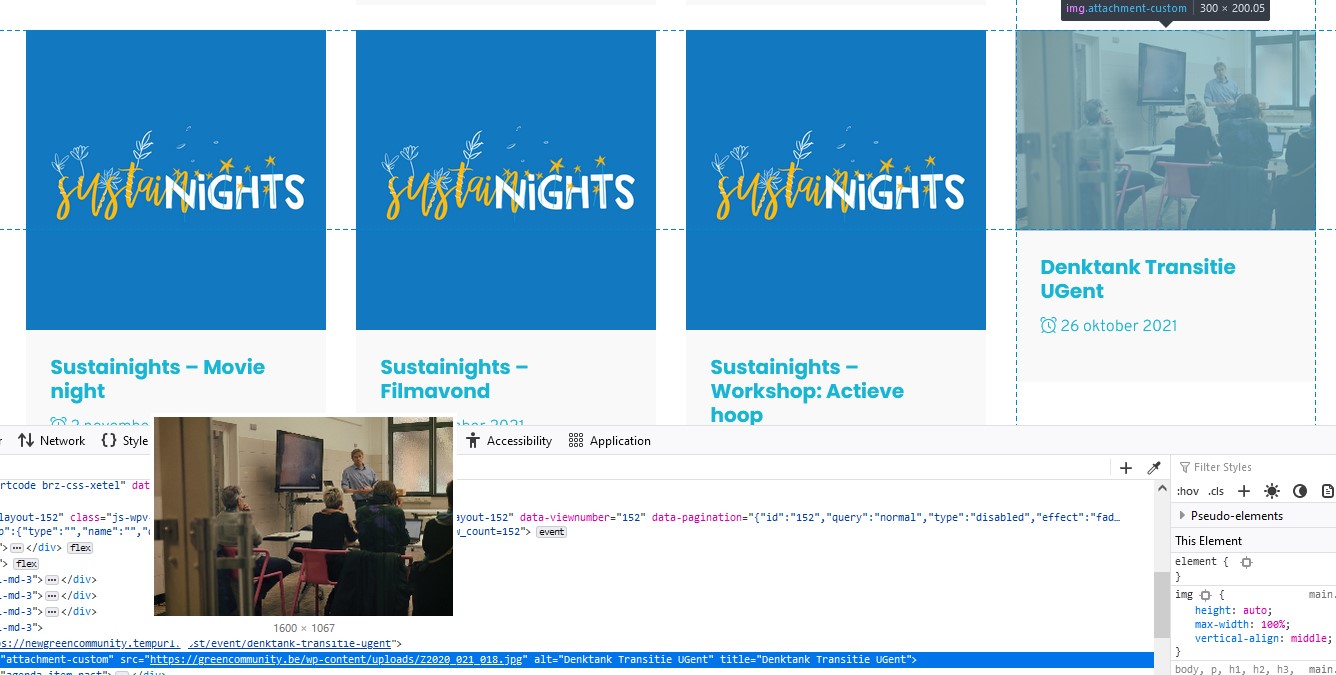
I've enclosed a screen shot, showing the view output and the size of the original. As you can see, the original is lager than the requested crop size, so that cannot be the cause. The other images that show as a square in the print screen are originally squares.
What is the link to your site? It is still under delevelopment, so not public yet: enlace oculto
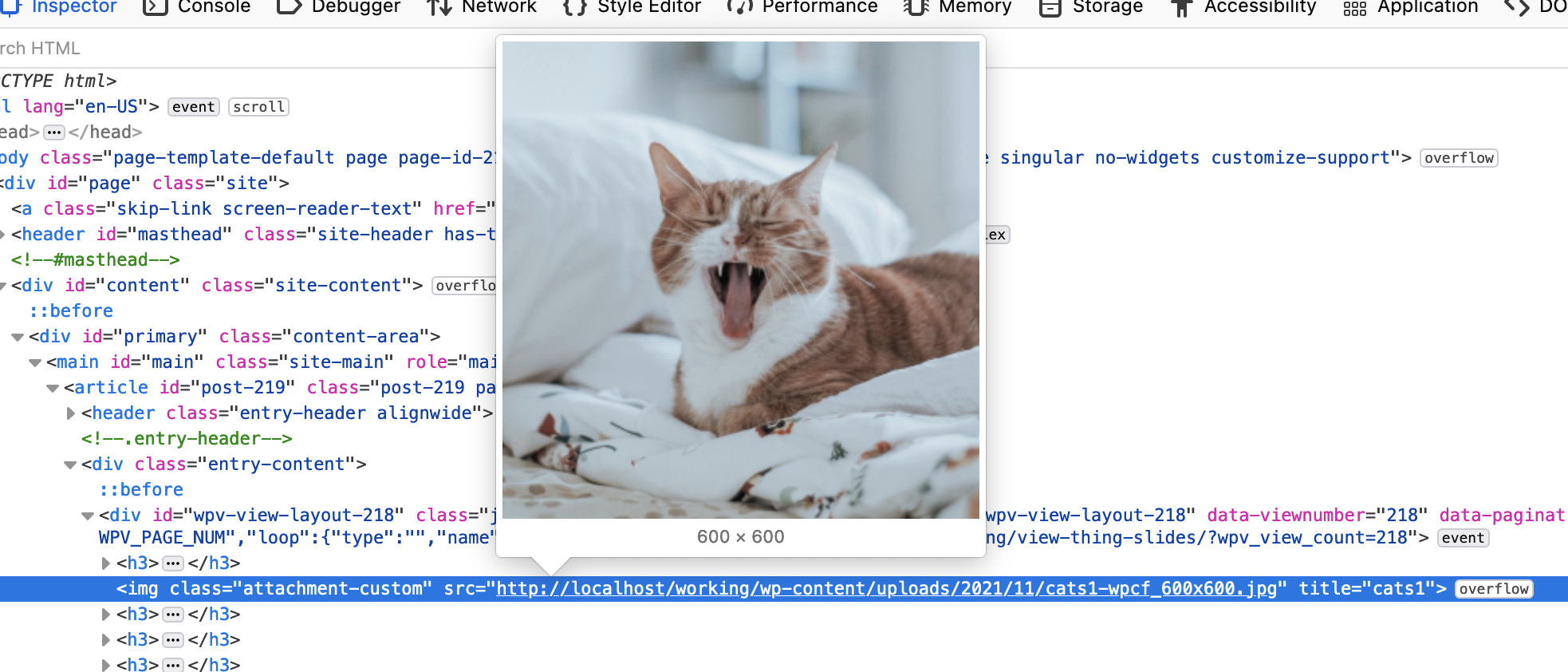
When I test this on my own site the img src itself is th cropped version (screenshot), but from your screenshot it appears that the original image rather than the cropped image is used.
This is with a View created with the legacy editor (you are using shortcodes).
I think we'd need to see your site to be able to try and understand why, if that's okay.
Let me mark your next reply as private so that we can get log-in credentials from you—you may want to create a temporary admin user for us to use that you can later delete. And be sure to have a current backup of your site.
Can you also confirm the url of where we can see the problem.
I have recently moved content types and views from the original site to this new one, using the export/import tool of Toolset. I suspect the problem may have something to do with that. However, making a new view does not solve the issue.
I see on the page source that images are coming from the following URL, having said that your current host is "enlace oculto" and the images are coming from the host "enlace oculto":
<em><u>enlace oculto</u></em>
I'm not sure how you migrated the site if yes, can you please make sure you also replace the image path as well or do a migration that offers domain replacement within the database like duplicator plugin.
With other sites where you claim that its working and you do not see issue, can you please check that the images are coming from the same domain where site is hosted? If yes, that that will be the issue and once you make sure that images are loaded from the same domain I hope issue will be resolved.
Before doing any step I suggest you take full backup of your database so you can restore it in any case if something goes wrong.
I did not 'migrate' the site as such. I have created a blank install, exported the custom posts and views and I exported some of the content via the WordPress Exporter (standard in Tools). I presume the problem has been caused by the latter. Since enlace oculto will later on be changed into greencommunity.be, am I right to presume that the issue will fix itself once I do?
The URL is corrected, but still no cropping. Any idea why?
I've added a new custom content type, added a new image field, just to test if that would make a difference, but the result is still the same. I've also re-uploaded all of the media files.
I've activated the options "Add resized images to the media library" and "Allow resizing of remote images"" at "Images" section at:
=> Toolset => Settings => Custom Content
- enlace oculto
Then, I've added 2-3 projects to your projects post type and created the following view:
- enlace oculto
I'm displaying that view with the following page:
- enlace oculto
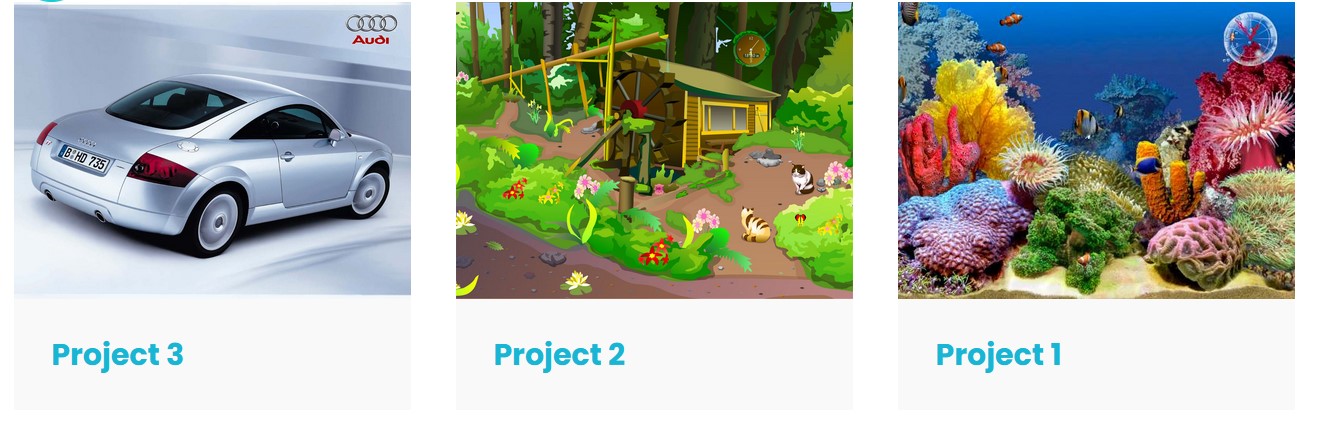
It does not, I'm afraid. The view is set for the images to crop into a square and they appear as a rectangle as you can see in the screen shot. Do you see it correctly at your end?
Thank you for your message. I got in touch with the helpdesk of my hosting company and the php module is installed and working. You were looking in the right direction though: the problem appears to have been caused by the wrong php version. It was set to 8.0 instead of 7.4. Changing it resolved the issue. Thank you!