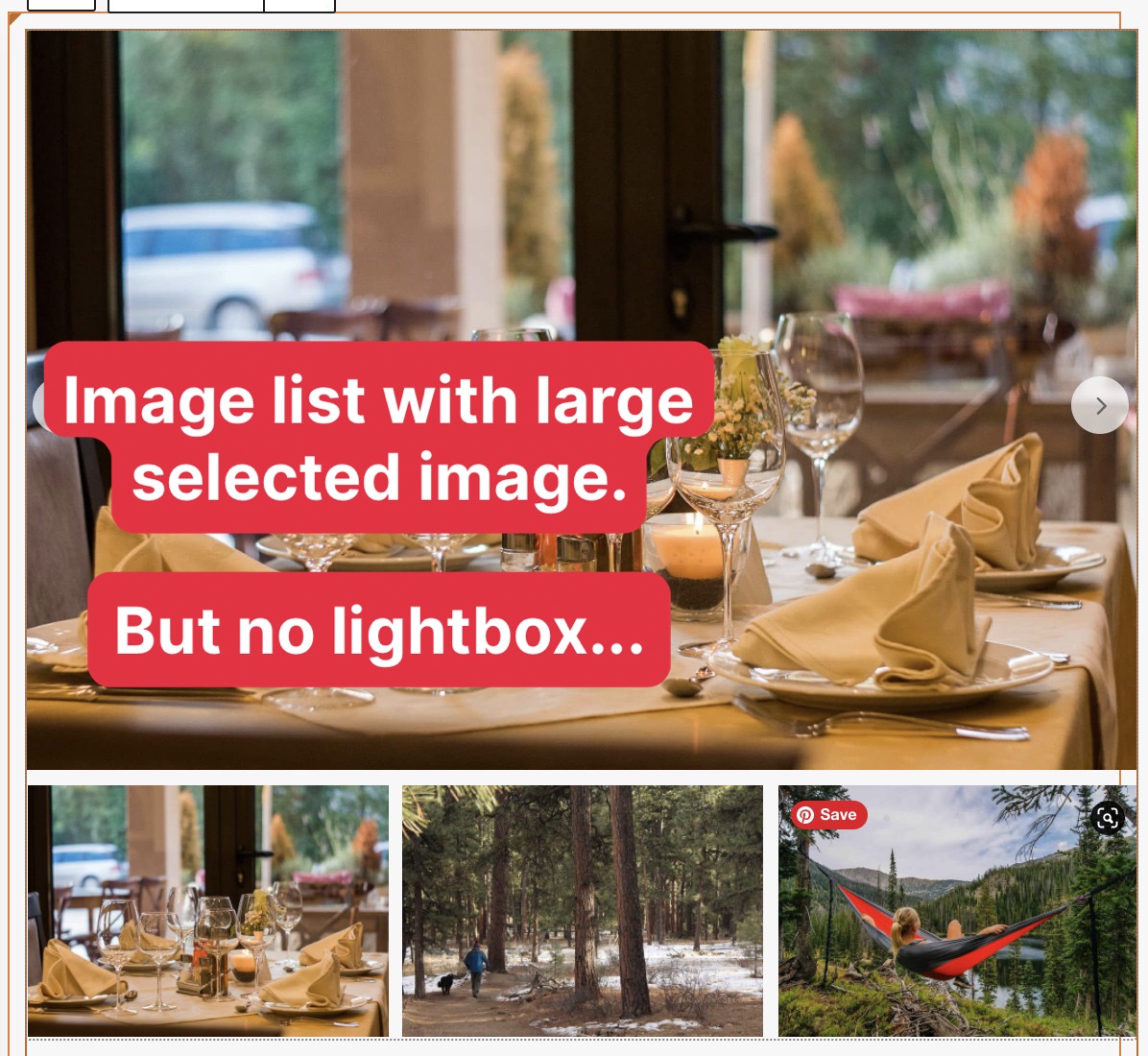
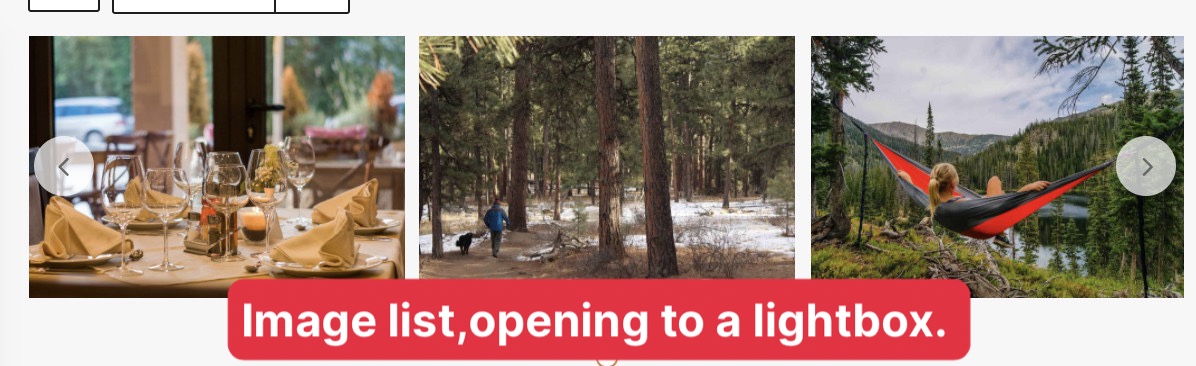
Is there a way to display Image Slider with both "image list with large selected image" and "opening to a Lightbox" function?
I want to show a list of image where customer can click and enlarge the image.
Hi Yueh,
Thank you for getting in touch.
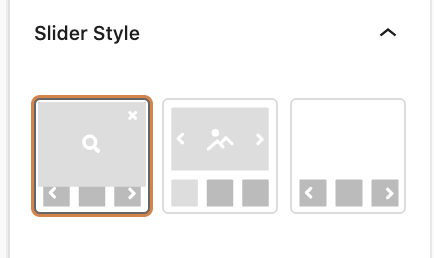
Actually in your screenshot you've selected the first slider option style. This is actually the option that you need to select when you want your images to open in a lightbox.
Thanks,
Shane
hi Shane, Please help me with this case,
As I said in the question, there are 3 option for image slider in toolset:
1.Image list, opening to a lightbox.
2.image list with enlarged selected image
3.image list without large selected image or enlarged selected image.
but what I need for my website is: enlarged selected image AND lightbox.
please tell me how I can achieve this, thank you!
Hi Yueh,
Unfortunately only the first option provides the lightbox. The 2nd and 3rd option do not have the lightbox available. Only through a 3rd party custom code will this be possible. However custom coding is out of the scope of our support forum.
My recommendation here is to contact one of the registered contractors on our site to craft a custom solution for you.
https://toolset.com/contractors/
Failing this the only other options that offer the lightbox is the Gallery Block and the Image block but these blocks do not have sliders.
Thanks,
Shane
Hi Shane,
First of all thank you for your support, I understand you're referring me to the contractor's service, and I also understand this part is out of the scope of your service. However, I think this should be the basic function from toolset.
If you could kindly suggest toolset to improve this function, it will definitely make toolset a more attractive plugin.
I have spent a lot of time building my web, and I've finally get used to using toolset, and this is the final part of my web, but unfortunately to hear it's still will cost my extra money.
Hi Yueh,
Unfortunately at present it's the only option we have. We do have a feature request form that you can submit this feature request through.
To open a feature request you will need to go to the link below.
https://toolset.com/home/contact-us/suggest-a-new-feature-for-toolset/
From there you will need to provide as much detail about the feature as possible.
Once you've submitted the feature request it will be reviewed by our team and assigned a priority based on user requests for said feature.
It should be noted as well that this can take a bit of time to go through the entire process.
Should you have any further questions on this issue please let me know, if not then you can go ahead and mark this ticket as resolved.
Thanks,
Shane