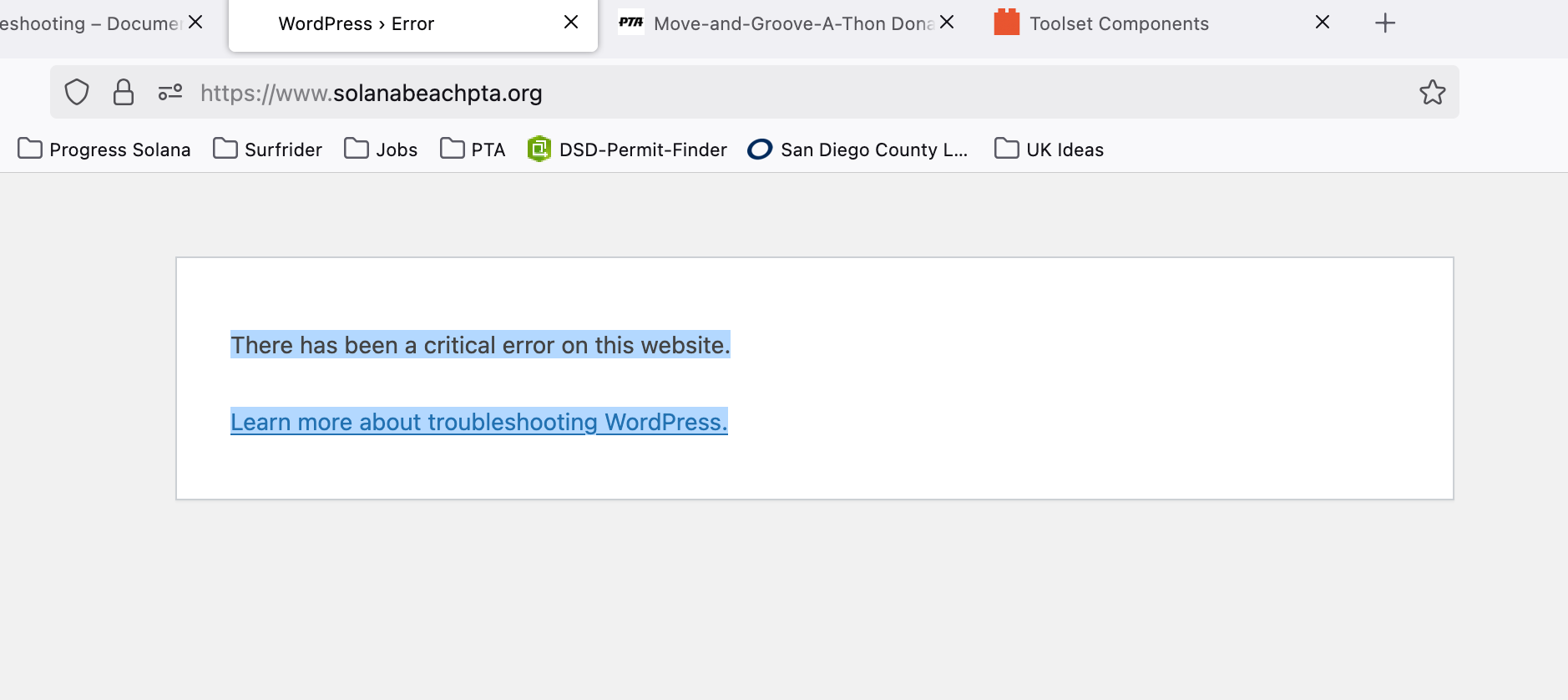
I am trying to: get my website back up
Link to a page where the issue can be seen:enlace oculto
I expected to see: my website
Instead, I got:There has been a critical error on this website.
Learn more about troubleshooting WordPress.
Hi,
Welcome to Toolset support. Would you please enable the debug mode in WordPress so instead of critical error you can share the error under the hood?
Would you please access your website files and edit the "wp-config.php" file on the root folder of your WordPress installation and add the code below into the file:
define( 'WP_DEBUG', true );
define( 'WP_DEBUG_LOG', true );
define( 'WP_DEBUG_DISPLAY', true );
Please add the code above the line below:
/* That's all, stop editing! Happy blogging. */
For more information:
https://wpml.org/documentation/support/debugging-wpml/
Meanwhile, I suggest that you follow the steps below to force Toolset to deactivate to access the website:
- Access the website files either via FTP or your hosting panel.
- Go to wp-content/plugins/ folder
- Rename the types and types and/or toolset-blocks folders to something else.
- That will force the plugins to deactivate and you should be able to access the website again.
Thanks