Hello!,Mr,Nigel.
Thank you for your response!
I apologize for the delayed reply.
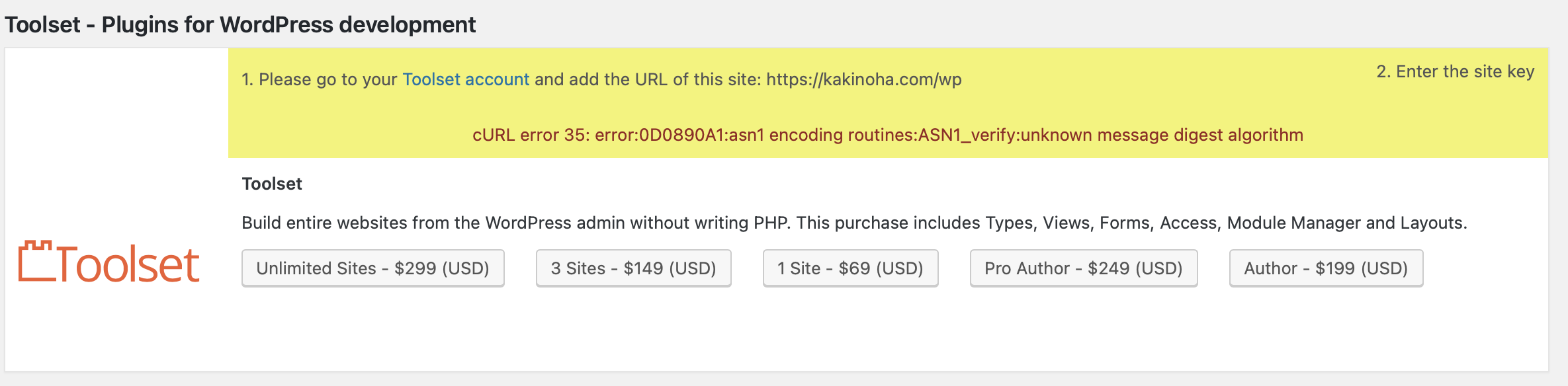
I couldn't find page=otgs-installer-support. Probably, as you mentioned, the registered URL might be incorrect. I am planning to change the registered URL to enlace oculto, but could you please tell me where to make this change?
Thank you.
To change the URL, please go to the Toolset's site key management page ( https://toolset.com/account/sites/ ) and delete the site key that you have for the URL enlace oculto.
After that, you'll be able to create a new site for the URL enlace oculto.
Note: While generating a new site key, make sure to use the same address that is set in the website's "Site Address" field of your website.
( at WP Admin -> Settings -> General )
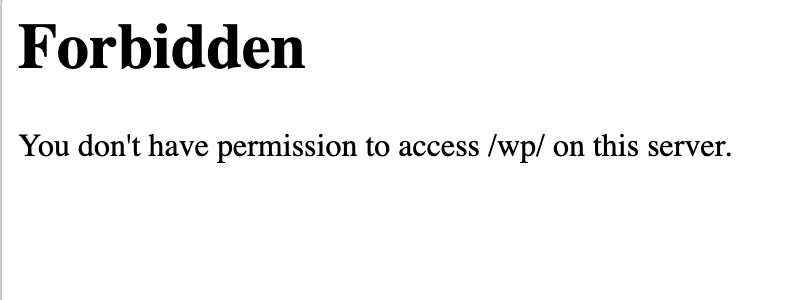
The link of the page that you shared for the redirection seems correct and expected. What do you see when you visit it? Have you tried visiting the same link in a browser window where you're also logged-in to the website's admin area?
Also, If you could share temporary admin login details of the website, I'll be in a better position to troubleshoot this and suggest the next steps.
Note: Your next reply will be private and making a complete backup copy is recommended before sharing the access details.
regards.
Waqar
The topic ‘[Closed] I entered a key, but an error occurred. Why is that?’ is closed to new replies.