Saltar navegación

[Resuelto] How to limit filter result only show post from current logged user

Este hilo está resuelto. Aquí tiene una descripción del problema y la solución.

Problem:
The issue here is that the user wanted filter their view by the current user on the page.

Solution:

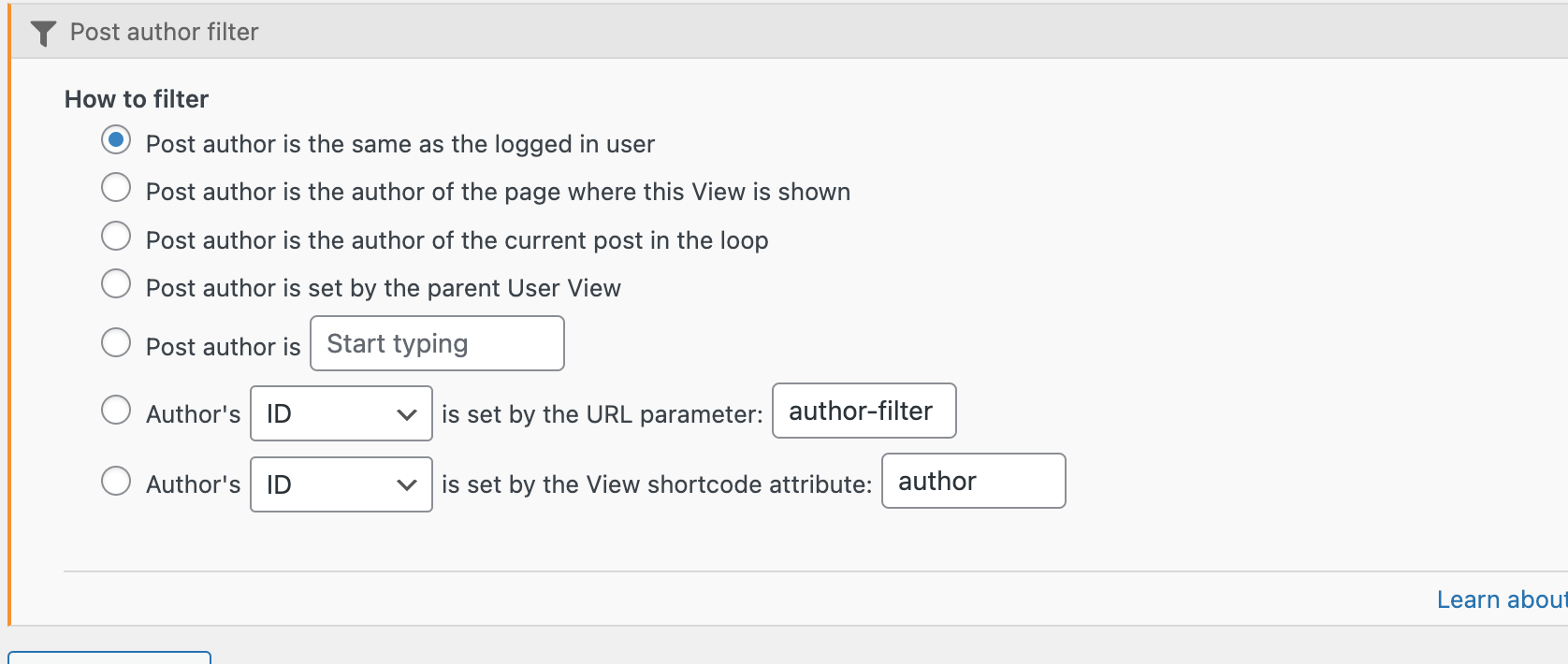
This can be done by using the Query Filter for your view. There is a post author filter that can be used to filter the current.

If you check your view you should see the section for the query filter if you're using the classic view setup, however the same should appear under the "Custom Search"tab when using the Block view.

This support ticket is created 3 years, 11 months ago. There's a good chance that you are reading advice that it now obsolete.

This is the technical support forum for Toolset - a suite of plugins for developing WordPress sites without writing PHP.

Everyone can read this forum, but only Toolset clients can post in it. Toolset support works 6 days per week, 19 hours per day.

Sun Mon Tue Wed Thu Fri Sat
- 9:00 – 12:00 9:00 – 12:00 9:00 – 12:00 9:00 – 12:00 9:00 – 12:00 -
- 13:00 – 18:00 13:00 – 18:00 13:00 – 18:00 14:00 – 18:00 13:00 – 18:00 -

Zona horaria del colaborador: America/Jamaica (GMT-05:00)

Este tema contiene 4 respuestas, tiene 2 mensajes.

Última actualización por Eko Wid 3 years, 11 months ago.

Asistido por: Shane.

Autor
Mensajes
#2378947

Tell us what you are trying to do? How to limit filter result only show post from current logged user

Is there any documentation that you are following?

Is there a similar example that we can see?

What is the link to your site?
enlace oculto

#2379037

Shane
Colaborador

Idiomas: Inglés (English )

Zona horaria: America/Jamaica (GMT-05:00)

Screenshot 2022-06-06 at 1.14.25 PM.png

Hello,

Thank you for getting in touch.

You can actually do this by adding a post author query filter to your view.

If you check your view you should see the section for the query filter if you're using the classic view setup, however the same should appear under the "Custom Search"tab.

Add a query filter for the Post Author and from there you can set the view to filter by the current. See Screenshot.

Please let me know if this helps.

Thanks,
Shane

#2380333
Screenshot 2022-06-08 222932.png

Hi Shane,

Thank you for your help.
I am currently using classic editor. I cannot find the "post author filter" parameter.

Thank you,

Eko

#2380357

Shane
Colaborador

Idiomas: Inglés (English )

Zona horaria: America/Jamaica (GMT-05:00)

Hi Eko,

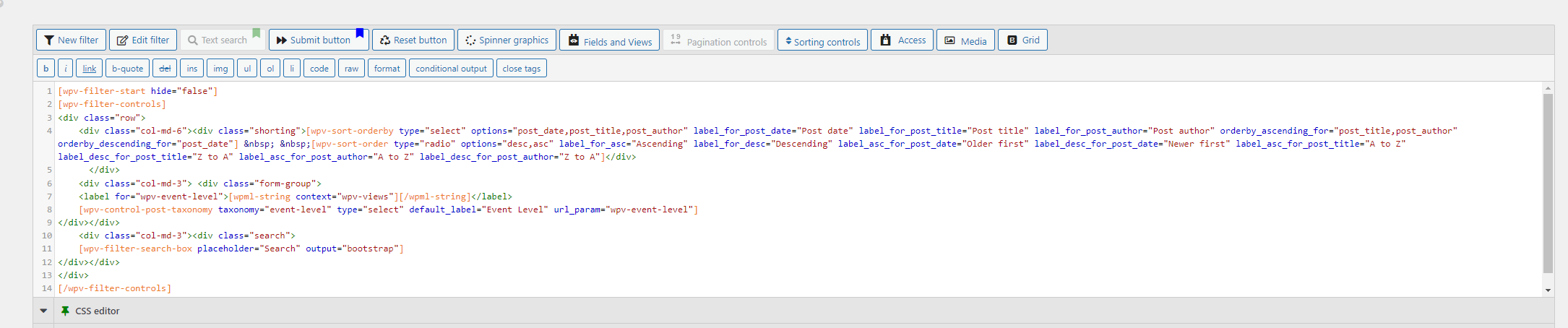
You've actually sent a screenshot of the wrong section.

Given that you're not seeing the Query filter section, then its quite possible that its not enabled.

When you scroll to the top of the view edit page, you should see an option in the top right hand corner called "Screen Option". Click this and then enable the query filter section.

Once you've done this you should see the query filter section appearing on your page and from there you should be able to add your author filter.

Thanks,
Shane

#2380373

My issue is resolved now. Thank you!