Tell us what you are trying to do?
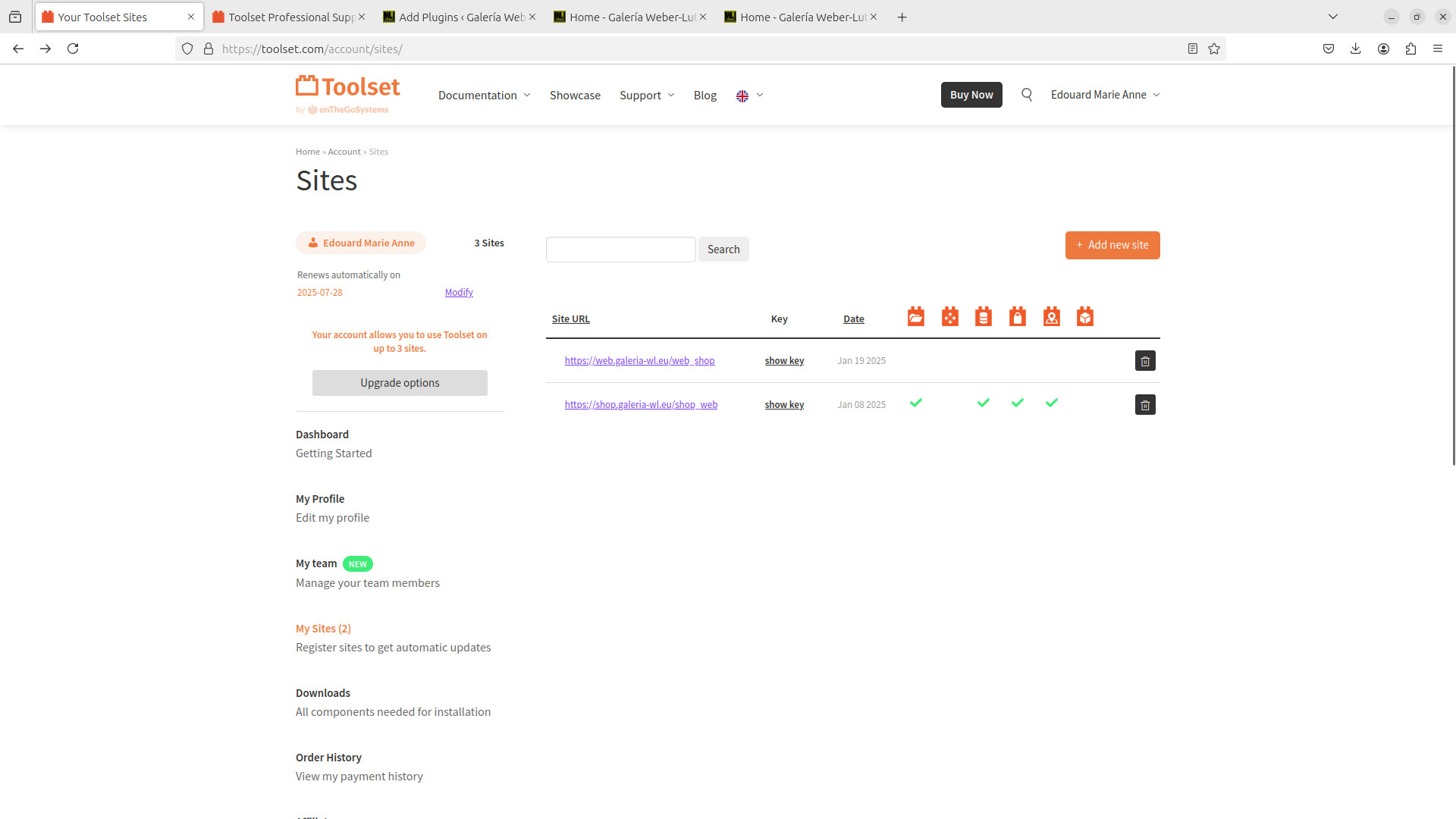
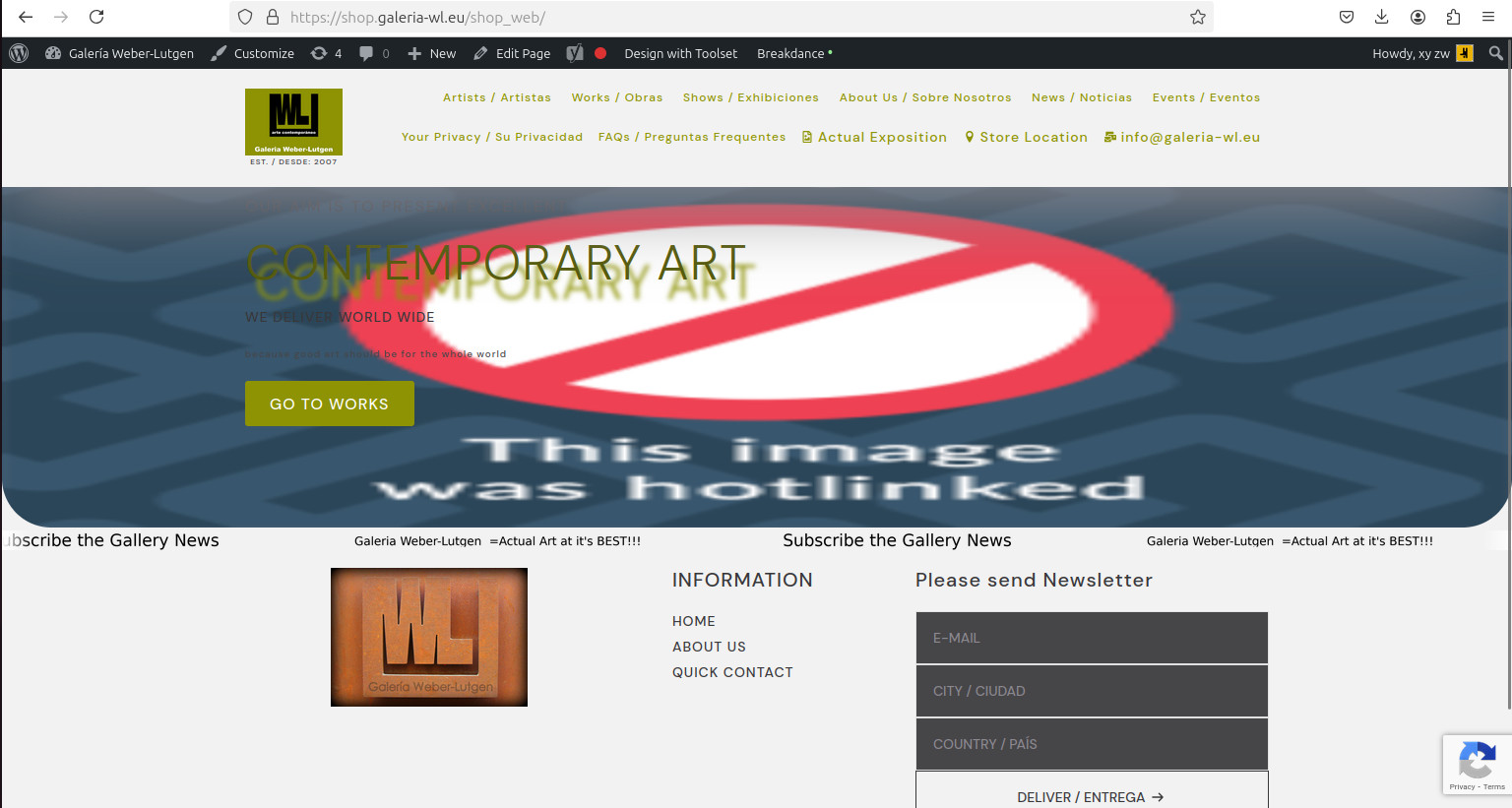
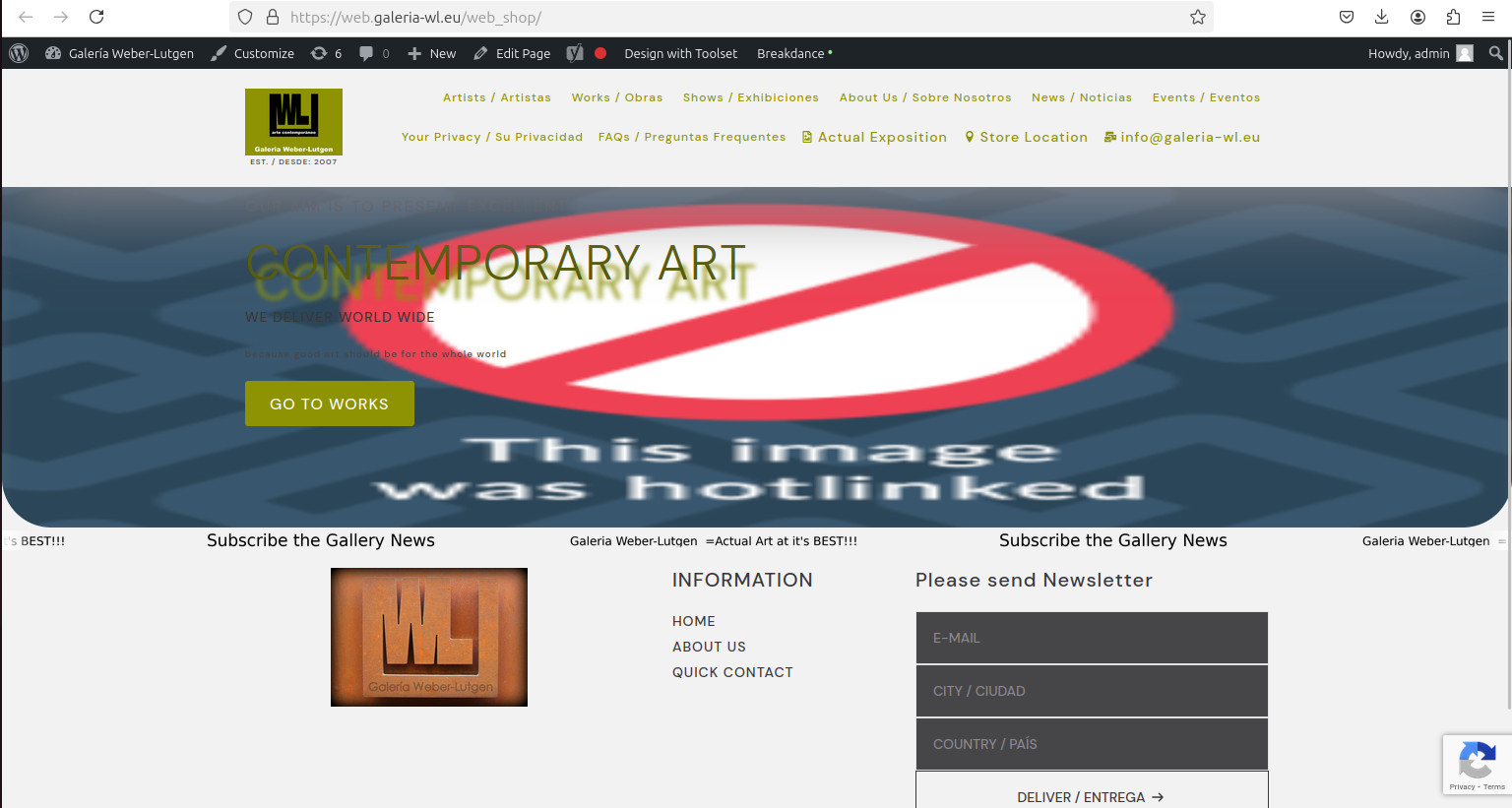
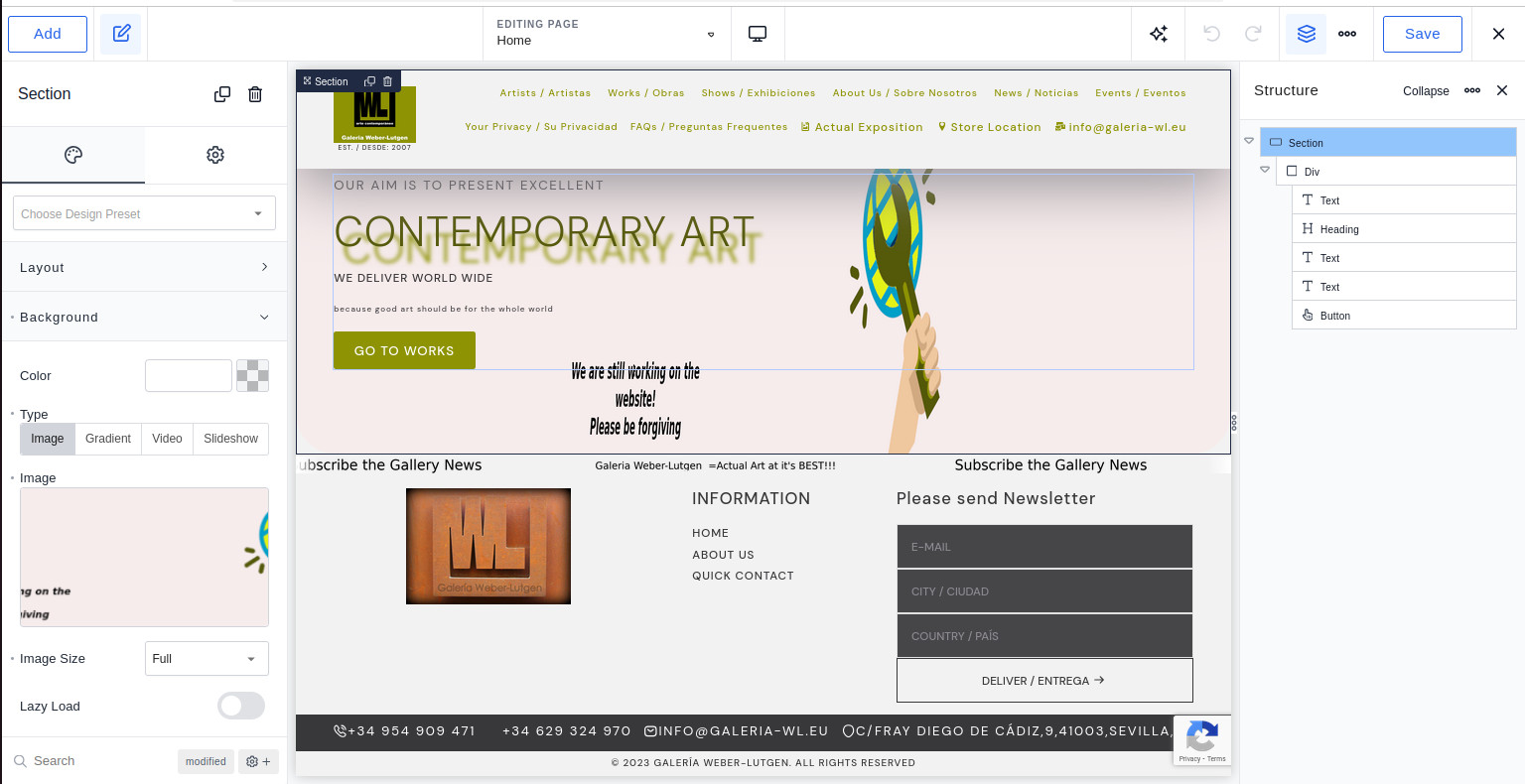
img "https://cdn.toolset.com/wp-content/uploads/tmp/home_breakdance.jpg" is what I expect to see when "home_page" of the 2 sites I work and use (enlace oculto as well as enlace oculto) as toolset production sites as you may see on "toolset_7.jpg"
why is my underlayed img substituted with your image?
Is there any documentation that you are following?
Is there a similar example that we can see?
What is the link to your site?
galeria-wl.eu
which redirects to one of the work sites enlace oculto as well as enlace oculto)
thanks for quick answer
best
ed.
Hi Ed,
I checked the website HTML code int he front end and could not see any code generated by Toolset for that section. It seems you use another block and not Toolset blocks for that background image.
Please check by deactivating Toolset plugins and you should see the same issue.
It seems not related to Toolset.
Thanks
I had this bakground image "put" on my development site (I deleted)
as I have 3 sites (one development) I supposed it was toolset that hotlinked that img!!!!!
pls confirm that you are shure this "hotlinked" img does nothin to to with toolset!
Thanks
Ed.
Hi Ed,
The exact way to determine if it is Toolset related or not is what I have already mentioned in the previous reply.
if you deactivate all Toolset plugins and the hotlink message still shows then it is not related to Toolset.
here is what I did:
1) as told deactivated all toolset blocks
2) I checked and that message disappeared
3) I activated toolset and the message was still gone!!!!
I leave the appreciation of that behavior to you.
best
ed.