I am trying to:
I have successfully created a map with points. I looks and works perfectly.
Except the markers that i imported using an import tool.
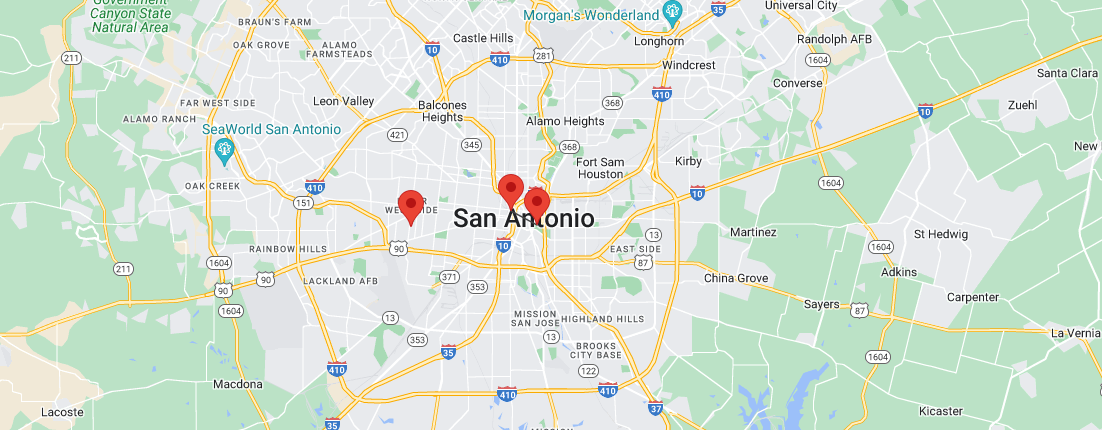
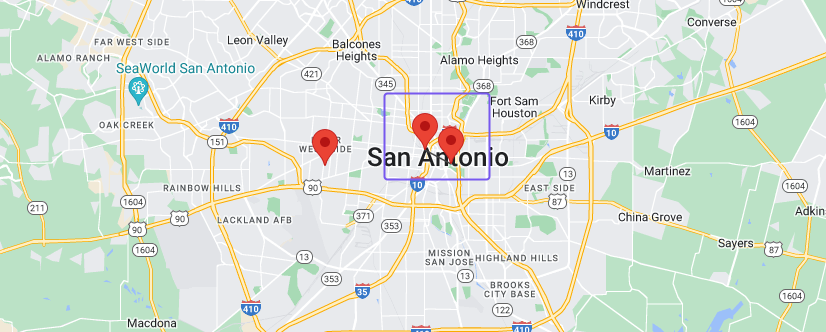
Some of my markers show 2 icons for 1 location. See Image 1.png
Link to a page where the issue can be seen:
enlace oculto
In the select filters, select State : TX
Then Zoom in on San Antonio
You should only see 2 markers. When you click the one on the right... it shows 2 markers.
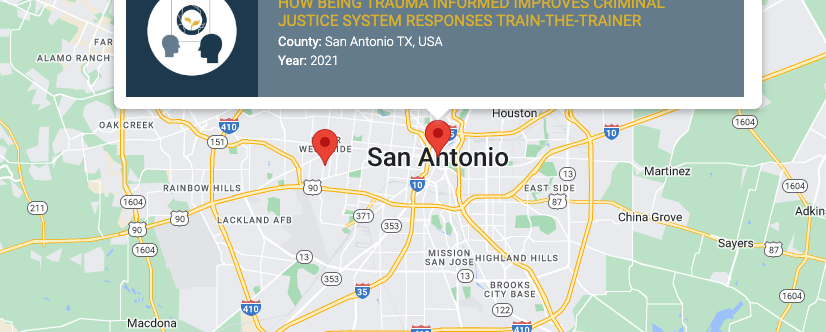
When I click the actual markers, it shows the correct info window...
See attached images.
The site is still under construction and is over 3GB at the moment, so i don't have a duplicator file created.
Thanks
Hi there,
Thanks for your contact!
May I kindly ask you if this issue happens:
- when you use a default map marker instead?
- a different location is chosen? Right now I'm unable to test it because the link you provided is not accessible to me
- in a different map, added in another page?
Also, could you please import your map marker icon in a clean install, having only the Toolset plugins? In my next private reply I'll provide you with an automatic login link for a Sandbox, so that you can test it.
Please let us know. Thank you.
Best regards,
Mateus.
I have removed the country block for Brazil. You should be able t get to the site now.
Please let me know if you are able to get to the site now.
So after a little more investigation.
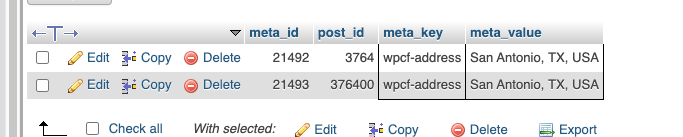
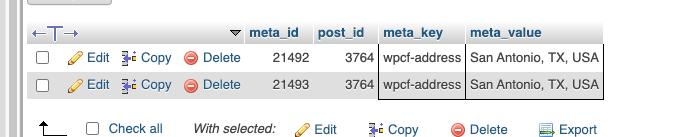
It appears that there are multiple entries in the post_meta table for the entries that are showing as double markers.
See image.
I manually edited the post_id as seen in the image... and when i refresh the map it now shows a single marker.
So the issue doesnt appear to be with toolset.
Is there a simple way to import map locations within toolset?
Thanks
Hi there,
Thanks for your reply.
We're still unable to access the website: enlace oculto. If you need to give allowlist in my IP: 190.115.199.102
Now, about your question:
Is there a simple way to import map locations within toolset?
You will find a couple of options to add locations through Toolset Maps in this doc related, please check it out: https://toolset.com/course-chapter/display-directory-items-on-maps/
Please let me know if you still have doubts regarding this subject/issue. Thank you.
Kind regards,
Mateus.
My issue is resolved now. Thank you!