Tell us what you are trying to do?
When I worked on this Divi site a few months ago all worked fine. Now the client wants me to finish the site and I was surprised to find that the 'home' page and 'Businesses' page won't display (blank page).
Note:
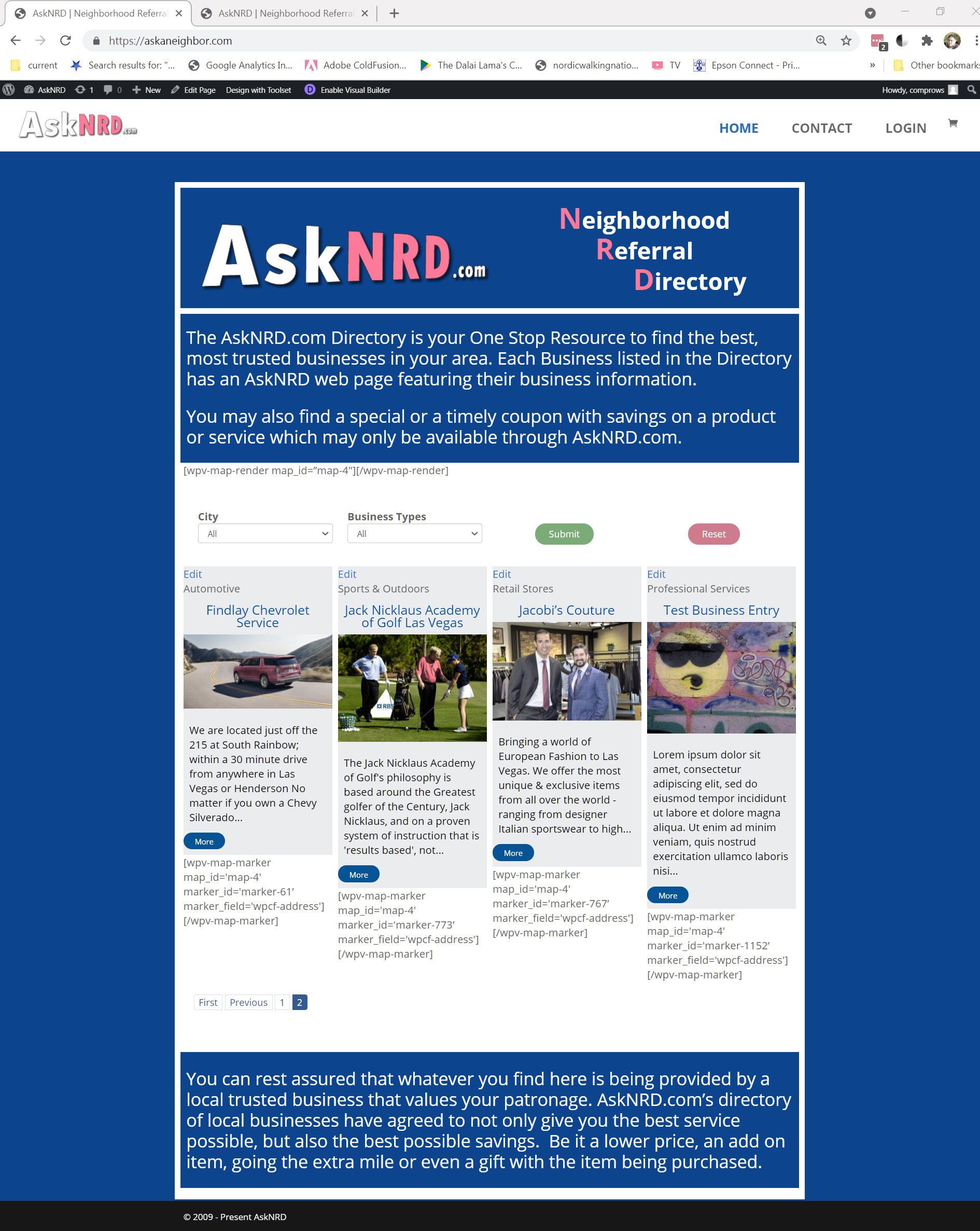
A large map is on the home page showing pins for each of the businesses that are displayed below the map.
The Businesses page is imbedded in the Home page using the Divi 'Select View' option in the Text Module.
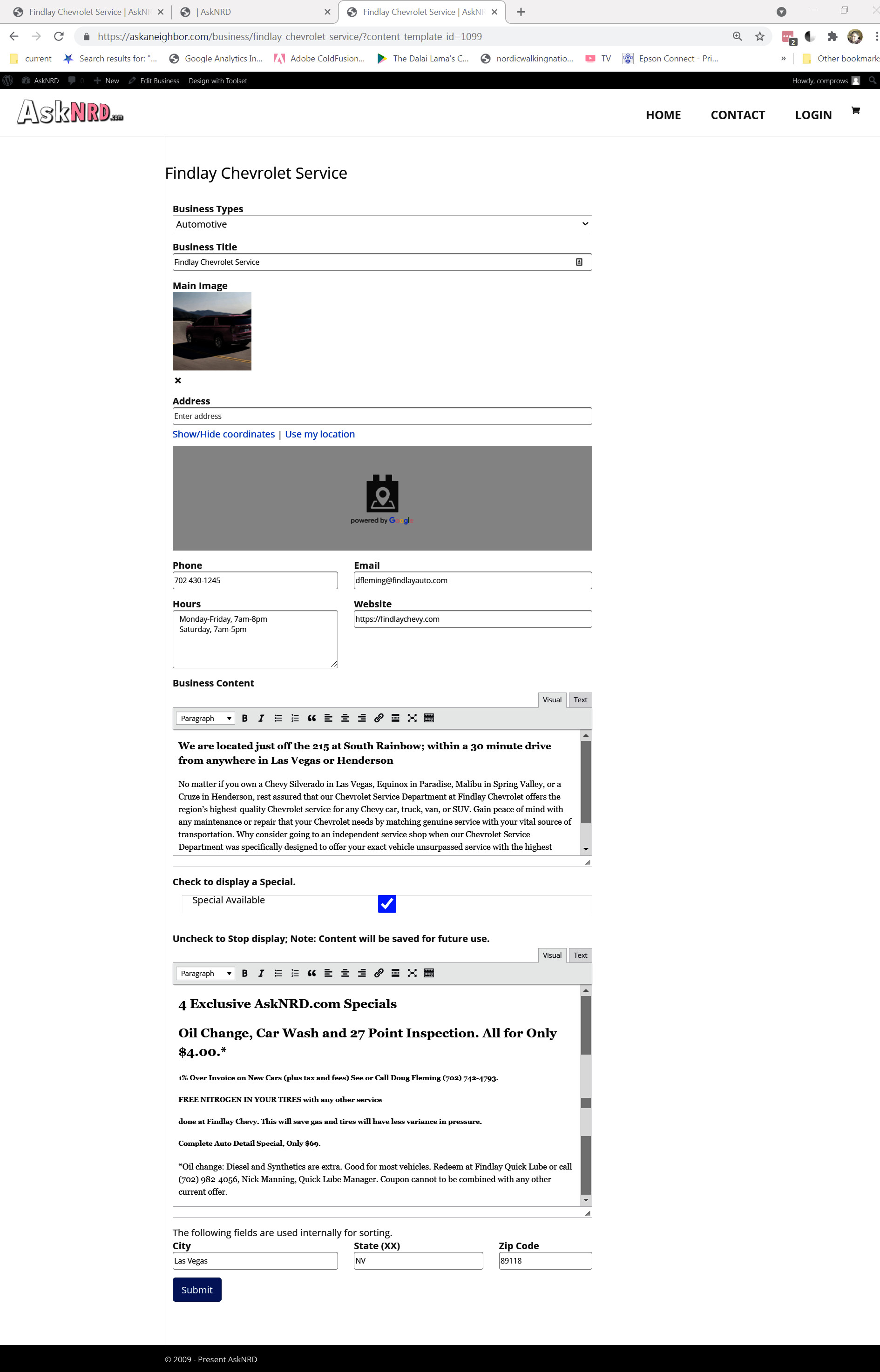
In addition, the Businesses page has links to detail (Edit when logged in) pages that won't display either.
Example: enlace oculto
Is there any documentation that you are following?
I used the Gyms and Trainers Directory videos and docs, but not the starter website.
Is there a similar example that we can see
The attached image shows how the home page displays when the Map plugin is deactivated.
The map plugin is currently activated so you can see the issue.
What is the link to your site?
askaneighbor.com
askaneighbor.com/Businesses enlace oculto
Part of my writeup is wrong...
when not logged in... enlace oculto
displays a business heading (not a blank page).
When logged in...
The page renders everything as it should, but the map is a large blank gray area.
Since WordPress 5.2 there is a built-in feature that detects when a plugin or theme causes a fatal error on your site, and notifies you with this automated email.
In this case, WordPress caught an error with one of your plugins, Toolset Maps.
First, visit your website (enlace oculto) and check for any visible issues.
Next, visit the page where the error was caught
(enlace oculto) and check for any visible issues.
Error Details
=============
An error of type E_ERROR was caused in line 1674 of the file /home/ask/public_html/wp-content/plugins/toolset-maps/includes/toolset-maps-views.class.php. Error message: Maximum execution time of 120 seconds exceeded
Hello. Thank you for contacting the Toolset support.
Can you please increase the memory limit on your server and check.
You can consult the server hosting authority and show them the message:
Error Details
=============
An error of type E_ERROR was caused in line 1674 of the file /home/ask/public_html/wp-content/plugins/toolset-maps/includes/toolset-maps-views.class.php. Error message: Maximum execution time of 120 seconds exceeded
You should try to increase the memory limit and max execution time limit. More info:
=> enlace oculto
I added this to wp-config
(‘WP_MEMORY_LIMIT’, ‘256M’);
I will be gone all day Wednesday PDT and not able to get to my PC (traveling by car).
I can check email with my phone though.
So, if you have anything you want me to do, let me know and I probably can do it.
Can you please share screenshot and mark down where you expect the map to be displayed on homepage?
*** Please make a FULL BACKUP of your database and website.***
I would also eventually need to request temporary access (WP-Admin and FTP) to your site. Preferably to a test site where the problem has been replicated if possible in order to be of better help and check if some configurations might need to be changed.
I have set the next reply to private which means only you and I have access to it.
I installed wp file manager so you can get on my cpanel if needed. You can install you 'favorite one' if you wish.
I have a backup and this is a production site.
We always recommend running your site with the latest stable release plugin version.
*** Please make a FULL BACKUP of your database and website.***
Can you please update ALL Toolset plugins to latest version and check if that helps you to resolve this issue. enlace oculto
The first thing I did was to check my plugins 3 days ago and they are still up to date with the same version numbers that I saw 3 days ago.
My plugins are up to date, so I don't know what you are looking at that says they are not up to date.
see attached.
Thank you