Saltar navegación

[Resuelto] Can't edit my template and the view within the template

This is the technical support forum for Toolset - a suite of plugins for developing WordPress sites without writing PHP.

Everyone can read this forum, but only Toolset clients can post in it. Toolset support works 6 days per week, 19 hours per day.

Sun Mon Tue Wed Thu Fri Sat
- 10:00 – 13:00 10:00 – 13:00 10:00 – 13:00 10:00 – 13:00 10:00 – 13:00 -
- 14:00 – 18:00 14:00 – 18:00 14:00 – 18:00 14:00 – 18:00 14:00 – 18:00 -

Zona horaria del colaborador: Asia/Kolkata (GMT+05:30)

Este tema contiene 6 respuestas, tiene 3 mensajes.

Última actualización por Minesh 1 year, 12 months ago.

Asistido por: Minesh.

Autor
Mensajes
#2700991
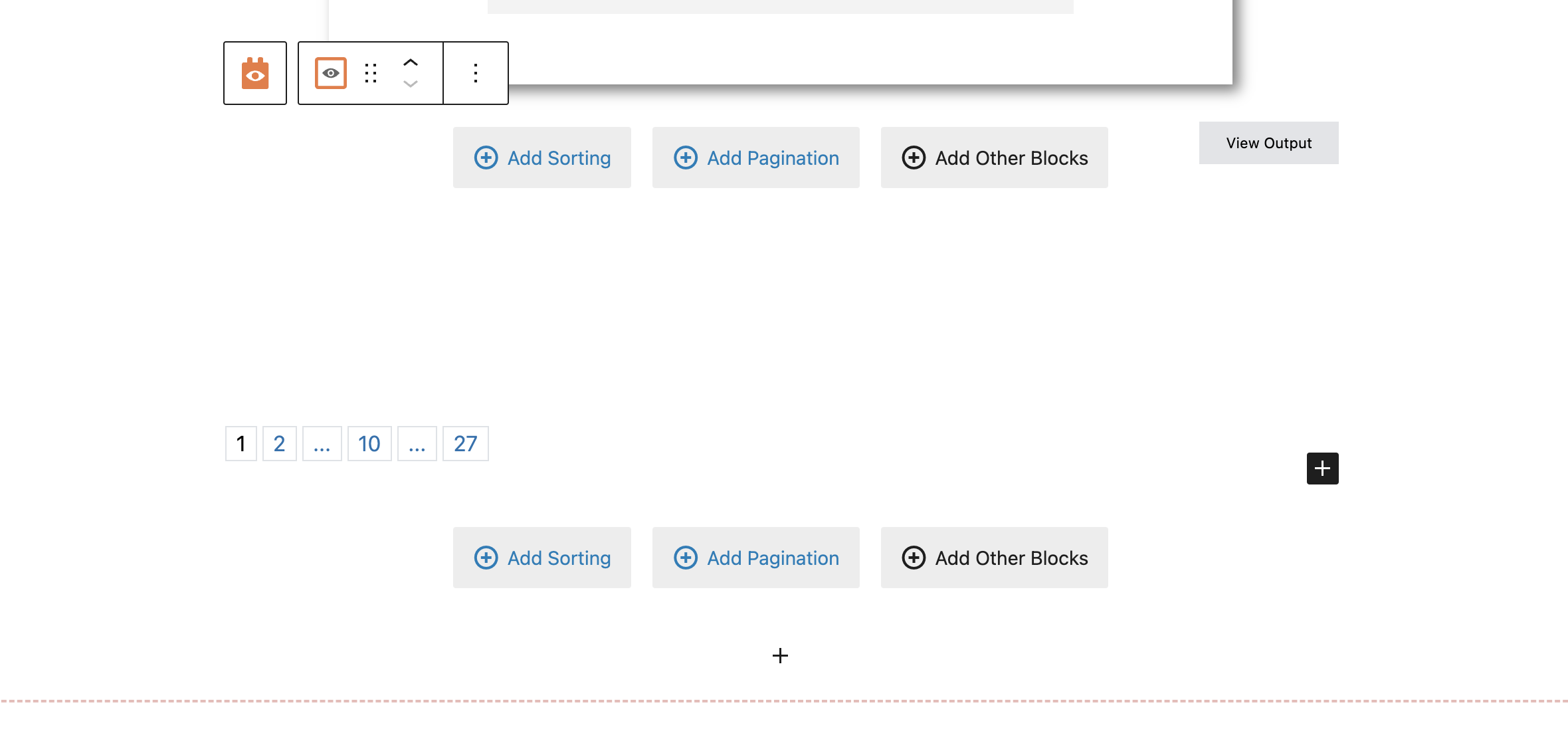
Screen Shot 2024-06-04 at 8.20.22 AM.png

I am trying to:
Edit my output in my template / view within my template.

Link to a page where the issue can be seen:
enlace oculto > 'Materials' Template

The fields just arent showing up in the backend for me to edit.

#2700997

I am also trying to 'Connect an existing Activity' to a material but it's not giving me that option. Is there a way that I can have these be added to multiple 'materials'?

#2701190

Nigel
Colaborador

Idiomas: Inglés (English ) Español (Español )

Zona horaria: Europe/London (GMT+01:00)

Hi there

We have a known issue which I suspect may be the same as you are reporting.

Could you please check the browser console for errors, and see if you have the same error as described here: https://toolset.com/errata/block-editor-failing-to-open-for-some-pages/

We have a solution for that and should be in a position to release an update soon.

Regarding your question, can you clarify what is the kind of relationship between the posts you are trying to connect, and what is the context where you are trying to make the connection?

#2701216

Thanks! I didnt see that error in the console.

For my second question, I did do some looking around and saw that my relationship is only one to one so I guess I will need to switch it to one to many. Do you know if that will affect any of the current post relationships for those two items that I already have linked?

#2701226

Minesh
Colaborador

Idiomas: Inglés (English )

Zona horaria: Asia/Kolkata (GMT+05:30)

I dont think it will make any difference to your existing post relationship you have.

*** Please make a FULL BACKUP of your database and website.***
You can create new one-to-many post relationship between those post types and check.
(Dont touch the existing one-to-one post relationship).

#2701261

Ok thank you. I will try this!

#2701385

Minesh
Colaborador

Idiomas: Inglés (English )

Zona horaria: Asia/Kolkata (GMT+05:30)

You're welcome to mark resolve this ticket.








