I am trying to: after updating to the last version of the toolset views plugin when I try to access the content editor to make content edits the page never ends loading. There are no errors in the php log and the debugger tool doesn't load when I try to access the content editor. i only get a white screeen and a never-ending load.
Link to a page where the issue can be seen: this is something on the backend, the frontend is working ok.
I expected to see: The content editor
Instead, I got: a white screen and a never-ending loading process
It may be that the screenshots I will provide could help find and resolve the issue.
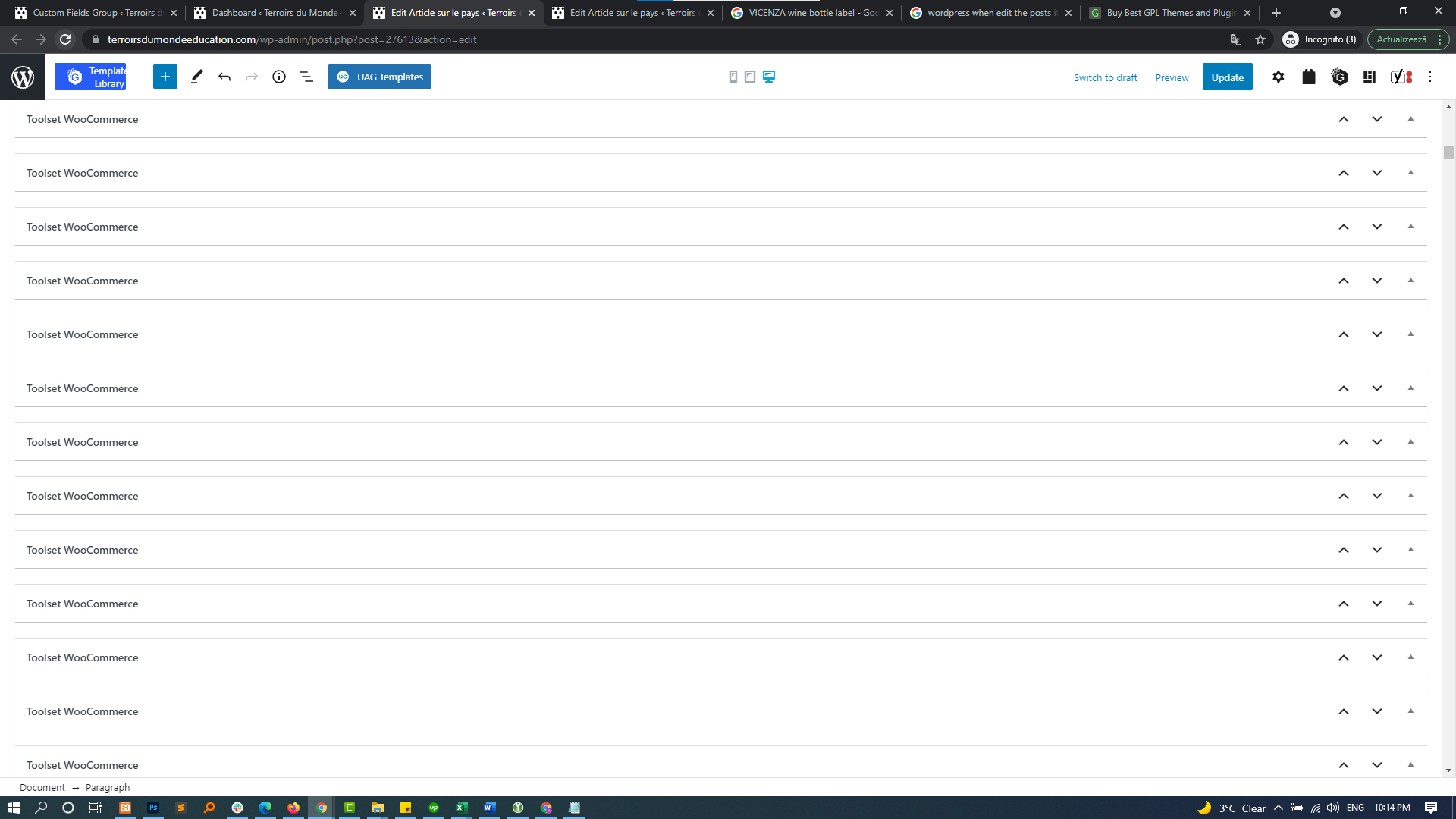
After a few attempts of loading one posts (Articles de pays) I leave open the browser tab and after a while I have been able to see the content but the page is plain of sections Toolset WooCommerce, see the image below.
screenshot-1.jpg
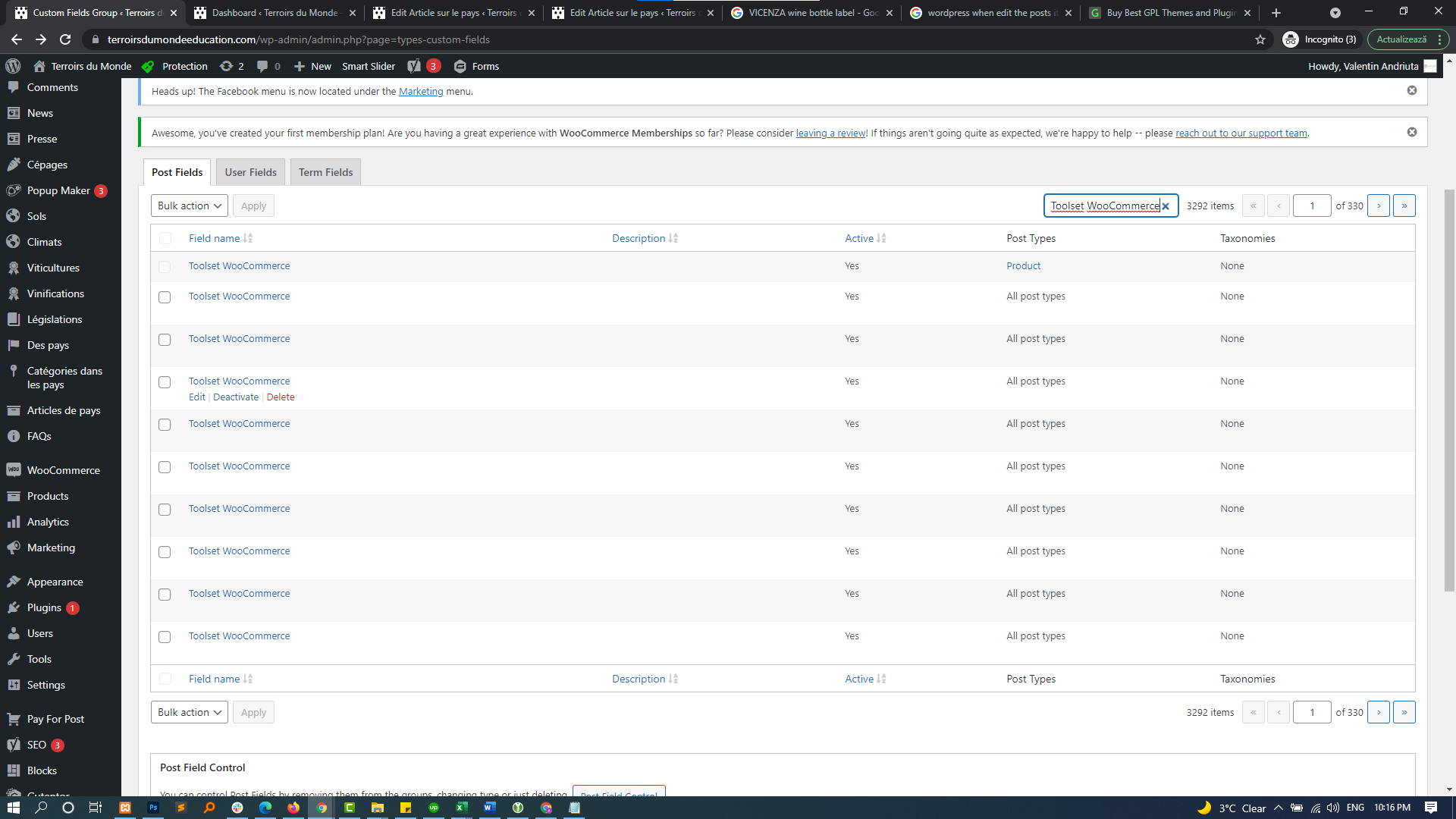
the image below is from Toolset/Post Types
screenshot-2.jpg
you can see that there are 3292 Toolset Woocommerce elements.
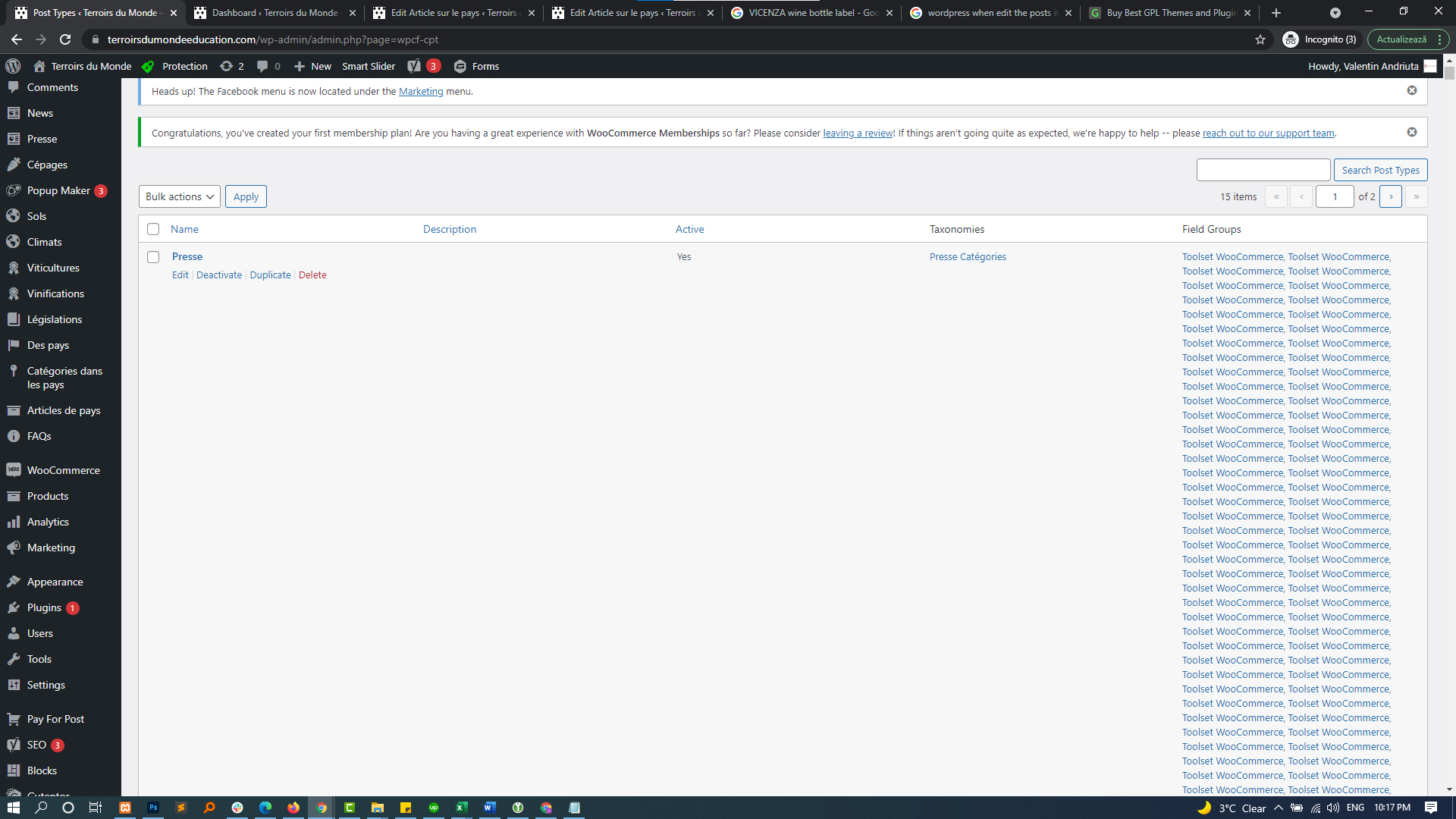
The last image is from Toolset/Taxonomies
screenshot-3.jpg
take a look at scrolling bar.
Hope this images will help to resolve the issue.
I think that the editing post page take too long to load because they need to load all these Toolset Woocommerce elements each time.
Hello,
Thank you for getting in touch.
This is a known issue and our developers are working on a fix for it. Currently you can remove these fields by using the code below.
$wcfgs = get_posts( array(
    'post_type' => 'wp-types-group',
    'post_title' => 'Toolset WooCommerce',
    'numberposts' => 25
));

foreach ($wcfgs as $key => $wcfg) {
    wp_delete_post( $wcfg->ID, true );
}
Add it to your Toolset custom code section but don't activate it. Instead click on Run Now and it should remove the fields.
Please ensure that you've performed a full backup of your site before running the code.
Thanks,
Shane
Hi Shane the code generates an error:
An error occurred while trying to rerun the snippet: E_NOTICE: Undefined index: path in file /nas/content/live/terroirsdumond/wp-content/mu-plugins/wpengine-common/plugin.php on line 1748 E_NOTICE : Undefined index: path in file /nas/content/live/terroirsdumond/wp-content/mu-plugins/wpengine-common/plugin.php on line 1748 E_NOTICE: Undefined index: path in file / nas / content / live / terroirsdumond /wp-content/mu-plugins/wpengine-common/plugin.php on line 1748
Hello Shane, the issue is still not resolved, please see this error message.
Image attached.
Here's the error again, just in case:
An error occurred while trying to rerun the snippet: E_NOTICE: Undefined index: path in file /nas/content/live/terroirsdumond/wp-content/mu-plugins/wpengine-common/plugin.php on line 1748 E_NOTICE : Undefined index: path in file /nas/content/live/terroirsdumond/wp-content/mu-plugins/wpengine-common/plugin.php on line 1748 E_NOTICE: Undefined index: path in file / nas / content / live / terroirsdumond /wp-content/mu-plugins/wpengine-common/plugin.php on line 1748
Hello,
It seems this error is causing the script not to run. Unfortunately its being caused by one of you mu plugins.
What I recommend that you do is to log into your site using FTP and rename the folder and try running the script again.
/nas/content/live/terroirsdumond/wp-content/mu-plugins/wpengine-common
Rename the wpengine-common folder
Thanks,
Shane
My issue is resolved now. Thank you!