Este hilo está resuelto. Aquí tiene una descripción del problema y la solución.
Problem:
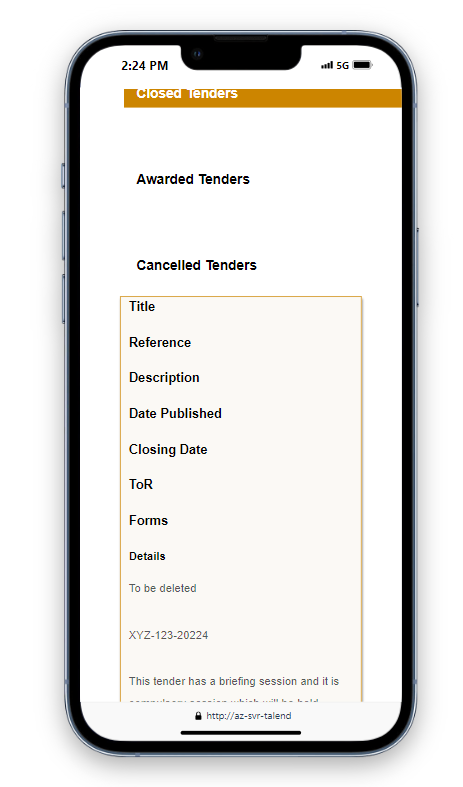
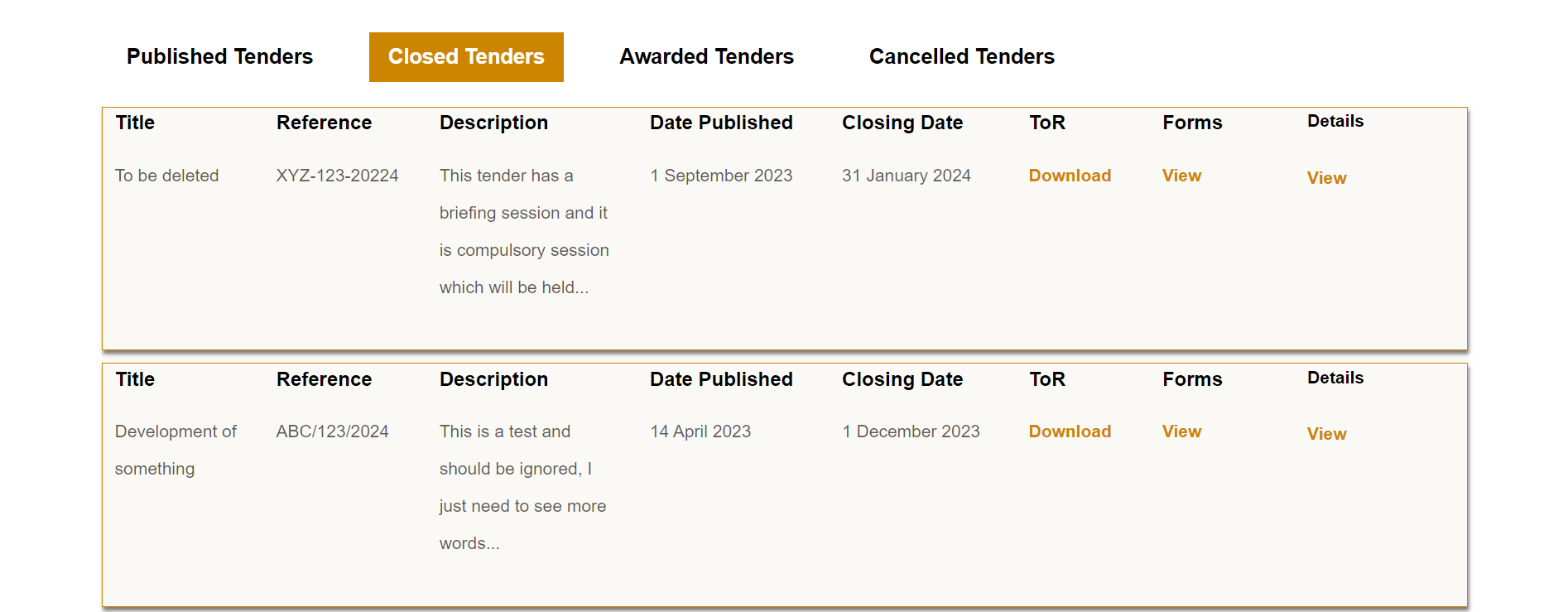
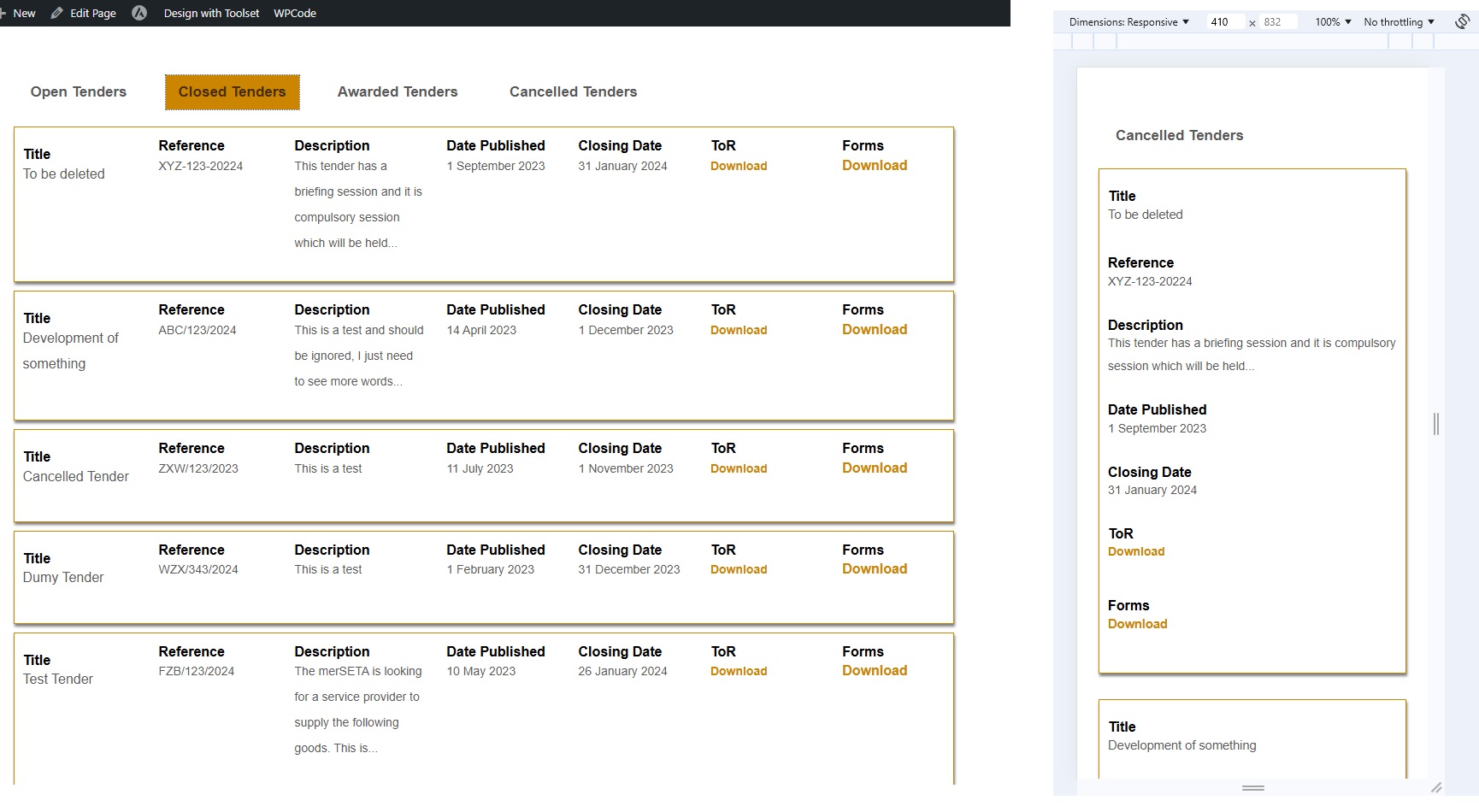
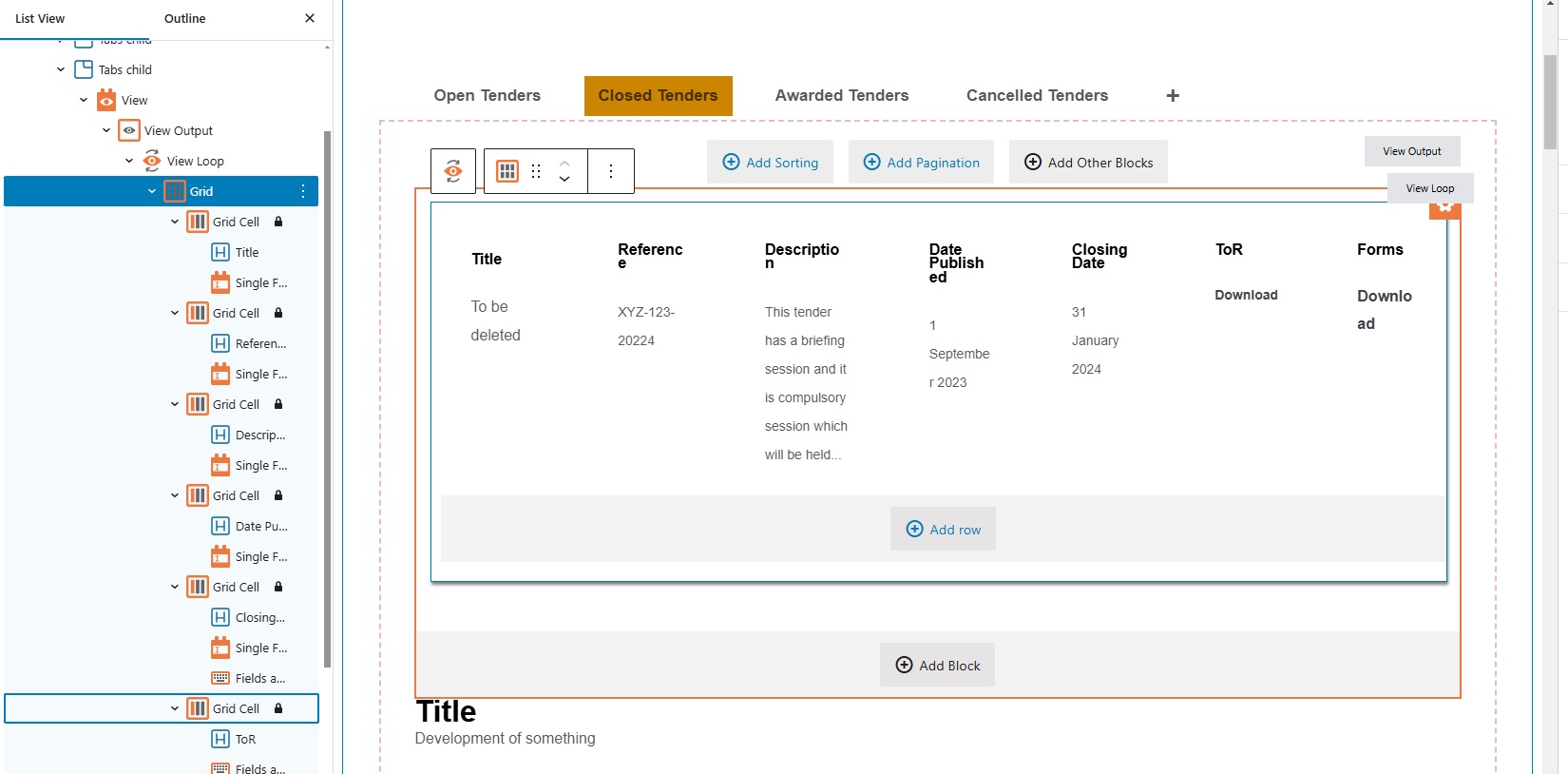
The customer wanted to make a grid view on their website's tenders page more mobile-friendly. The desktop view looked good, but the mobile view was not user-friendly. The customer preferred the text to appear directly below the headings for each column on mobile devices.
Solution:
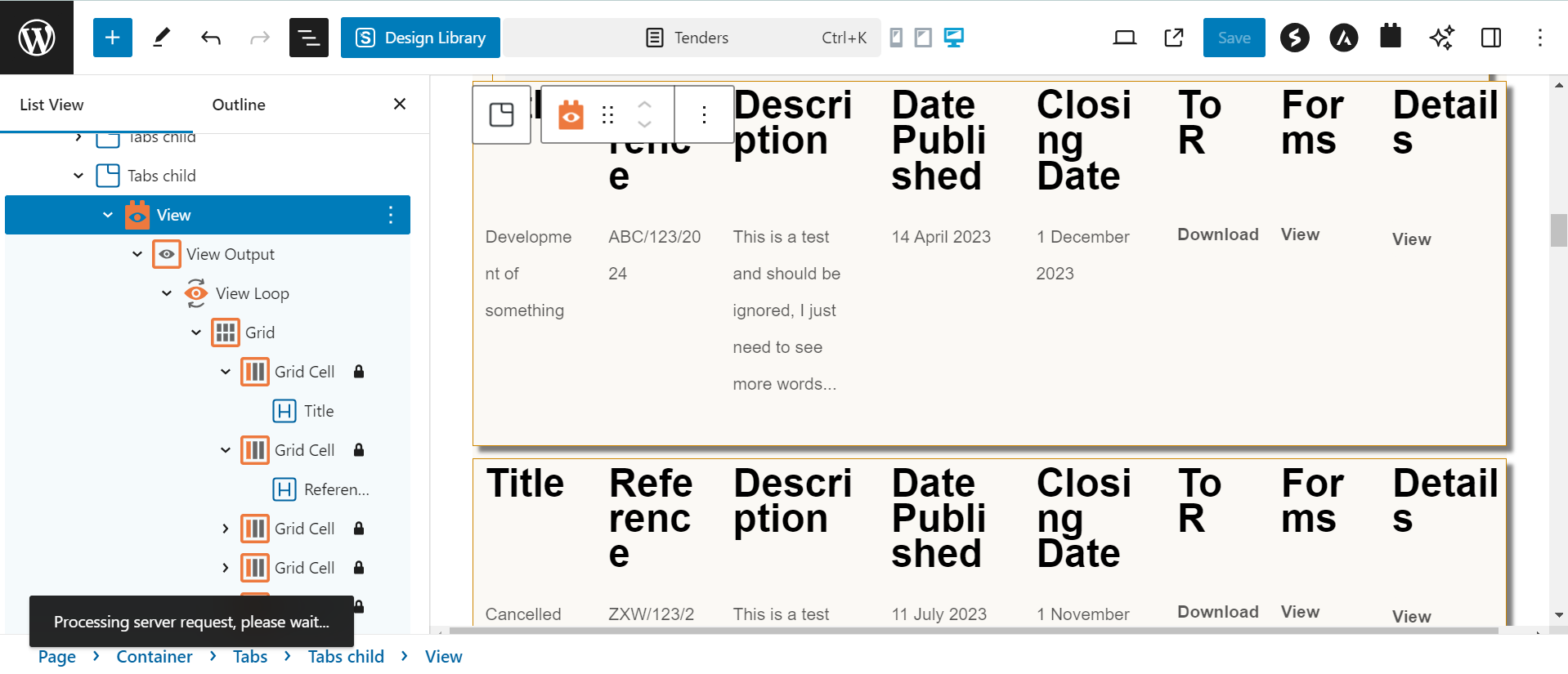
After reviewing the setup, we identified that the grid view was already responsive. To improve the mobile display, we suggested placing the headings and their corresponding text within the same parent block instead of using separate blocks for each element. This adjustment ensured the text appeared directly below the headings on mobile devices. We also recommended updating the padding and margins to achieve the desired look. The customer confirmed that the solution worked perfectly.
This is the technical support forum for Toolset - a suite of plugins for developing WordPress sites without writing PHP.
Everyone can read this forum, but only Toolset clients can post in it. Toolset support works 6 days per week, 19 hours per day.
| Sun | Mon | Tue | Wed | Thu | Fri | Sat |
|---|---|---|---|---|---|---|
| - | 9:00 – 12:00 | 9:00 – 12:00 | 9:00 – 12:00 | 9:00 – 12:00 | 9:00 – 12:00 | - |
| - | 13:00 – 18:00 | 13:00 – 18:00 | 13:00 – 18:00 | 13:00 – 18:00 | 13:00 – 18:00 | - |
Zona horaria del colaborador: America/Sao_Paulo (GMT-03:00)
Este tema contiene 6 respuestas, tiene 2 mensajes.
Última actualización por - 2 years, 1 month ago.
Asistido por: Mateus Getulio.