Saltar navegación

[Resuelto] Adding a dynamic link to some text

Este hilo está resuelto. Aquí tiene una descripción del problema y la solución.

Problem: A "Read More" link to the current post in a View loop, without showing the raw URL.

Solution: Add a Button block in the loop, set its text to "Read More," and set its URL to the dynamic post URL. Alternatively, put the original link code in an HTML block.

Relevant Documentation: None linked in the reply.

This is the technical support forum for Toolset - a suite of plugins for developing WordPress sites without writing PHP.

Everyone can read this forum, but only Toolset clients can post in it. Toolset support works 6 days per week, 19 hours per day.

Este tema contiene 1 reply, tiene 1 mensaje.

Última actualización por - 1 week, 1 day ago.

Asistido por: Christopher Amirian.

Author
Mensajes
#2893780
screenshot 2026.11.04 at 15.47.25@2x.png

Hi there,

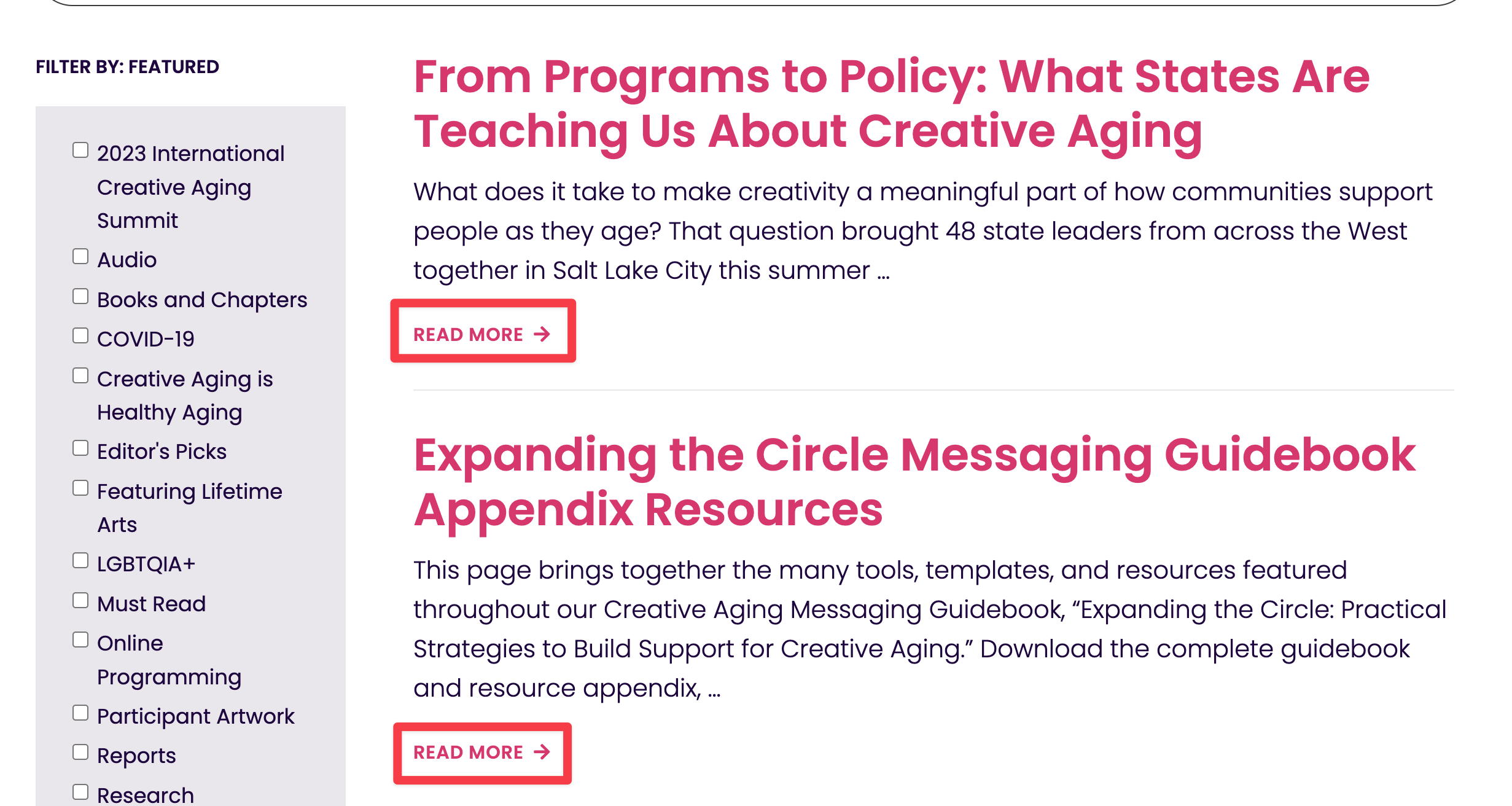
I'm having trouble adding some content to the output of a view. Please refer to the attached screenshot.

What I'd like to do is display the text "Read More" and have this text link to the current post in the view's loop. It's trivial to add the dynamic link as the full URL (via the Single Field block), but I don't want the full URL to be visible. I attempted to add a Classic block and then use a snippet of code like so

<em><u>enlace oculto</u></em> 

but that didn't work, either. I also couldn't use a Paragraph block and reference an inline field.

Can you provide guidance for how to accomplish this task?

Thank you.

Saul

#2894421

Christopher Amirian
Colaborador

Idiomas: Inglés (English )

Hi Saul,

Two ways to do this.

1. Button block (no code)

Inside the View Loop, add a Button block. Set its text to "Read More". In the block settings, open the URL field and switch it to a dynamic source, then pick the post URL. The link follows each item in the loop and the URL is never shown.

The same dynamic URL option is available on the Heading and Fields and Text blocks if you prefer those.

2. HTML block (your approach, with one change)

Your code is correct, but it needs an HTML block, not a Classic block. Add an HTML block inside the View Loop and paste:

<em><u>enlace oculto</u></em>

I tested this and it outputs the right permalink for every item.

A note on `[wpv-post-link]`: it has no text attribute, so it always uses the post title.

That is why it cannot give you "Read More".

Thanks.