Saltar navegación

[Resuelto] add block for map in view toolset

This is the technical support forum for Toolset - a suite of plugins for developing WordPress sites without writing PHP.

Everyone can read this forum, but only Toolset clients can post in it. Toolset support works 6 days per week, 19 hours per day.

Sun Mon Tue Wed Thu Fri Sat
- 10:00 – 13:00 10:00 – 13:00 10:00 – 13:00 10:00 – 13:00 10:00 – 13:00 -
- 14:00 – 18:00 14:00 – 18:00 14:00 – 18:00 14:00 – 18:00 14:00 – 18:00 -

Zona horaria del colaborador: Asia/Kolkata (GMT+05:30)

Este tema contiene 1 respuesta, tiene 1 mensaje.

Última actualización por davidB-59 1 year, 5 months ago.

Asistido por: Minesh.

Autor
Mensajes
#2790043
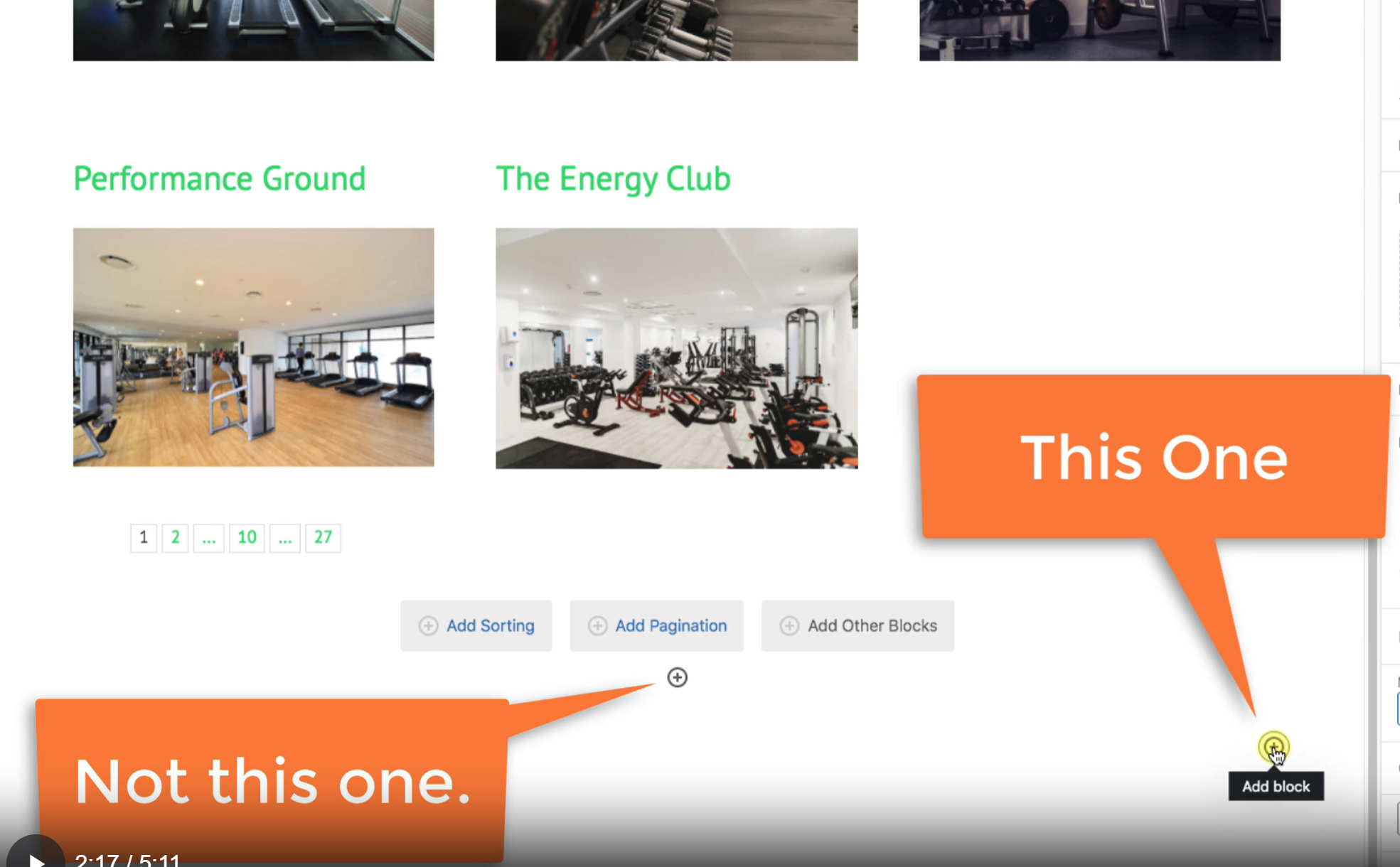
yourtutoriel.png
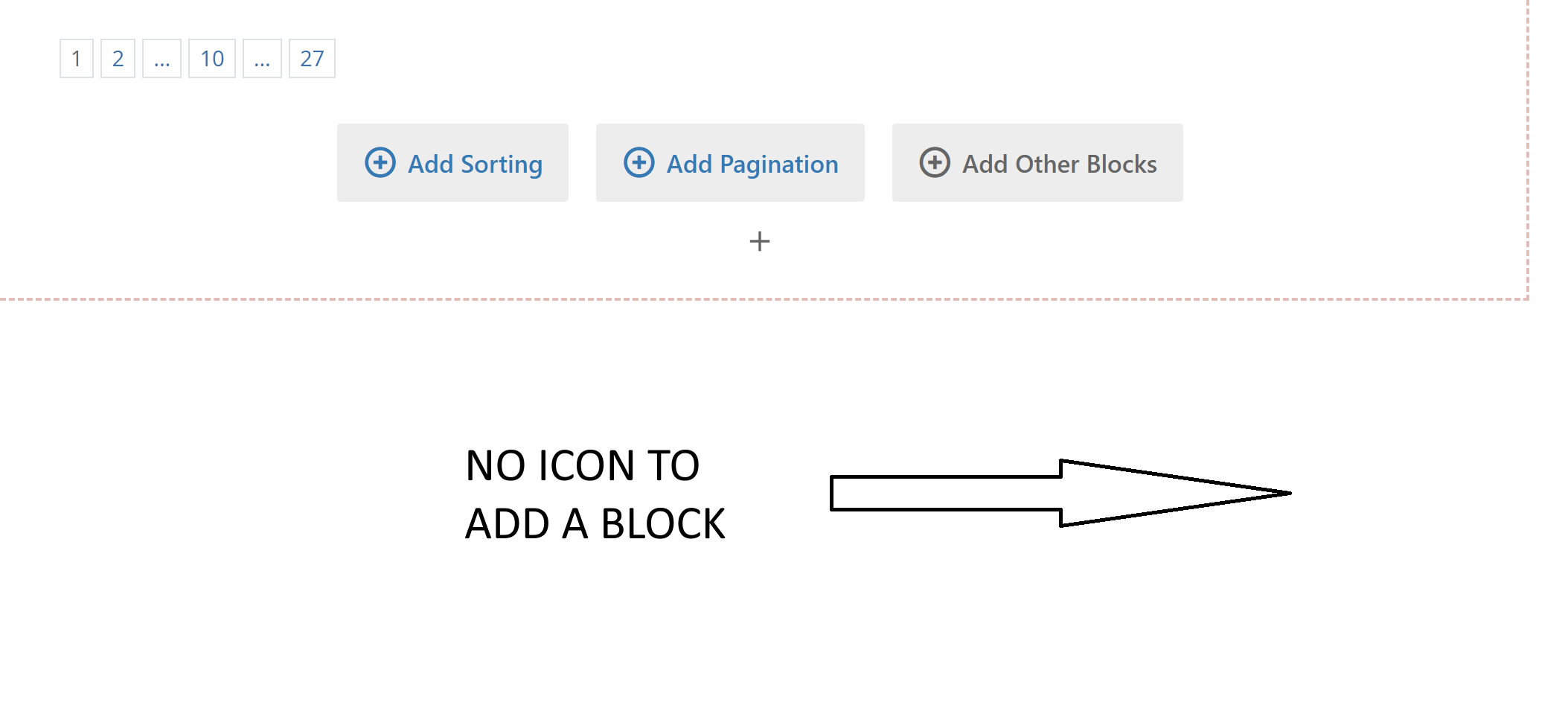
Mypagebuilder.png

I can not find the icon to add a map, in the page builder. I follow this tutorial : https://toolset.com/course-lesson/displaying-a-list-of-posts-on-a-map/

But I don t have this icon (see my image in attach) like you have on the tutorial (see your tutorial screenshot in attach)

Could you help me please ?

Thanks

#2790053

Minesh
Colaborador

Idiomas: Inglés (English )

Zona horaria: Asia/Kolkata (GMT+05:30)

Hello. Thank you for contacting the Toolset support.

Well - you can try to click on the plus sign that should allow to you to add the block or you can click on plus sign available at top left corner of your page that should allow you to add blocks.

#2790055

Thanks a lot for the issue and for your quick answer.