Saltar navegación

[Resuelto] Can not read text in fields to select dynamic data source due to color

This support ticket is created 3 years, 10 months ago. There's a good chance that you are reading advice that it now obsolete.

This is the technical support forum for Toolset - a suite of plugins for developing WordPress sites without writing PHP.

Everyone can read this forum, but only Toolset clients can post in it. Toolset support works 6 days per week, 19 hours per day.

Sun Mon Tue Wed Thu Fri Sat
- 9:00 – 13:00 9:00 – 13:00 9:00 – 13:00 9:00 – 13:00 9:00 – 13:00 -
- 14:00 – 18:00 14:00 – 18:00 14:00 – 18:00 14:00 – 18:00 14:00 – 18:00 -

Zona horaria del colaborador: Asia/Hong_Kong (GMT+08:00)

Este tema contiene 1 respuesta, tiene 2 mensajes.

Última actualización por Luo Yang 3 years, 10 months ago.

Asistido por: Luo Yang.

Autor
Mensajes
#2294741
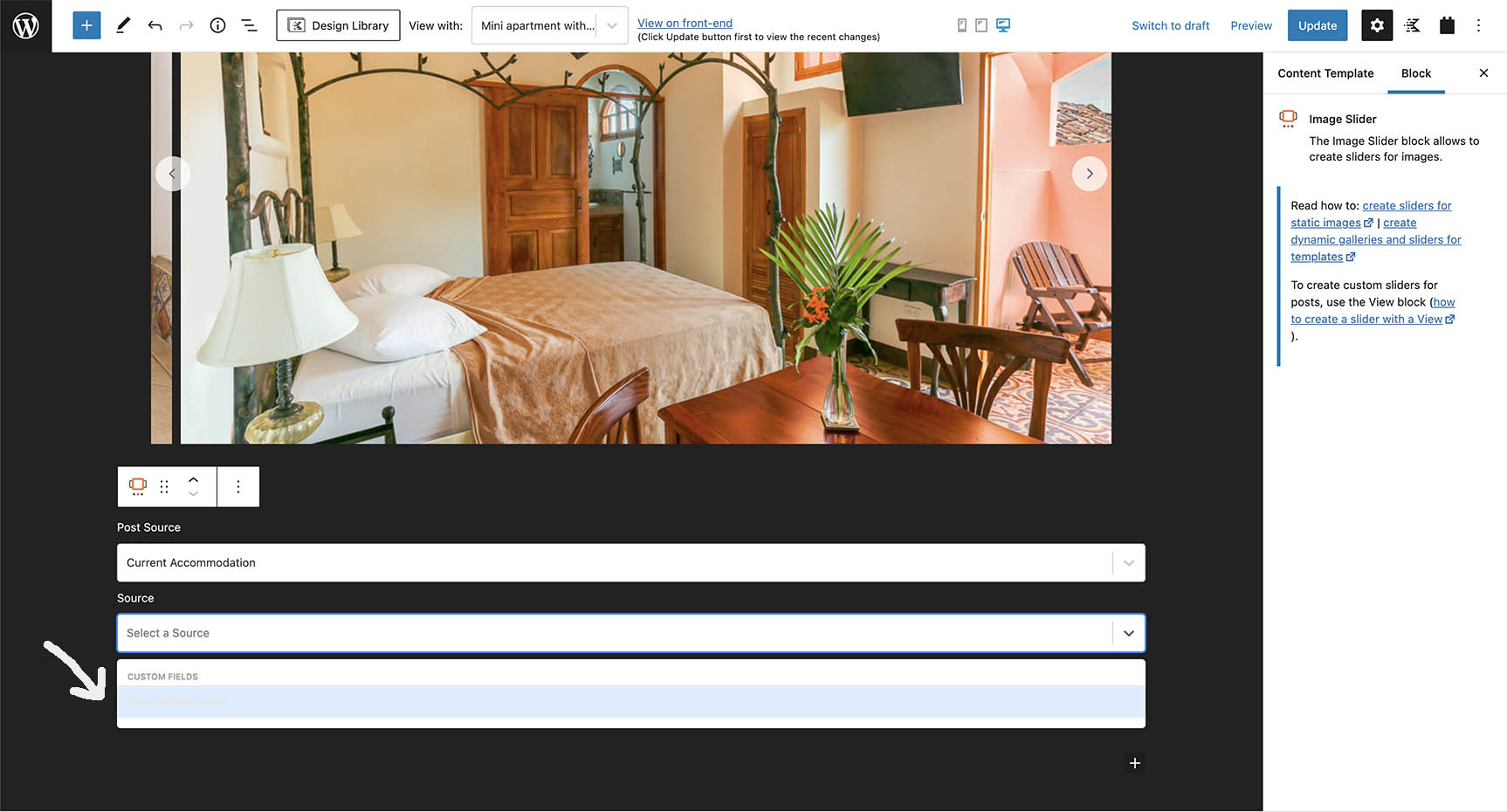
toolset text color.jpg

NOTE FOR FTP Access Port 2222

I am using Kadence Theme Pro.
Toolset when setting up a view in a template and trying to choose a data source it is super hard to read the text in the selector dropdown fields. Pale grey text on a pale blue background. See the attached image.

To see this make sure you have some custom fields.
Add a views block .
Try to select a data source

Is this a bug?
Is the backend being affected by the Kadence color scheme?
Is there a way I can fix it?

#2295211
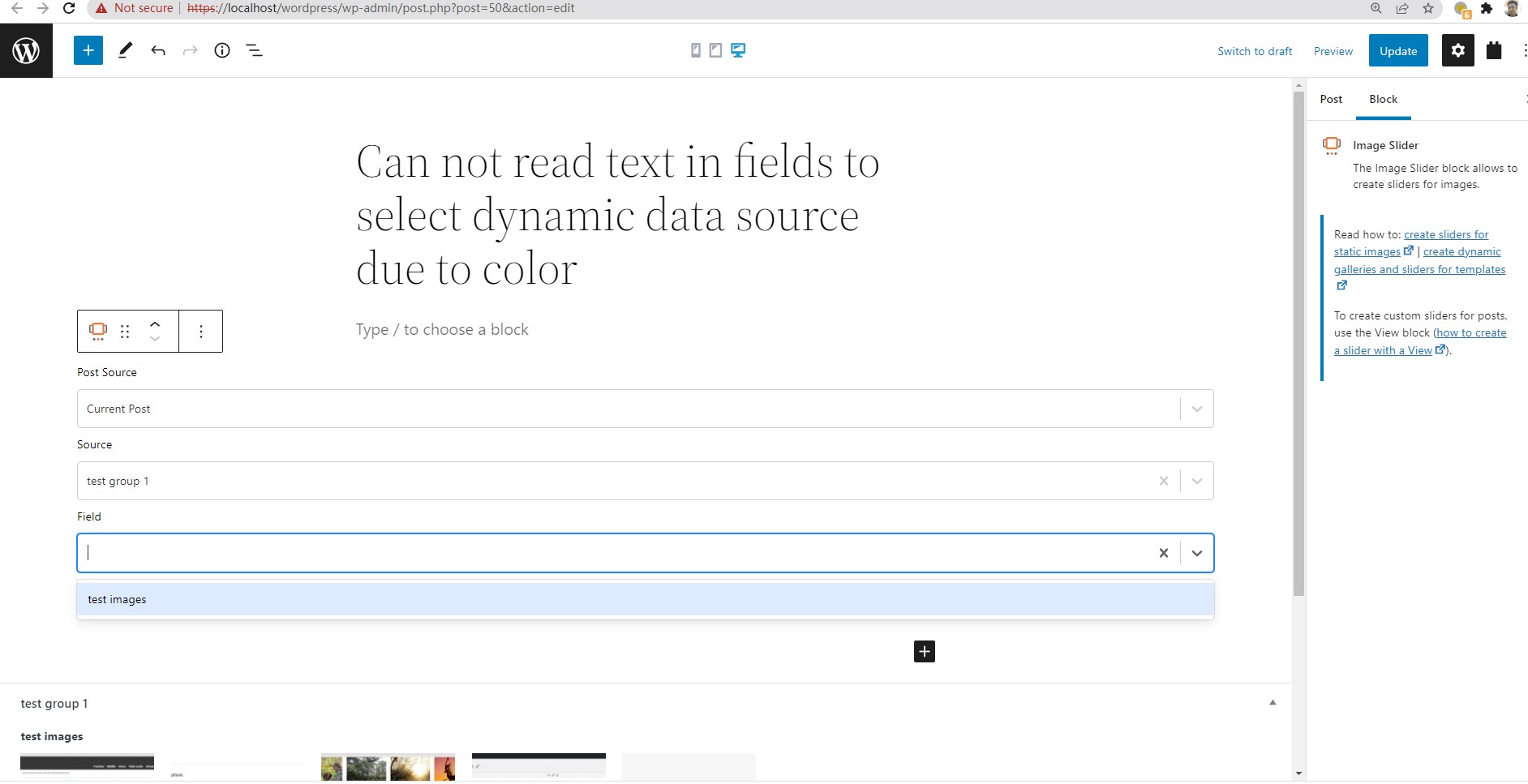
image-sliders.jpg

Hello,

Thanks for the details, I have tried it in my localhost with a fresh WP installation + the latest version of Toolset plugins, it works fine, see my screenshot image-sliders.JPG

It seems to be a CSS conflict of your website, please try these:
1) deactivate all other plugins, and switch to WordPress default theme 2021, and test again
2) if the problem is fixed, activate other plugin/theme one by one try to locate the problem plugin/theme