Could you please elaborate a little more on this issue, so I can better understand? E.g. Is there an error message, what are the steps you've tried, etc.
Sometimes screenshots illustrating what you mean may go a long way to clarify what words fail to transmit, so if you like, make use of “upload an image” below the comment area.
Try 1:
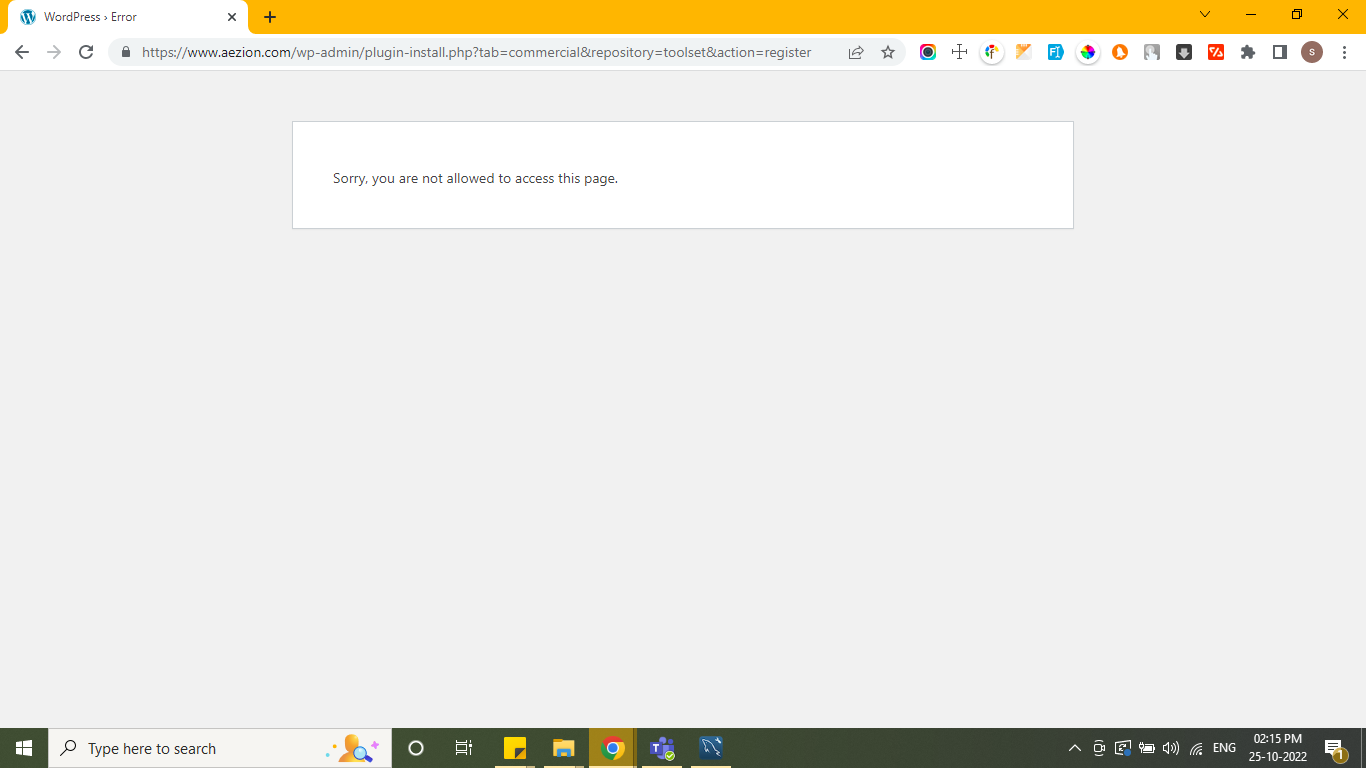
In Prod Environment, After I installed Toolset Plugin, when I click on the Register link, it leads me to "Can't access page."
Try 2:
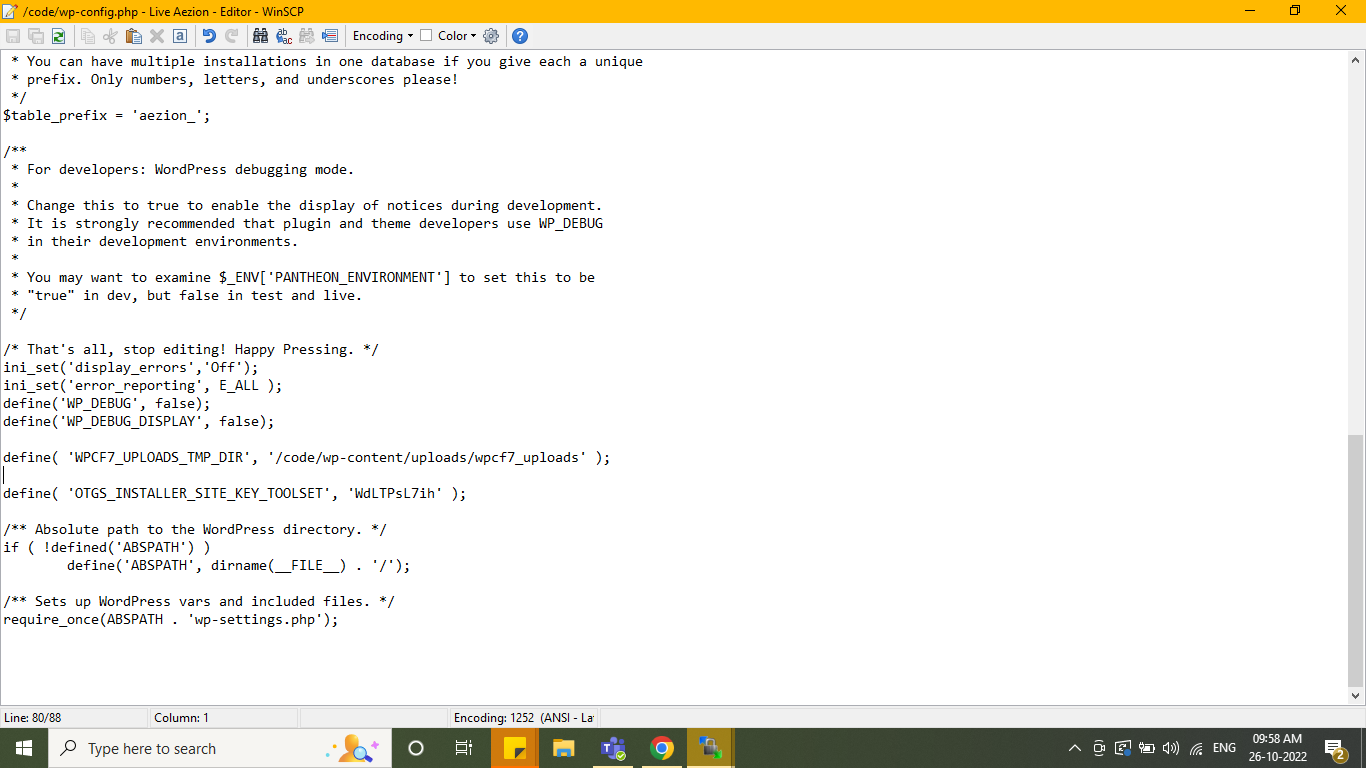
So I try the OTGS Type. even After I place the register key into wp-config.php and when I activate the plugin it leads me to "Can't Access page" only.
I would like to request temporary access (wp-admin and FTP) to your site to take better look at the issue. You will find the needed fields for this below the comment area when you log in to leave your next reply. The information you will enter is private which means only you and I can see and have access to it.
Our Debugging Procedures
I will be checking various settings in the backend to see if the issue can be resolved. Although I won't be making changes that affect the live site, it is still good practice to backup the site before providing us access. In the event that we do need to debug the site further, I will duplicate the site and work in a separate, local development environment to avoid affecting the live site.
- Please make a backup of site files and database before providing us access.
- If you do not see the wp-admin/FTP fields this means your post & website login details will be made PUBLIC. DO NOT post your website details unless you see the required wp-admin/FTP fields. If you do not, please ask me to enable the private box. The private box looks like this: hidden link
Please, let me know if you need any additional details. Have a nice day.
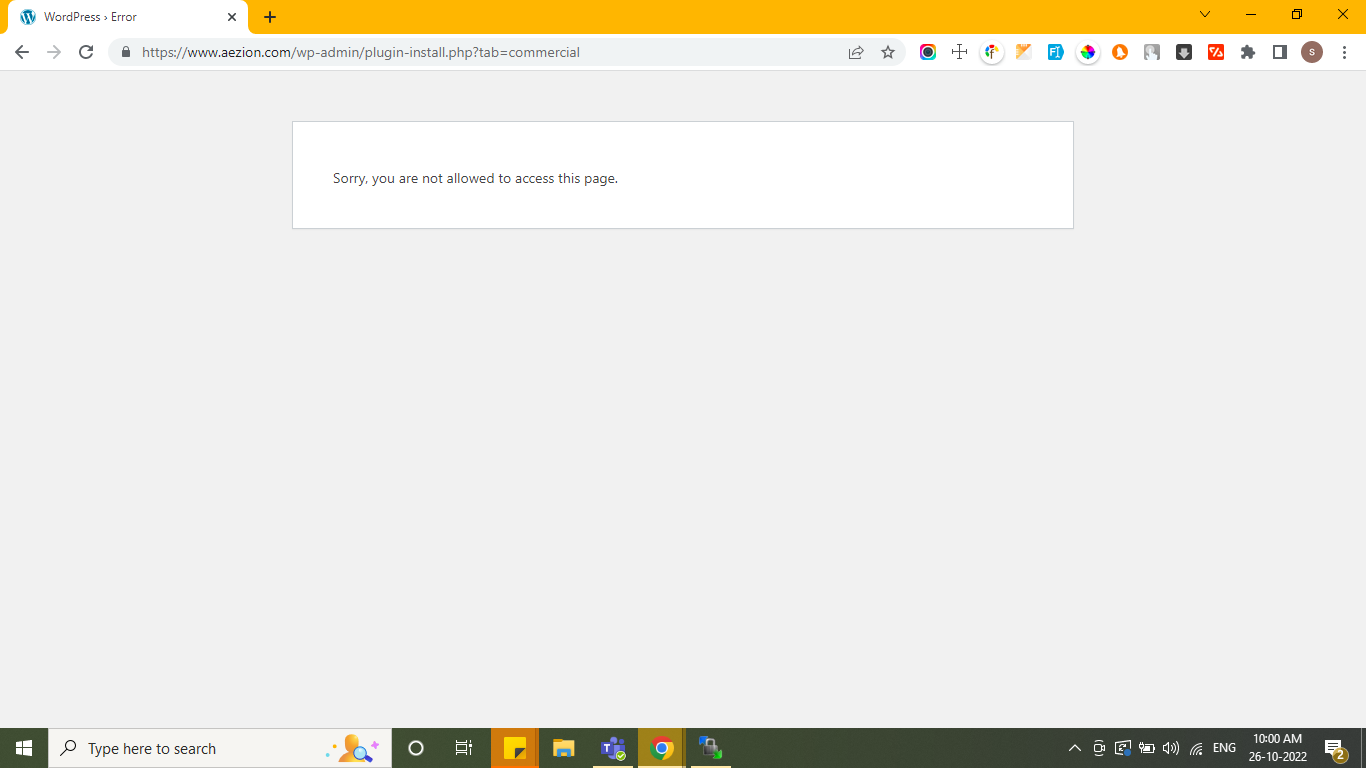
We have just checked your website, but it seems that the issue is not related to Toolset. For example, we are also unable to access the plugins installation page due to the same error: hidden link
Generally, it is a file permission issue, that should be addressed with your hosting provider. Moreover, here are some articles that may help you solve this problem:
hidden link hidden link
Once it is fixed, you should be able to install Toolset. Please try to apply one of the possible solutions listed in the links above (preferably checking with the hosting company), and then try again install our plugin.
Looking forward to your reply. Thanks!
The topic ‘[Closed] Sorry, you are not allowed to access this page.’ is closed to new replies.